LG Electronics on Noon UAE: account eligibility — final price comparison
In Noon UAE, the final price you see at checkout is a combination of the product’s listed price, any coupon discount you apply, delivery fees, applicable taxes, and
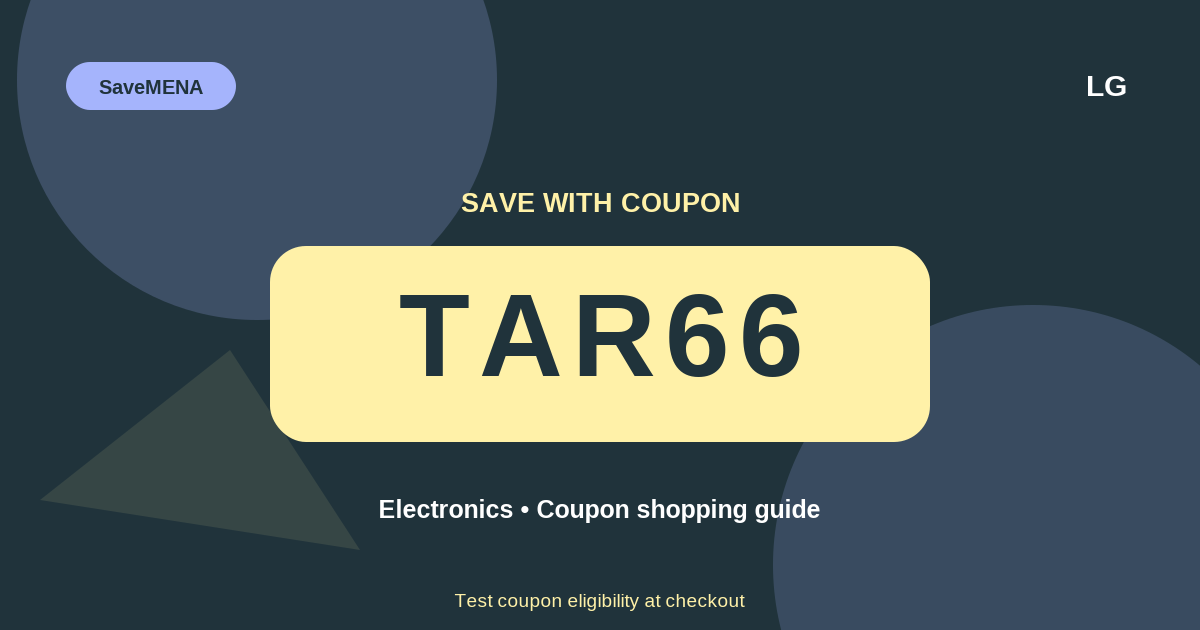
Codes available to try while comparing
These codes are not guaranteed for the article topic or listed brands; test them at checkout and use the live result.
1. Understanding Noon UAE Final Price Structure
In Noon UAE, the final price you see at checkout is a combination of the product’s listed price, any coupon discount you apply, delivery fees, applicable taxes, and seller‑specific promotions that may still be active. The site presents a pre‑discount total first, but as soon as you enter a coupon code, the system recalculates the total payable value based on the rules set for the account and the vendor. Knowing where each component sits in this chain is crucial to figuring out the actual cost you will cover in your account context.
Keep in mind that Noon only displays the final refundable amount at checkout. Any price displayed before payment is just an estimate that will change when coupons or account‑based offers kick in. Therefore, store a revisit marker: add the LG product to your cart, then go to the cart view, and check the “Final Payable Total” line before applying the coupon. This snapshot will let you see the baseline against which your coupon adjustments will be measured.
2. Selecting an LG Electronic Product and Adding it to Your Cart
Begin by searching for the exact LG model you need—whether it’s a TV, refrigerator, or vacuum—ensuring you filter the results by “Electronics” and “LG” to avoid related but distinct brands. Once you find the listing, look for the variant that matches your preferences—color, capacity, or connectivity features. Confirm that your Noon account is logged in, because only logged‑in users can access the final price that includes your account‑based allowances.
After reviewing the product details, click “Add to Cart.” At this point, Noon will let you see the item’s base price and any available seller coupons or promotions. It’s essential to double‑check that the cart shows the product you intend to buy; any mis‑add can cause confusion when you later apply the TAR66 coupon, especially since the final price will be tied to the exact SKU you selected.
3. Applying the TAR66 Coupon in Your Account Context
With the LG product in your cart, navigate to the cart page where you will see a field for coupon codes. Input “TAR66” and hit the apply button. Noon’s system will immediately adjust the final price if the coupon is eligible for the item, the seller, and your account. Because this coupon is available to try, it may or may not give an actual discount; the engine will still update the final payable amount according to your account’s eligibility.
It is important to remember that applying a coupon can trigger a refresh of taxes or delivery fees if these are linked to your new total. Therefore, review the new “Final Payable Total” after the coupon application; this figure reflects what you’ll be charged if you proceed to checkout.
4. Comparing Pre‑Discount and Final Payable Totals
Opening the cart after the coupon applies gives you two key numbers: the pre‑discount subtotal and the final payable total. The difference between them is what your account context and the coupon have subtracted. Even though the system often indicates a discount amount, it does not disclose a percentage; just observe the reduction in your total.
A coupon is not guaranteed; verify its result at the retailer checkout. The final payable total will represent the sum of the discounted item price, updated taxes, and any new delivery charges. Keep this snapshot for later reference, especially before you finalize the order.
5. Additional Factors That Can Shift the Final Price
Several elements beyond the product price and coupon can influence the final amount: national sales tax rates set by the UAE UAE authorities, duty or import customs that may be applied to certain electronics, and delivery fees that change with the total value or delivery schedule selected. Some sellers also offer dynamic coupons that amend the final price after you click “Confirm Order,” so the amount you see after confirming may differ if such conditions are in play.
Because Noon does not disclose every micro‑adjustment until after you reach the order confirmation stage, it is wise to keep a screen capture of the final payable total after the coupon is applied. This evidence can help in case the final amount differs when you actually place the order.
6. Managing Multiple Discounts in Your Account Context
While Noon typically allows only one coupon code per order, some account‑level promotions (like loyalty points or old‑user incentives) may still apply. If you notice separate “Account Savings” or “Loyalty Credit” messages on your cart page, they will not interfere with the TAR66 coupon, but they will still reduce the final payable total.
To see the cumulative effect, after applying TAR66, double‑check any account‑specific offers displayed under “Additional Savings.” These are automatically deducted from the final amount, so you don’t need to activate them manually. Ensure all savings are visible before stepping into checkout, as this gives you a clearer view of the charge that will appear on your payment method.
7. Verifying Final Price Stability Before Purchasing
Once the cart shows the expected final payable total, do not immediately proceed. Instead, hover over or tap any elements that might alter the cost—such as changing the delivery date, selecting a different delivery method, or adding a complementary accessory. Each of these actions can trigger a recalculation of the final amount.
If the final payable total remains unchanged after you adjust these variables, you can be confident that the price you’re about to pay in your actual checkout is accurate. In a few rare cases, Noon will pop a confirmation message if the coupon has expired or if the product’s price changes, so keep an eye out for such alerts before finalising.
Related SaveMENA pages
Related articles
Official sources to check
Frequently asked questions
How can I be sure TAR66 will work on my LG item?
To check TAR66 eligibility before checkout, add the LG product to your cart, apply the code, and confirm that the final payable total updates accordingly. If the code doesn’t affect the cart total or shows an error, the coupon is not eligible for that item or seller.
Does Noon add extra fees after I click “Confirm Order”?
Noon will recalculate taxes, duties, or promotion limits during the order confirmation. If you notice a higher total, review the confirmation page’s fee breakdown. If the increase is unexplained, contact Noon support for clarification.
Will my account status affect the final price on Noon?
Yes; account perks like loyalty credits or child‑care discounts may automatically reduce the final payable amount. These are shown in the cart under “Additional Savings” and do not interfere with the TAR66 coupon.
Can I apply multiple coupons to the same order?
Noon permits only one coupon per order. However, account‑level offers and loyalty credits automatically stack with the coupon. To see all savings, review the cart after applying the single coupon.