Samsung Electronics on Noon UAE: account eligibility — final price comparison
To find out how a coupon like TAR66 can affect your purchase of Samsung electronics on Noon UAE, you need to understand each step of the pricing journey. From
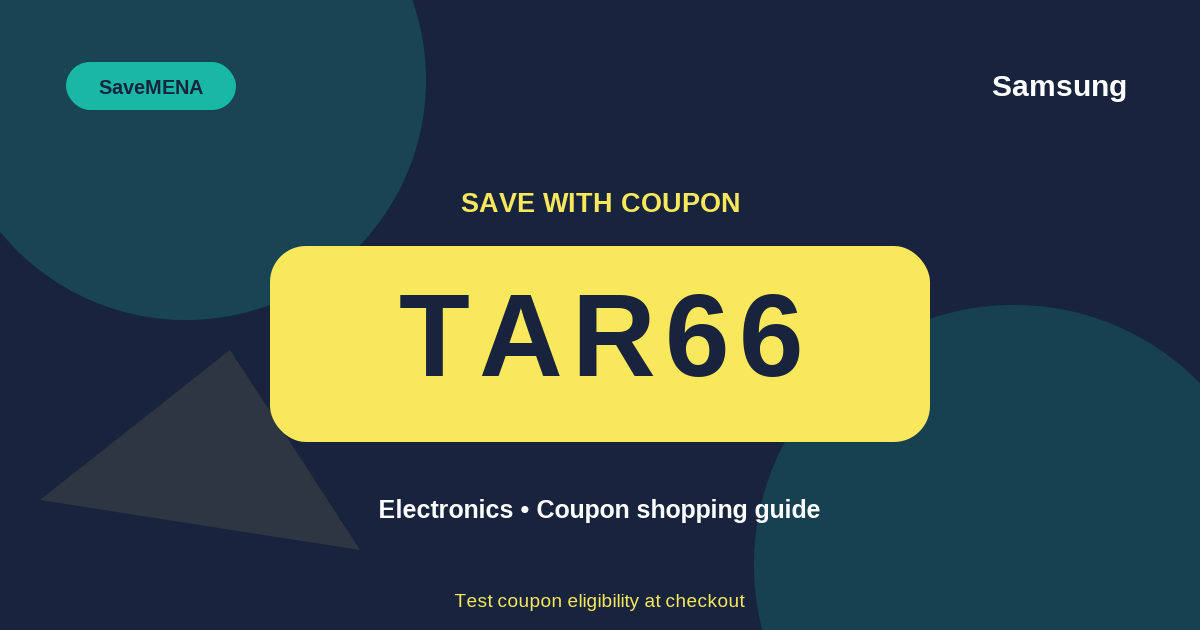
Codes available to try while comparing
These codes are not guaranteed for the article topic or listed brands; test them at checkout and use the live result.
Understanding Noon UAE Electronics Pricing
Noon UAE doesn’t publish a single “final price” for every product across all sellers. Instead, the price shown beside an item is the base price, which may vary depending on the vendor, unit size, or bundled features. For Samsung electronics, this base price can shift slightly between different store partners on Noon. It’s important to capture this initial figure before applying coupons or account benefits, as it forms the benchmark against which all subsequent savings are measured.
In addition to the base price, Noon layers optional credit points, loyalty rebates, and app‑only promotions on top of what a seller lists. When evaluating a Samsung TV or phone, remember that the seller’s price is never the end of the story. Keep an eye out for any hidden service charges or automatic taxes that can bump up the cost before you even see the Amazon‑style discount section.
Account Initiation & Benefits for Samsung Gadgets
Creating a Noon UAE account, or logging into an existing one, unlocks several benefits that can influence the final bill. Once you sign in, the platform may automatically apply a loyalty rebate that is accompanied by an account‑page top‑up. This rebate is not the same as a coupon: it is a set value deducted at checkout after taxes and shipping. Samsung products often carry higher product values, making these rebates particularly valuable when they hit the rounding bracket of a larger purchase.
Verify your account details before adding a Samsung item to the cart. Check that your saved payment method has sufficient credit, any waiting period associated with spend‑based rebates is fulfilled, and that you are recognized as a regular Noon buyer. These checks ensure you do not miss a rebate that would otherwise reduce the effective price after your coupon kicks in.
Leveraging the TAR66 Coupon Effectively
The <strong>TAR66</strong> coupon is a single‑use promotional code that Noon offers from time to time. It can be entered in the coupon field, typically located beneath the price breakdown in the cart view. This code applies a discount before taxes and shipping are calculated, so the saving applies to the base price, not the final figure.
Because the discount is applied before any loyalty rebates, the order of applying the coupon follows a strict sequence: first the coupon, then account credit, followed by shipping fees. Test the code with a sample unit—like a Samsung Galaxy phone—to see the impact on the price you see. The "coupon message" will appear next to the final payable amount, confirming that the code was accepted and giving you a clear visual of what you’re saving.
Comparing Base, Promo, and Final Prices
Once the coupon is accepted, you’ll see a new row called “Discount” that shows the amount subtracted from the base price. Highlight this figure and compare it against the original list price to see how much value the coupon adds. For example, a Samsung 55” TV listed at the amount shown at checkout might show a the amount shown at checkout reduction, leaving the amount shown at checkout before taxes. This is the figure you should fold into the next step of your comparison.
Next, observe the “Tax” and “Shipping” lines that Noon calculates based on your delivery address and the item’s category. The final amount you will be charged is displayed in a separate “Total” field after the tax and shipping are added to the discounted price. Scrutinize each element in this total to ensure no hidden fees appear due to your account’s promotional restrictions.
Navigating Seller Variation and Device Specifications
Noon hosts multiple sellers for the same Samsung model. Each seller may add a different technical add‑on or warranty package that changes the effective cost. It can happen that a cheaper base price from a new seller comes with an additional service fee that the more established seller does not charge. Compare the technical specifications side‑by‑side, noting any extra features that add value without pulling down the price.
When you compare seller offerings, keep a note of the “Seller rating” and “Return policy” lines in the cart. While these do not directly affect the numeric final price, they influence the overall value proposition for that Samsung product. List both the price and the protective terms before deciding which vendor to lock in.
Delivery Fees, Payment Options, and Account Perks
Noon calculates a delivery fee based on the category of the item and your ZIP code. Samsung electronics often qualify for a flat rate unless the buyer opts for express delivery. For the most accurate view, navigate to the “Shipping” section of the cart where you can toggle between standard and quick modes, seeing each updated figure.
Paying with Noon wallet or a credit card that offers cashback can further reduce the final amount. Enter the payment method choice before the final confirmation step; the resulting “Final Payable Total” will automatically adjust to reflect any applicable cashback or virtual card benefits.
Practical Checkout Checklist Before Finalizing
Before you hit the “Place Order” button, review the accelerator list: (1) Confirm the SKU matches the Samsung model you intend to buy. (2) Verify the coupon was applied, with a visible “TAR66” row. (3) Confirm account credits and any loyalty rebates that apply are listed. (4) Re‑check shipping options and cost, ensuring they match your preferred delivery speed.
Finally, double‑check the “Total Payable” displayed in the Confirmation panel. This figure should include all discounts, taxes, shipping, and account‑based reductions. If any of these components have changed during the checkout flow, adjust your selections accordingly. When all numbers align, you can confidently complete the order knowing you paid the lowest possible final price.
Common Pitfalls and How to Avoid Them
One frequent mistake is assuming a coupon’s savings stay the same across all Samsung products. The <strong>TAR66</strong> discount amount can vary depending on the price bucket of the item, meaning the same code may show a different deduction for a TV versus a smartphone.A coupon is not guaranteed; verify its result at the retailer checkout.
Another pitfall is missing an account‑specific rebate that could be applied after the coupon. Review your account dashboard for “credit balance” or “loyalty points” that are pending use; apply them before finalizing the purchase. Failure to do so will throw off your total cost projection, leaving you with a higher expense than anticipated.
Related SaveMENA pages
Related articles
Official sources to check
Frequently asked questions
How do I enter the TAR66 coupon code on Noon?
On the cart page, locate the “Apply Coupon” field beneath the price list. Type TAR66 in the box, then click the “Apply” button. The final total will refresh to reflect the discount.
Will my Noon account credit apply after the coupon?
Yes, your account credit or loyalty rebate is applied after the coupon. It will appear as a separate deduction in the final total on checkout.
Can I change the delivery speed after applying the coupon?
Generally, Noons calculates shipping fees when you select a delivery option. Switching the type after applying a coupon may alter the final total; always review the totals after any change.
Do Samsung device warranties affect the final price?
If a seller offers an extended warranty, it usually shows as an additional line item in the cart. This option will raise the final payable amount unless it’s included in the base price.