ASUS Laptops on Noon UAE: account eligibility — final price comparison · TAR64
Before diving into the purchase, it’s essential to know how Noon UAE calculates the final price of an item.
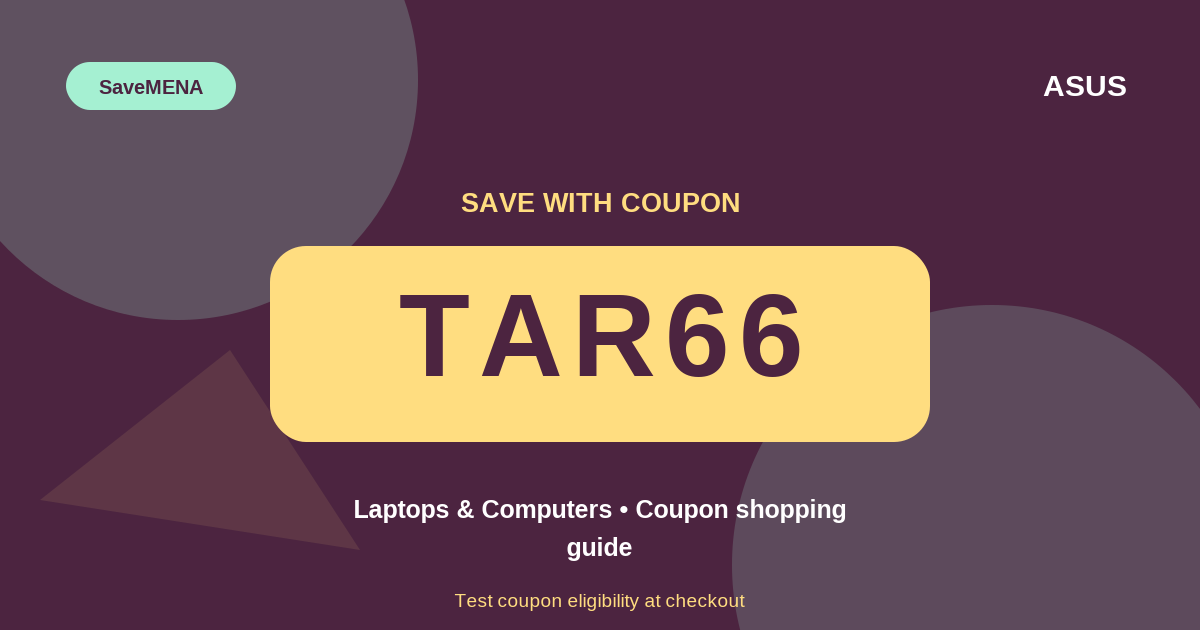
Codes available to try while comparing
These codes are not guaranteed for the article topic or listed brands; test them at checkout and use the live result.
1. Understanding Noon UAE Final Price: The Role of Coupons
Before diving into the purchase, it’s essential to know how Noon UAE calculates the final price of an item. The platform automatically deducts any applicable coupon value, applies VAT, and adds shipping or handling fees once you reach the checkout page. This final price is the exact amount that will be debited from your chosen payment method, regardless of any earlier promotional banners or list prices you may have seen on the product page.
When comparing prices, focus on the amount displayed just before you confirm the order. This figure accounts for everything—your coupon, delivery fee, VAT, and any seller‑specific adjustments. A discrepancy between the advertised discount and the final price can arise due to hidden fees, so always check the summary page carefully before completing the purchase.
2. Setting Up Your Noon UAE Account for Accurate Pricing
Having a verified Noon UAE account is the first step toward a transparent pricing experience. Registering or properly logging into your account ensures that Noon can apply all eligible benefits tied to your profile, such as loyalty points or membership discounts.A coupon is not guaranteed; verify its result at the retailer checkout.
Verify your profile details—email address, phone number, and delivery address—since mismatches can flag orders for review or even lead to post‑purchase price adjustments. This verification step also enables you to track past orders and confirm that the final price reflected in your payment receipt matches the summary on Noon’s checkout page.
3. Selecting Your Ideal ASUS Laptop on Noon UAE
Navigate to the laptops category and filter by brand name "ASUS" to narrow your options. Ensure the listing features “Noon UAE price” prominently, as some sellers list a separate marketplace price. Pay attention to the “Seller” field; Noon often collaborates with multiple sellers, and the final price can vary slightly between them.
While browsing, keep the condition of the laptop (new, refurbished) and any included accessories in mind, as they affect the weight of the final cost. Avoid overlooking extended warranty or additional service plans, which can be added at checkout and influence the overall amount you pay.
4. Applying the TAR64 Coupon: What to Expect
After adding your chosen ASUS laptop to the cart, proceed to the checkout page where you’ll find a field labeled “Coupon Code.” Enter the code TAR64 and click “Apply.” The system will cross‑reference the coupon’s eligibility against your account and the selected item, then recalculate the subtotal accordingly.
If the coupon does not apply, Noon places a red warning next to the coupon field explaining the shortfall—such as an incompatible product line or a mismatch with the required purchase amount. In such cases, you can remove the coupon and continue with the original price, or select a different ASUS model that satisfies the coupon conditions.
5. Reviewing the Checkout Summary: Final Price Confirmation
The checkout summary is your last checkpoint before finalizing payment. Here, Noon lists the item price, coupon deduction (if applicable), VAT, shipping fee, and total payable amount. This final figure, shown in AED, is non‑negotiable at this point. Do not rely on earlier price tags or promotional headlines; the checkout total is definitive.
Double‑check the quantities, ensure no duplicate items, and confirm that the shipping destination matches the address you registered. If the final price does not reflect the expected discount, contact Noon’s customer support or review your account settings for any missing coupon activation steps.
6. Managing Delivery Fees and Payment Options
Delivery fees on Noon UAE depend on your location, selected courier, and the total purchase value. While some items qualify for free shipping, others carry a nominal fee. These fees appear in the checkout summary and are added to your final amount after coupon deductions and VAT.
Choose a payment method that aligns with your preferences—credit card, debit card, cash on delivery, or digital wallets. Each option may have a different processing fee or reward benefits. Ensure that your chosen payment method accepts the final transaction amount, as some cards have daily limits that could affect large purchases.
7. Tracking Your Order and Warranty Benefits
Once payment is confirmed, the order status updates to “Processing.” Noon UAE provides a live tracking feature, allowing you to monitor the shipment until it reaches your doorstep. By keeping track of the expected delivery date, you can plan for any potential delays caused by regional logistics or customs checks.
ASUS laptops often come with a standard manufacturer warranty and sometimes an extended warranty that can be purchased at checkout. Verify that these warranty details reflect in the final product specifications, as they contribute to the overall value of your purchase even if not factored into the price.
Related SaveMENA pages
Related articles
Official sources to check
Frequently asked questions
What happens if my coupon is not applied at checkout?
If your coupon does not apply, Noon UAE will display a warning next to the discount field explaining why. Common reasons include incompatible products, unmet minimum spend, or account status. You can either remove the coupon or select a different ASUS model that meets the coupon requirements.
Can I change the delivery address after entering my checkout information?
Yes, you can edit the delivery address before finalizing your payment. Navigate to the address field in the checkout page and modify the details. Once you confirm the order, the updated address will be used for shipping.
Will my final price change after I confirm the order?
Typically, the final price shown just before payment confirmation remains unchanged post‑checkout. However, in rare cases where customizations or additional service plans are added after payment, Noon may issue a credit note. Verify your order receipt for any such adjustments.