Huawei Mobiles on Noon UAE: account eligibility — final price comparison
To compare the final price after applying a coupon on Noon UAE, you must follow a systematic approach centered on your account context.
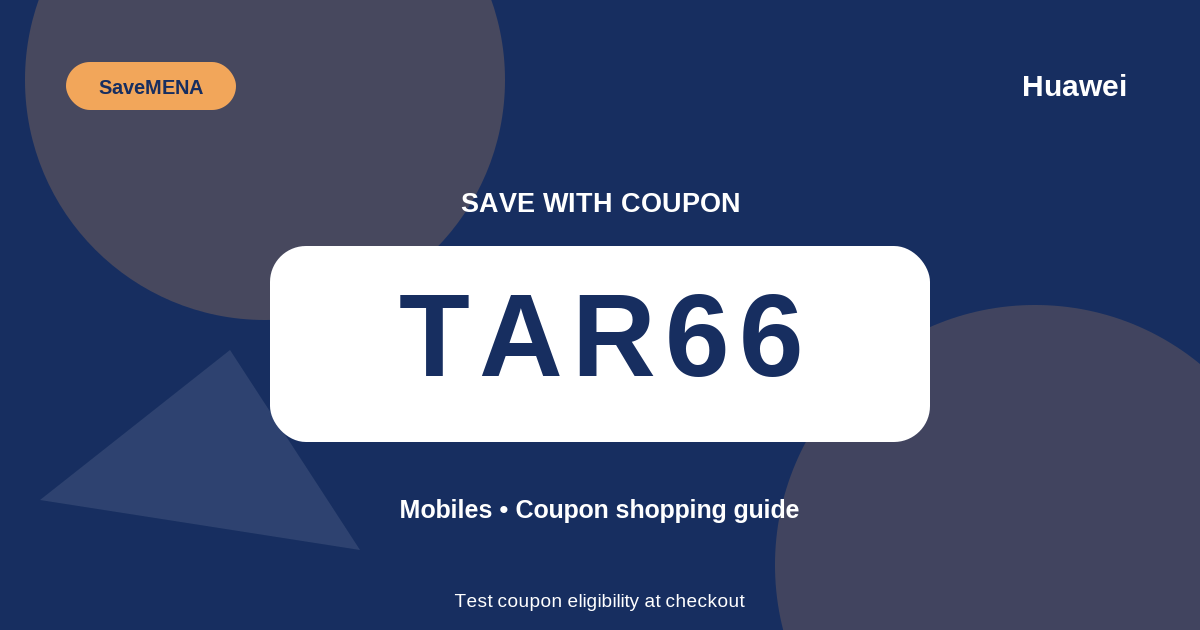
Codes available to try while comparing
These codes are not guaranteed for the article topic or listed brands; test them at checkout and use the live result.
Understanding the Final Price Pipeline on Noon UAE
When visiting Noon, the displayed product price is the headline figure you normally see on the listing page. However, this number is only a baseline. As a registered user, Noon may apply location‑oriented adjustments or account tier perks that can tweak the amount. These figures are propagated through the cart but can still be altered once a coupon is entered. Because you need to know the true final cost, you should observe the price right before adding the item to your basket, keeping in mind that any conditional discounts will not be visible until the coupon field is used.
The final price only becomes definitive at the moment of checkout. At this step, Noon recalculates the total, subtracting any discount that applies, and adds shipping or other fees. The actual payable amount shown after you confirm the coupon code will be the price you pay. Therefore, to compare the initial listing price to the final amount after applying TAR66, you have to track the price through each stage – from product view to cart, then to the checkout confirmation page.
The Role of Accounts in Price Determination
Your Noon account status can influence the final price. Registered shoppers can benefit from automatic or exclusive offers that guests don’t see. If your account is linked to a discount programme, recent purchases, or a loyalty tier, those factors can adjust the final payable amount. When assessing a Huawei mobile, note whether your account has an associated discount flag, as that can reduce the price before the coupon is applied.
To verify that your account is considered, log in to Noon and start the checkout process on the Huawei mobile you intend to buy. Observe the price on the checkout screen before entering any coupon. If the amount differs from the product page, this indicates an account‑based adjustment. This step is crucial because a coupon will only act on the current price, so any account‑derived changes must be in place before the the coupon code is applied.
How Coupons Interact with Mobile Deals
Coupons on Noon are typically applied after the cart total is computed, and they usually reduce the subtotal before taxes or shipping fees. The code TAR66 is a general coupon that can be used on a variety of items, including Huawei mobiles, but it does not guarantee any fixed discount amount. When entered, the system will recalculate the total, showing a new figure that reflects the coupon’s impact.
Because coupons can have different rules – such as being valid only for items above a certain price or for specific categories – you need to confirm the applicability to “Mobiles” before pressing apply. This confirmation usually appears as a brief message indicating whether the coupon was accepted or rejected before the checkout screen updates. If accepted, you see the new final price; if it fails, the original amount remains unchanged. Ensure you check this change before finalising payment.
Huawei Mobile Selection: What to Expect Before Checkout
When choosing a Huawei phone on Noon, you’ll encounter a list of variants, each with its own price tag. At this point, screen any “% off” or “Deal” markers that can hint at a pre‑applied offer. However, these figures are still subject to change once you add the item to the cart and possibly apply an account‑based adjustment. Always copy or note the displayed price, as you’ll need to verify it later against the final figure.
Before you hit “Add to Cart,” it can help to filter by seller or seller rating to ensure you’re selecting a reputable vendor. Shipping costs and return policies are often tied to the chosen seller and can affect the final purchase amount. If the display region shows any seller‑specific pricing, factor that into your estimation. Once added, the cart will reflect the same or an updated price that includes any available seller‑level discount. This is the starting point for your coupon calculation.
Step‑by‑Step: Entering the TAR66 Coupon
In the cart, you’ll find a field labeled “Coupon Code” or “Enter your coupon.” Type TAR66 exactly as shown, respecting capitalization if required. After hitting the apply button, Noon will process the code, recalc the subtotal, and then refresh the checkout page with the new final total. This stage usually takes a few seconds and may display a confirmation that the coupon was accepted.
Once the new total appears, compare it to the pre‑coupon subtotal. If the difference indicates a discount, you have successfully received the coupon’s benefit. If there is no change, review the cart to ensure no minimum purchase requirement or product exclusivity rule was matched incorrectly. The final amount on this page is the figure that will be charged once you approve the order.
Verifying Eligibility and Accumulated Discounts
During checkout, Noon often presents a breakdown of all deductions applied to the purchase – this includes account‑based discounts, the TAR66 coupon, and any other promotional offers automatically added by the platform. Examine each line to confirm that all intended discounts appear. If any look missing, double‑check your account status or attempt to re‑apply the coupon.
Some vouchers can be combined only with certain types of deals. If the coupon seems to be rejected or nullified, you may need to review the terms at the point where Noon shows the acceptance or error message. This usually clarifies any restriction, such as “not valid on selected item” or “already used.” When in doubt, consult the FAQ or help center that Noon provides for coupon usage details. Verifying each deduction ensures the final payable amount truly reflects all savings.
Common Pitfalls When Comparing Final Prices
A frequent mistake is comparing the product list price to the final total before verifying account‑based adjustments. Because accounts can unlock automatic perks, the pre‑coupon amount on checkout may already be lower. Ignoring this difference can lead to over‑estimating the coupon’s impact, as you may think the discount is larger than it actually is.
Another issue comes from overlooking shipping or handling fees that Noon might add after you apply a coupon. While the coupon may lower the base price, the final total could still increase due to additional charges.A coupon is not guaranteed; verify its result at the retailer checkout. This provides a realistic picture of the net savings and price.
Making the Most Out of Your Huawei Purchase
To close the deal with confidence, make a final mental or written snapshot of the checkout totals: base price, discount from your account, TAR66 coupon amount, shipping cost, tax, and the final payable. This cross‑check allows you to see exactly how each component contributes to the final price, ensuring you’re satisfied with the total. If any figure looks off, revisit the cart or account settings.
After placing your order, keep the receipt in your Noon account or email. This documentation serves not only as proof of purchase but also as a reference for warranty claims or returns. If you encounter any discrepancy later, you can reference the recorded final amount instead of the initial listing price. This careful record‑keeping guarantees transparency and protects your buying interests.
Related SaveMENA pages
Related articles
Official sources to check
Frequently asked questions
How do I know if my Noon account offers automatic discounts before I use TAR66?
During checkout, look at the subtotal line before you apply the coupon. If the number is already lower than what was shown on the product page, your account is providing an automatic discount. This can be due to membership level, recent purchases, or other account‑based perks.
Will the TAR66 coupon cover all shipping fees on my Huawei mobile?
Coupons on Noon typically apply to the item’s price only, not to shipping or handling fees. Shipping costs are recalculated after the coupon is applied and can add to the final payable amount.
What happens if TAR66 doesn't work on my Huawei mobile?
If the coupon fails, the checkout screen will usually indicate an error or that it’s not applicable. Check for any product restrictions or let the platform’s help center guide you on the coupon’s eligibility details.
Can I combine TAR66 with other available promos?
Combining coupons depends on Noon’s current promotion policies. At checkout, you’ll see a list of all applied discounts. If TAR66 is accepted silently, it is likely combined correctly; otherwise, the system will disallow overlapping offers.