Pet Supplies on Noon UAE: account eligibility — final price comparison
When buying pet supplies, the final price—shown after all charges are added—can differ significantly from the list price.
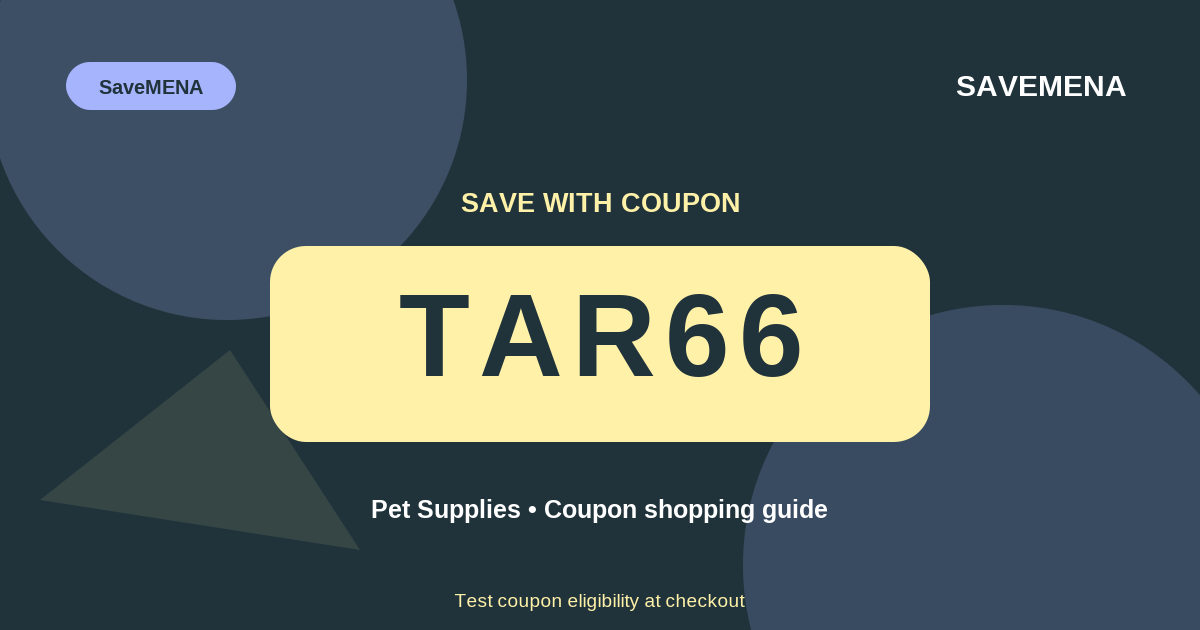
Codes available to try while comparing
These codes are not guaranteed for the article topic or listed brands; test them at checkout and use the live result.
Why Final Price Matters for Pet Buyers
When buying pet supplies, the final price—shown after all charges are added—can differ significantly from the list price. Factors such as Saudi Riyal conversion, local taxes, and delivery fees can inflate the cost. Your Noon UAE account may also impact the final price if you have a loyalty status or a pending promotion. Being aware of these shifts helps you decide whether a product at a displayed discount truly offers savings, or if other options might be more economical for your pet’s needs.
The final price is what the merchant’s customer service representatives, shipping partners, or return policies are based on. If you are returning a item because it doesn’t fit your pet’s size, for example, the final price will also dictate the refund amount. It’s essential to keep this value in mind during the checkout step, especially when comparing pet feed, grooming tools, or housing items on Noon. The account context—where you may have a different saved address, payment method, or coupon—plays a pivotal role in shaping the ending figure you pay for every pet supply item.
Navigating Noon’s Pet Supplies Category
Start by selecting “Pet Supplies” from Noon’s main menu, and you’ll find a range that includes food, toys, bedding, and health care. Make sure you’re logged into your Noon UAE account; this allows the website to retrieve your saved shipping location, apply any account-specific promotions, and, most importantly, display the correct final price for the listed items. While browsing, you’ll see both the list price and the discounted price before checking out. Take note of how the final price adjusts when you choose different quantities or variations of a product.
In the product detail page, the final price is often shown at the bottom of the page under the cart button. Until you enter a coupon code or proceed to checkout, this figure may not include shipping or tax. Your account’s region settings are crucial because Noon sometimes lists different shipping rates for the UAE. By staying logged in, you avoid having to re-enter address details and ensure the final price reflects the correct delivery cost for your region. This consistent view helps you compare pet supplies side by side, giving a clearer picture of the true cost each item will bring into your home.
Entering and Testing the TAR66 Coupon
If you have the code TAR66, it can be tried in the coupon field located in the cart or wishlist area. Enter the code and click apply to see if it affects the final price. The displayed amount may or may not change depending on whether the coupon is currently active for that category or product. Notice how your Noon UAE account is consulted to check eligibility; some coupons are only valid if you have a minimum cart value or if you use a certain payment method. If the code is not accepted, your final price will remain unchanged.
After applying the coupon, a refresh of the price details will happen in your cart. A red x or an error message indicates the coupon was not accepted, or that the product is ineligible. If there is no error, the discount will reflect in the final amount you’ll see.A coupon is not guaranteed; verify its result at the retailer checkout. A coupon is not guaranteed; verify its result at the retailer checkout.
Verifying Seller, Quantity, and Product Details
Before finalizing your purchase, double-check the seller information next to the product. Noon allows multiple sellers for a single item, and each can charge different delivery fees. Your account’s device and location sometimes automatically favor a seller with a lower shipping cost. Verify that the chosen seller matches your expectations and that the listed quantity is correct for your pet’s needs. A mistake here can cause the final price to shift unexpectedly during checkout.
Check if the product variation (for instance, a size or color) appears correctly and that the quantity matches the cart total. In many cases, the final price changes if you alter your order after a coupon is applied. By keeping your account context and product details locked before proceeding, you avoid accidental price increases that could negate your coupon savings. Use the “Review order” steps on Noon to confirm each detail, reassuring you that the final price shown truly reflects the products in your cart.
Accounting for Delivery Fees and Payment Methods
When you click the checkout button, Noon will fetch your stored address, delivery option, and payment method. Since shipping fees may vary between regions within the UAE, your account as a logged-in user will determine which delivery charges apply. The final price will update instantly to incorporate these fees. If you switch to a different courier or a faster delivery window, you’ll notice the final price move accordingly.
Similarly, the payment method selected can influence the final amount if Noon imposes card fee charges or if a particular method triggers eligibility for a different coupon. Your Noon UAE account will reflect an accurate total only after confirming the card, wallet, or cash-on-delivery option. By pausing at the payment section and reviewing the last displayed number, you’re trusting the account context to present the exact total, inclusive of all surcharges and discounts, before you finalize the purchase.
Confirming the Final Payable Amount
On the final payment screen, Noon lists the exact final payable amount you will debit. This figure includes product price, any coupon reduction, shipping, and taxes. Check that this number matches what you saw at the “Review order” step. If there’s a discrepancy, double-check for promotions that might only apply post‑payment or for adjustments due to special seller rules.
Your Noon UAE account may store a preference for auto‑apply coupons when they’re valid. When you apply TAR66—or any other coupon—in this final step, make sure you see the discount reflected immediately. If the discount disappears, the coupon is not eligible with the chosen payment method or shipping option. By verifying that the final price is correct before clicking “Confirm purchase,” you secure the guaranteed savings as applied by your account context.
Managing Expectations: Coupon Availability and Limitations
A coupon is not guaranteed; verify its result at the retailer checkout. Noon can disable or modify a coupon at any time. Your account context might also restrict the use of the coupon if it has already been applied previously or if certain products are excluded. If the code fails to work, the final price remains unchanged, reflecting only the base price plus delivery fees.
Because you’re relying on a coupon that “may” be valid, it helps to check the “Eligibility” message that Noon sometimes displays when a coupon doesn’t apply. This message may reference the market (UAE), the account’s status, or the selected seller’s policy. Since you’re evaluating the price specifically for pet supplies, this context is crucial for deciding whether to reorder from a different seller or adjust the product quantity before finalizing. Keeping a keen eye on account settings and coupon status ensures you’re never caught off guard at checkout.
Strategies for Future Savings on Pet Supplies
To maximize savings on next purchases, maintain an active Noon UAE account, as account-specific discounts can stack with item-level coupons. Adding your frequent pet supplies to a wishlist or cart and periodically checking for new promotional codes can allow you to compare final prices. Given that Noon sometimes offers cart-wide discounts, keeping your account preferences up to date may help trigger additional savings automatically.
Also consider sizing your orders carefully. Often, larger quantities reduce the per-unit shipping fee, and this can be reflected in the final price without a reduction in the product cost. By reviewing the final payable amount each time, you maintain the account context that directly influences both discount eligibility and shipping calculations, ensuring your pet supplies are secured at a price that reflects the real end cost, not just the advertised discount.
Related SaveMENA pages
Related articles
Official sources to check
Frequently asked questions
How can I verify if the TAR66 coupon applies to my pet product?
After adding the product to your cart, enter TAR66 in the coupon field. If the code is accepted, the discount will immediately adjust the final price. If an error appears, the coupon does not apply to that particular item or category.
Will shipping fees change after applying a coupon?
Once a coupon is applied, Noon recalculates shipping costs. The final price shown during checkout reflects the updated shipping, ensuring you pay the correct amount after any discount.
Can I use TAR66 on multiple pet items in the same order?
Coupon usage depends on Noon’s current policy. Check the coupon’s eligibility message after applying it. If not applicable to multiple items, the discount applies only to the first eligible product.
What should I check if the final price I see at checkout doesn’t match the earlier amount?
Verify your Noon UAE account settings, including saved address, payment method, and seller selection. Any change in these can alter shipping or taxes, thereby affecting the final amount displayed.