Puma Shoes on Noon UAE: account eligibility — final price comparison
Noon lists the sticker price for each shoe model along with any visible promotional offers before a customer adds a product to the cart.
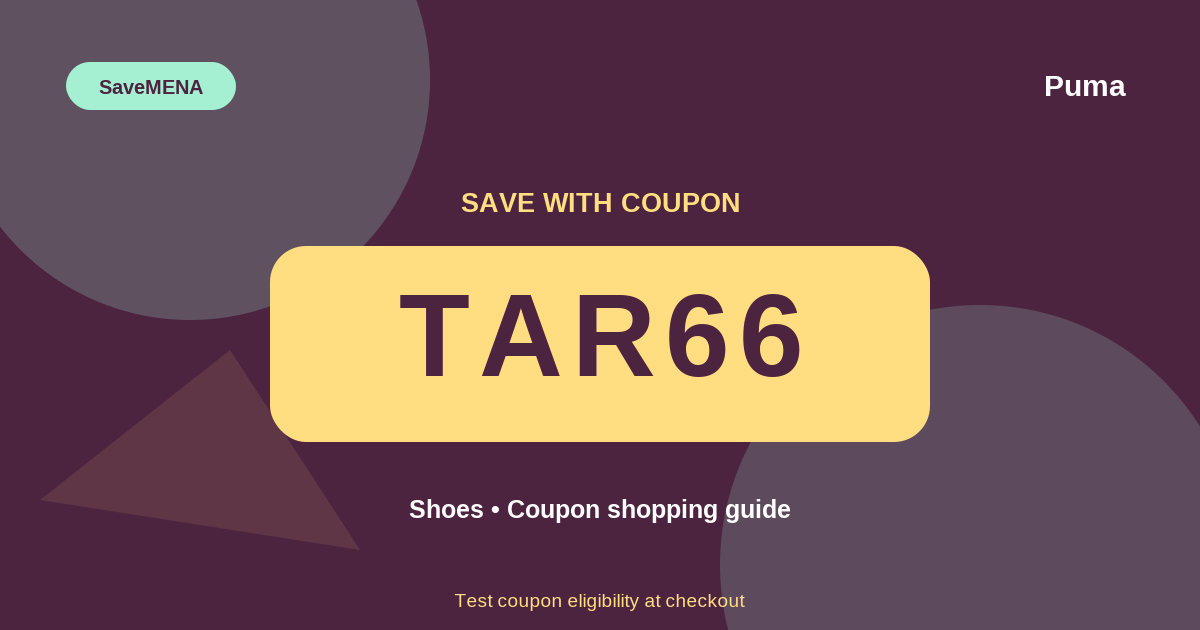
Codes available to try while comparing
These codes are not guaranteed for the article topic or listed brands; test them at checkout and use the live result.
Understanding Noon’s Pricing Structure for Shoes
Noon lists the sticker price for each shoe model along with any visible promotional offers before a customer adds a product to the cart. For Puma shoes, this price usually reflects the base cost and may be accompanied by a brief description of being “on sale” or “discounted,” but the actual amount you’ll see in the cart can differ. The platform’s interface displays this base price in a prominent spot, while secondary lines may hint at potential savings if a coupon is applied. Being aware of the difference between the listed price and the price you’ll eventually pay is the first layer of comparison when assessing coupon value.
When you view a shoe’s product page, the price shown is purely the retail price set by the seller and, importantly, does not include any additional partner or platform‑wide discounts beyond what is listed. This baseline is what you will use to gauge how much a coupon might reduce your total. Keep this number in mind as you move to the next section, where you’ll learn how coupons are incorporated into the final price structure.
The Role of Coupon Codes in Final Price Calculation
Coupon codes entered through Noon’s checkout process operate by adjusting the total cost after any applicable buyer‑side or seller‑meaning discounts have already been applied. This means that the savings from a coupon will compound on the price you see in the cart, not on the initial listed price. When you type a code like TAR66, the system will recalculate the final amount and display it in real time or at checkout, depending on the platform’s behavior. By examining this recalculation, you can compare the pre‑coupon and post‑coupon values side by side.
It is important to note that coupons are processed after any automatic discounts, but before taxes and shipping fees are added. Therefore, when you evaluate the final price impact, you should consider how the coupon reduces the subtotal and then observe how adding delivery fees and taxes affects the final payable total. This layered approach ensures you are comparing the true final price rather than an earlier, intermediate figure.
The TAR66 Coupon: What to Expect
The TAR66 coupon is available for shoppers looking to try an extra layer of savings on Noon UAE. While the coupon can influence the final amount you owe, its exact value and eligibility are only confirmed at checkout. When you apply TAR66, Noon will update the cart to reflect any reduction it grants, and you will see the new subtotal in the summary. Watching this shift allows you to assess whether the coupon genuinely offers a benefit for the particular shoe you’re buying.
If the coupon does not activate or if it fails to produce a reduction, the platform will usually notify you at the moment you finish applying it. In that scenario, you still have the choice to proceed with the original price or look for an alternative method to lower your total. This visibility at checkout keeps the comparison process transparent and actionable.
Checking Account Eligibility Before Applying TAR66
Many coupons on Noon are contingent upon specific account conditions, such as being a registered user, having a certain order history, or belonging to a particular membership tier. To understand whether TAR66 will apply, you should verify these conditions in your account settings and order history before you even add the shoe to the cart. This helps prevent situations where you finish checkout only to learn the coupon was ineligible.
Within your Noon profile, you can review past orders and any activated promotional codes. If the platform indicates that TAR66 is marked as “available” or “eligible” for your account, you’ll gain confidence that using it will reflect on the final price. Otherwise, you might consider continuing with the base price or exploring other promotional options that match your account profile.
Step‑by‑Step: Applying the Coupon at Noon UAE Checkout
When you’re ready to purchase, begin by viewing your cart and then proceeding to the checkout page. Here you will find a field labeled “Coupon Code” or similar. Enter TAR66 into this field and submit. The interface should immediately refresh the cart summary to show the new amount if the coupon is accepted. This real‑time update lets you see the new subtotal without any delay.
Should the code fail to validate, an error message will appear, often detailing that the coupon is not applicable or that your account does not meet the required criteria. In that environment, you’re still positioned to choose the next best step—perhaps re‑entering the code after reviewing your account details, or proceeding without the coupon. The pivotal part is that you see a clear before‑and‑after comparison directly in the checkout window.
Comparing Pre‑Coupon and Post‑Coupon Prices
Once the cart refreshes after applying TAR66, you can observe two distinct figures: the pre‑coupon subtotal that Stripe or Noon displays before the code, and the post‑coupon subtotal that reflects the code’s impact. By collating these figures side by side, you evaluate whether the discount is meaningful for your purchase. If the difference remains slight, you may choose to forgo e‑payment benefits that come with the coupon and instead rely on standard shipping or payment credits.
Remember that this comparison only accounts for the part of the total that is adjustable by the coupon. Taxes and shipping costs are added after the discount is applied, so the final payable amount is found in the very last total you see before confirming payment. Verifying this outright final amount is the decisive moment to confirm whether the coupon delivered a net benefit.
Verifying the Final Amount in Your Order Summary
Before you hit the “Place Order” button, scrutinize the order summary. This screen lists the product, its quantity, shipping method, taxes, and any coupon adjustments. An accurate final tally can only be confirmed at this pane.A coupon is not guaranteed; verify its result at the retailer checkout.
In case of any discrepancies, use the help option or customer support to clarify. Often, the platform will provide a brief explanation for charges that might not have been obvious during earlier stages.A coupon is not guaranteed; verify its result at the retailer checkout.
Related SaveMENA pages
Related articles
Official sources to check
Frequently asked questions
How do I confirm if the TAR66 coupon is valid for my account?
You can check the coupon’s validity by opening your Noon profile’s order history and reviewing past promotions. If TAR66 is shown as “available” or “eligible” under your account settings, it should work. Otherwise, try entering it at checkout; an error explanation will guide you.
Will shipping fees change after I apply a coupon?
Shipping fees are added after coupon adjustments. They remain constant unless your account qualifies for free delivery. Check the cart after applying the code to see if shipping changes.
Can multiple coupons be used together on a single order?
Noon typically allows only one coupon per checkout. If you try to apply a second code, the system will either replace the first or refuse the second. Verify at checkout which code is active.
What should I do if the coupon doesn’t apply during checkout?
When the coupon fails, review the offered error message for clues. It may be due to account eligibility or the product not qualifying. Adjust your order or consider alternative discount options.