Skechers Shoes on Noon UAE: account eligibility — final price comparison
If you’re wondering how to compare the final price after a coupon on Noon UAE, especially when buying Skechers shoes, this guide explains every step using the
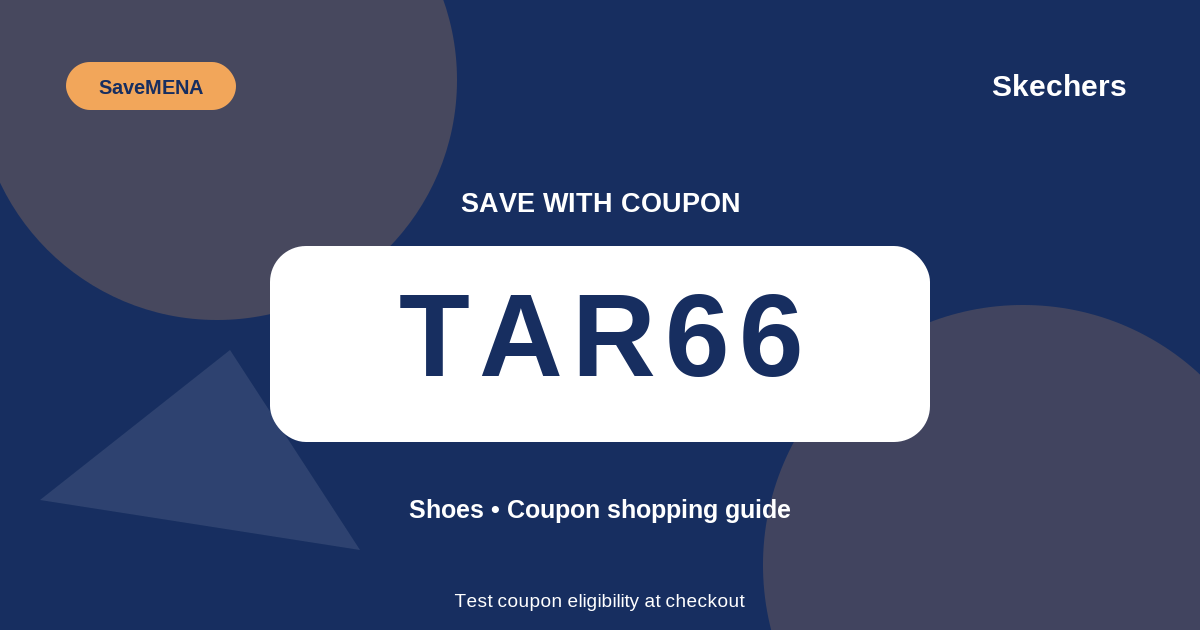
Codes available to try while comparing
These codes are not guaranteed for the article topic or listed brands; test them at checkout and use the live result.
Understanding Final Price on Noon UAE: Sneakers & Account Impact
When you browse Shoes on Noon UAE, the price displayed on the product page is usually an intermediary figure. It can change because Noon may apply additional fees, discounts, or adjustments tied to your account. Think of this as the starting point before any coupons or account‑specific perks are considered.
The final price you eventually pay is the result of combining the base listing price, any applicable fees, your chosen payment method, and any redeemable discount codes. That’s why it’s important to track each change as you move from the product page to checkout, keeping an eye on the number that appears next to “Total” before you finalize your purchase.
Landing on Skechers – How the Product Page Feeds into the Checkout
When you open a Skechers shoe listing, the page shows you shoe details, size options, colors, and the base price. However, this figure does not always reflect the final cost you’ll pay. Fees for delivery, optional protection plans, and composer-specific pricing may be added once you add the item to your cart.
Your Noon account can also alter the experience if you’re logged in. About the listing, see if there are protected sizes or shipping variations that only appear for signed‑in shoppers. Before adding the shoe, browse this page thoroughly to understand what may shift when you proceed to the next step.
Adding the TAR66 Coupon: Where to Enter and What to Observe
Once the Skechers shoe is in your cart, look for the field labeled “Coupon Code” or “Promo Code” near the totals area. Insert the code TAR66 and click “Apply.” Noon’s system will validate the input and typically indicate whether the code was accepted or rejected.
If the coupon is accepted, a line item will usually appear below the subtotal showing the reduction applied. However, do not assume it applies to the final amount until the purchase confirmation screen displays the adjusted total. It’s common that coupon deductions can be shown after all additional charges are computed.
Account-Based Adjustments: Stored Items, Loyalty and Visibility
Your Noon account can hold saved items, loyalty points, and personalization data. When you sign in, the platform might offer you a reduced price for a repeat purchase or temporarily flag cheaper options. These adjustments are often integrated during checkout.
Check the final price display to see if a “Loyalty” line appears, indicating whether points were redeemed. Also, verify that the coupon result is reflected together with any account‑based discount. Listing a fully updated total consolidates base price, coupon, loyalty, and any store picks before you confirm the order.
The Checkout Lens: Verification Steps for the Final Amount
Before confirming payment, scroll to the “Order Summary” section. That area shows you the subtotal, any coupon reduction, delivery fee, protection plan cost, and the total amount ready for payment. Each line should have a clear heading so you can estimate whether all fees have been added properly.
If the coupon did not appear or the amount doesn’t seem reduced, double‑check the coupon was typed correctly and that the cart still holds the intended product. The final line is your only reference to ensure the figure you see matches what your account will eventually charge you.
Delivery Fees and Other Add‑Ons: How They Affect the Total
Delivery on Noon UAE may depend on your location, the shop’s policies, and the weight of the item. After applying a coupon, a delivery fee often appears as a separate line. The fee is calculated on both the base price and the adjusted subtotal after any coupon is applied.
Other add‑ons such as “extended protection” or “express delivery” may add extra cost. Keep the order summary open so that you can see each charge, assess whether it’s mandatory or optional, and determine whether it changes the amount your account will pay.
Payment Options and Their Influence on the Payable Sum
Paying via credit card, debit card, MADA, or Noon wallet can have distinct processing fees or instant discounts tied to the selected method. At the payment stage, each option will show its impact on the final figure—usually as a small percentage or a flat surcharge.
When you view the total again after selecting your payment, confirm that the final digital receipt matches the earlier checkout screen. If the payer method adds a fee, it should appear just before the last “Pay” button. This ensures you’re completely aware of the exact amount the account will charge.
Double‑Check, Re‑Verify: Best Practices Before Confirming Your Order
Before finalizing, take another look at the entire summary—base price, coupon, payment fee, delivery fee, optional add‑ons, and any loyalty benefits. Confirm that the quantity matches what you intended and that there are no hidden charges.
Once verified, hit “Confirm” to lock in the total. The screen that follows displays the final amount you will be charged, taking your Noon account into account. Keep an eye on that amount until the payment is processed. If it changes, double‑check for any hidden interruptions or pending adjustments.
Related SaveMENA pages
Related articles
Official sources to check
Frequently asked questions
What happens if the coupon code TAR66 is not accepted during checkout on Noon UAE?
When TAR66 fails to apply, Noon typically shows a message near the coupon field indicating the code was rejected, expired, or inapplicable. The subtotal will remain unchanged, and you will need to either try a different code or continue without a discount. You should review the final amount again before confirming the order.
Can I apply the the coupon code to multiple shoes in my cart?
Coupon codes on Noon apply to the entire cart or to specific eligible items. If the TAR66 code is a storewide coupon, it can save on all items in the cart; if it’s product‑specific, only the designated items will receive the discount. Verify the final total in the order summary to ensure all eligible shoes were discounted.
Does creating a Noon account help me get a better final price for Skechers shoes?
Having an active Noon account may unlock account‑specific discounts, loyalty points, or saved carts that affect the final price. Logging in also ensures your selected delivery location and personal settings influence the cost accurately. Check the order summary for any “Loyalty” or “Account” line items after cart addition.
How do I know if the final price includes all fees before I pay?
Before confirming payment, read the “Order Summary” page. It lists each charge: product subtotal, coupon reduction, delivery fee, optional protections, and payment method surcharge. The total line at the bottom sums all these, giving you the final amount that will be debited from your account.