Skincare on Noon UAE: account eligibility — final price comparison
Noon UAE final price Skincare account context: Looking to compare the final price of a skincare purchase on Noon UAE after you’ve applied the TAR66 coupon?
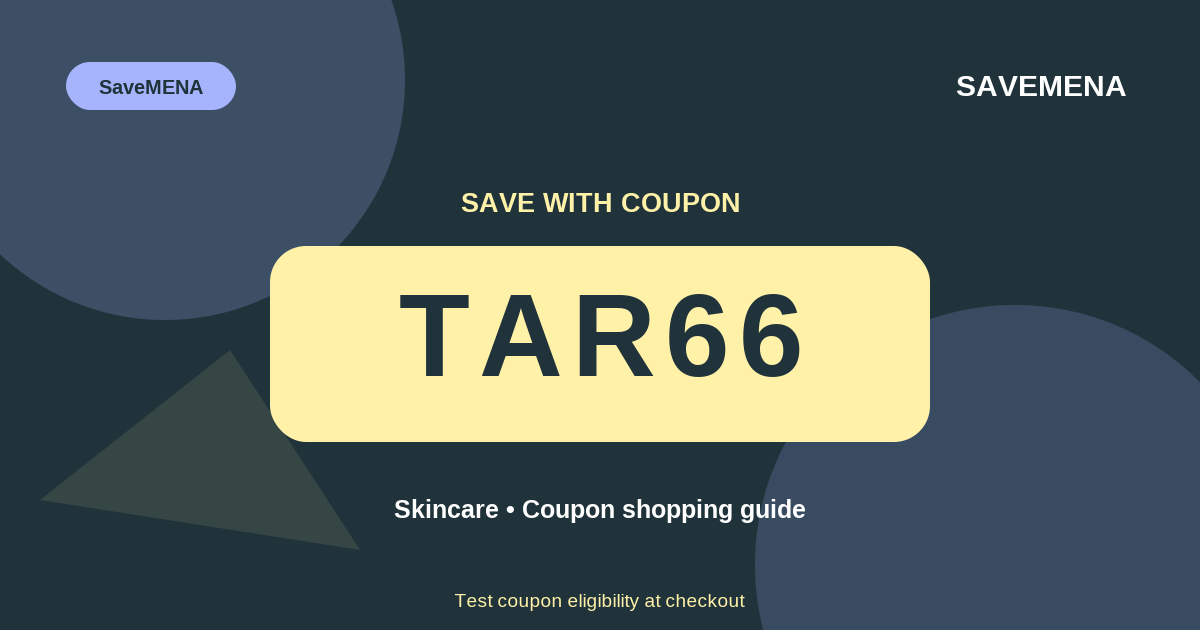
Codes available to try while comparing
These codes are not guaranteed for the article topic or listed brands; test them at checkout and use the live result.
1. Establish Your Noon UAE Account for Accurate Pricing
Before you can reveal the true cost of a skincare item, you must first sign up or log in to your Noon UAE account. Account status determines which price tiers, promotional offers, or membership benefits are displayed during checkout. Without an active account, the platform defaults to a generic price that may exclude loyalty credits or account‑specific discounts.
During the registration flow, you will be prompted to confirm your mobile number and email. The account will also accrue a unique identifier that Noon uses to reassess offers such as TAR66 during the final payment stage. Verify that your payment method is linked properly; an unsupported payment option can shift the payable total after coupon application.
2. Add Desired Skincare Products to Your Cart Prior to Coupon Use
Once your account is active, browse the skincare section and add the items you wish to purchase to your shopping bag. Note the individual product prices displayed immediately, as Noon sometimes adjusts listing prices based on store promotions that only trigger at checkout. Keep the cart organized to avoid accidental surcharges or product mis‑counting.
At this stage, don’t yet apply the TAR66 coupon. Instead, lock in the standard product total by ensuring no promotional gifts or free trials have been auto‑added. Recording this baseline will later let you contrast it against the post‑coupon payable amount accurately.
3. Review the Preliminary Total as Shown by Noon’s Order Summary
Navigate to the checkout page where Noon presents the “Order Summary”. This screen lists the subtotal for your selected skincare items, any applicable tax, and a tentative shipping fee. This preliminary total reflects the cost before any coupon is applied, providing a clear reference point for later comparison.
Inspect the summary for hidden charges like optional gift wrapping or expedited delivery options that could alter the final price later. In the absence of such add‑ons, the displayed amount should represent the maximum baseline for your payment calculation.
4. Apply the TAR66 Coupon and Observe the Change in Payable Total
Enter the coupon code TAR66 in the designated input field. Noon will verify the code against your account level and the selected items, then display the revised payable amount. It’s crucial to note the difference between the original subtotal and the new total, as this reflects the practical benefit of the coupon plus any residual fees.
Confirm that the system updated the total correctly. If the platform shows a “coupon not valid” or “cannot apply to this item” message, reconsider the product choices or coupon eligibility. Remember, Noon’s checkout is the definitive source for final eligibility; assumptions made before finalization may be inaccurate.
5. Account for Payment Method Adjustments and Possible Fees
Different payment methods on Noon may incur variable processing fees or provide additional cashback that only manifests during the final payment step. Compare your chosen card or digital wallet against the updated total to ascertain any fee adjustments that arise post‑coupon application.
Some cards may offer instant rewards or lower fees for UAE based accounts, while others may add a small surcharge. Align the payment method with the lowest possible total, and ensure that the selected method is compatible with your account’s billing address to avoid unexpected disruptions.
6. Verify Shipping Charges in the Context of Your Location and Order Value
Shipping fees on Noon vary by region, delivery speed, and total order value. The final checkout screen will display the exact cost applicable to your address in the UAE. If your order meets a threshold that unlocks free shipping, Noon will adjust the total automatically after the coupon is applied.
Inspect how the shipping fee changes with and without the coupon. Sometimes a reduced order total before shipping can push you below a free‑shipping threshold, thereby altering the final payable amount. Confirm these adjustments explicitly before proceeding.
7. Cross‑Check the Final Order Summary Before Confirmation
With the coupon applied, payment method selected, and shipping fee finalized, revisit the “Pay Now” screen. This stage displays the exact amount you will be charged, including all taxes, fees, and any remaining discounts.
Compare this figure against every prior reference point you noted: the baseline subtotal, the updated subtotal post‑coupon, and the adjusted shipping plus payment method fees. If any numbers do not align with your expectations, review the cart for unseen add‑ons or adjust the payment method accordingly before confirming the purchase.
8. Record and Repeat the Comparison for Future Skincare Purchases
After finalizing the transaction, keep a simple log of the pre‑coupon and post‑coupon totals, the payment method used, and any shipping adjustments. This record serves as a practical benchmark for future skincare orders, enabling quicker verification of cost effectiveness across different shops or promotional codes.
When shopping again, repeat the exact comparison steps: create or log into your Noon UAE account, add items, note the baseline price, apply the coupon, and verify the final amount. Consistency in this process will gradually refine your ability to determine the best deals each time you shop.
Related SaveMENA pages
Related articles
Official sources to check
Frequently asked questions
Does the TAR66 coupon only work for skincare items?
The coupon is not limited to skincare; it can be entered on the checkout page for any eligible item. However, whether or not it applies—and how much discount you receive—depends solely on Noon’s validation against your account and the products in your cart. Always confirm at checkout.
What if I change an item after applying the TAR66 coupon?
Altering the cart after applying the coupon will trigger a recalculation of the payable amount. Noon’s checkout automatically warns you if the coupon no longer applies or if you lose a discount due to product changes. Re‑enter the coupon code if needed.
Will my total change if I switch payment methods?
Yes, selecting a different payment method can affect processing fees that are added after the coupon. Noon shows these fees in real time. Confirm the final total after choosing your preferred payment option to avoid surprises.
Can I combine the TAR66 coupon with other promotions?
Coupons on Noon normally cannot be stacked with other discount codes or sales that apply to the same product. The system will either reject the second coupon or automatically choose the higher discount. Verify at checkout to see which discount is applied.