Huawei Smart Watches on Noon UAE: account eligibility — final price comparison
When you browse Noon UAE for a Huawei smart watch, the first question on many shoppers’ minds is: “How will the final price look after I hit the checkout button
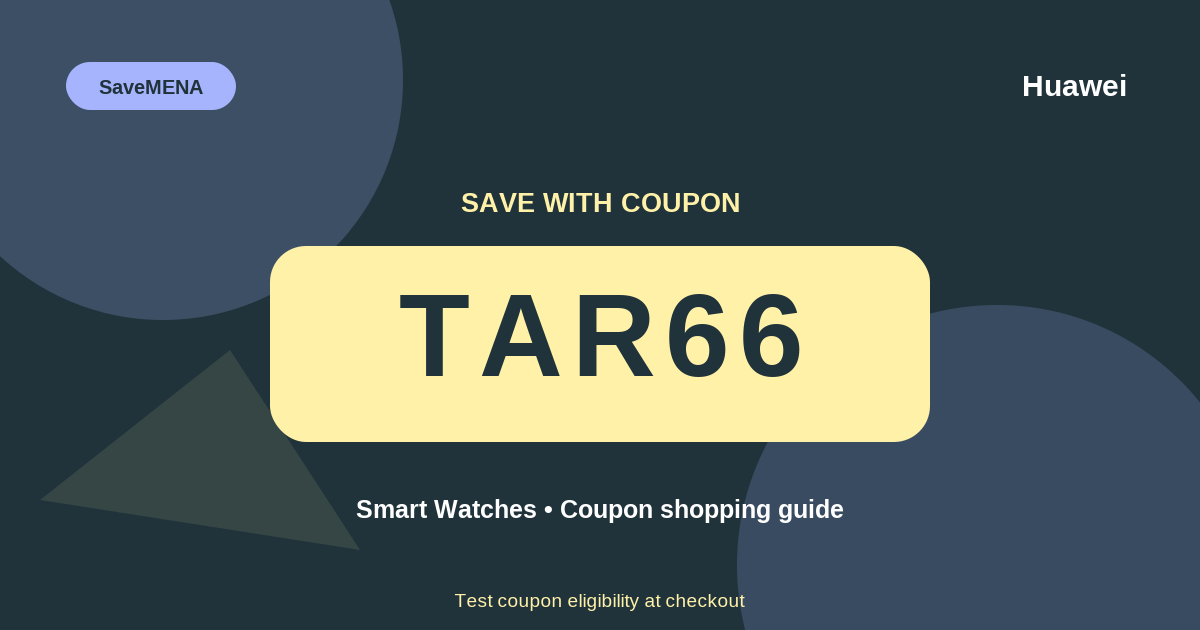
Codes available to try while comparing
These codes are not guaranteed for the article topic or listed brands; test them at checkout and use the live result.
Understanding the Final Price: The Role of Coupons and Your Noon Account
When you view a Huawei smart watch on Noon, the displayed price is simply the retail list. The final payable amount emerges only after the checkout sequence completes all calculations, including applicable discounts, shipping, and taxes. Your Noon account determines whether a coupon such as TAR66 can be applied—only logged‑in users can activate coupons during checkout, not those browsing as guests. Consequently, verifying your login status early helps you avoid the frustration of realizing the coupon didn’t work when you are halfway through the billing process.
The final price you see is the culmination of three distinct stages: the item price after any in‑app promotional adjustments, the coupon deduction (if accepted), and the final addition of delivery charges based on your address. Because the system recalculates these figures only at checkout, any price fluctuations you observe earlier—due to dynamic offers or flash sales—are not guaranteed. Therefore, the most reliable way to determine the terminal cost is to proceed to the cart, expose your Noon account, and once at the payment step, read the final total noted in the checkout review.
Choosing the Right Huawei Smart Watch: Features vs. Price
UAE shoppers often weigh the capabilities of Huawei smart watches—such as health monitoring sensors, battery life, build materials, and software ecosystem compatibility—against their budget. The product pages provide a feature comparison matrix, but these figures are primarily descriptive. At the checkout stage, any negotiation of price hinges on the coupon you can apply, which means you should cross‑check the list price first. The better‑equipped Huawei models may come with higher price tags, and the coupon effect may vary across them, adding another layer to your price comparison.
Because Coinbase Elements of the face‑plate design and strap options can influence the final price, shop for a model that matches your personal style while keeping an eye on whether the Taiwanese brand’s latest firmware updates have been integrated. These updates sometimes trigger new selling points for Huawei on Noon, which could affect the coupon applicability after the product page has already been refreshed. Hence, confirming your shopping cart reflects the intended smartwatch model before applying TAR66 is crucial to avoid mismatched totals.
How Noon Calculates the Final Price Before Checkout
On Noon UAE, the final price emerges from an automated algorithm that consults several variables: the base retail price, any active cross‑site coupons, local tax brackets, and the shipping cost calculated from your chosen logistics partner. The system consolidates these inputs only once you add an item to the cart and proceed to the “Review Order” page. That page is the most accurate representation of what you will pay because it displays the net amount after every adjustment, including TAR66, and shows the exact fees that will be charged for post‑payment processing.
It is essential to note that Noon may offer free shipping thresholds for certain high‑value items, but such thresholds are not part of the coupon rule set. The free shipping condition, if applicable, will also surface on the order review screen and may further modify the final figure. Therefore, the best method to compare pre‑checkout and post‑checkout prices is to keep an eye on the same product viewed across both interfaces, ensuring that each step’s price readjustments are captured faithfully.
Applying the TAR66 Coupon: Where and When It Takes Effect
The TAR66 discount code is slated to work during the checkout phase, usually entered in the “Promo Code” field located beneath the price summary. Crucially, you must remain logged into your Noon account for the system to verify and apply the coupon. If you mistakenly attempt to use it while still browsing in a guest mode, the code will be rejected, resulting in a higher final price than expected.
Once you input the TAR66 coupon, Noon’s platform instantly recalculates the total by subtracting an undisclosed amount from the cart subtotal. The new total is immediately visible on the checkout screen, giving you a clear indicator of the exact discount realized. Yet, because the platform does not disclose the discount percentage or exact value, you will see only the reduced price figure. Verify that the adjusted total matches the expected savings by comparing it side‑by‑side with the original item price—ensuring no extra fees or hidden charges creep in afterward.
Account-Related Factors That Influence Your Savings
Beyond merely being logged in, your Noon user profile can affect coupon eligibility in ways that are not always obvious. Membership tier, loyalty points, or a history of recent purchases might influence whether the TAR66 discount is accepted automatically or flagged for manual review. If you notice a discrepancy between what the coupon code should offer and what is displayed, consult the “Account & Settings” section where any applicable restrictions or exclusions might be listed in the policy archive.
Another layer to account context is your chosen payment method. Certain payment options may carry additional service fees that can push the final total higher. For instance, using a credit card might incur a small transaction charge, whereas opting for net banking could be fee‑free. When monitoring the post‑coupon total, make sure you understand how your payment choice interacts with the figure displayed, as this interplay is part of ensuring the documented savings truly reflect your final outlay.
Monitoring Your Order History for Accurate Price Tracking
After completing a purchase, Noon logs your transaction details in the “My Orders” section of your account. Here, you can view the timestamped final price, which provides a reliable record against which you can cross‑reference your earlier estimates. Checking your mail receipt—or the in‑app notification—also yields a concise summary of the items purchased, applied coupons, and the exact amount charged. These records are invaluable if a later price mismatch or billing query surfaces.
By reviewing past purchases, you can gauge how the TAR66 coupon performed with similar Huawei smart watches. Patterns in coupon efficacy sometimes emerge when applied to items of comparable value or during specific promotional windows. If you later discover inconsistencies in your saved order history—such as a final total not reflecting the coupon—contact Noon’s customer service for clarification, using the order reference number as a reference point in your inquiry.
Managing Return and Refund Policies with Mid-Check on Final Price
Should you decide to return a Huawei smart watch, Noon’s return policy demands that you repay the original price paid, inclusive of all discounts applied at purchase. This means the final total, displayed at checkout, is the figure you should use when calculating any refund. In the event the return timeframe elapses, the refund will revert to the original amount, not the pre‑coupon price.
While crafting an accurate refund request, verify that the amount debited from your account during purchase matches the amount to be credited back. If you notice a mismatch—perhaps due to a coupon not applying correctly—provide the precise post‑coupon total as proof. This ensures the refund calculation remains consistent with the actual purchase, thereby safeguarding your finances against potential oversights.
Common Pitfalls When Comparing Before and After Applying a Coupon
One frequent error arises from comparing prices solely within the product listing, ignoring the obligatory checkout stage. The catalogue price often includes seasonal promotions that vanish upon adding the item to the cart. As a result, the pre‑coupon price you see may underrepresent the true baseline. Checking only this snapshot can lead to an erroneous assessment of how much you ultimately save.
Another oversight involves assuming the coupon will automatically mask all shipping or handling costs. However, Noon’s pricing structure will still append separate delivery fees, which are sometimes only displayed later in the checkout. Therefore, until the “Order Summary” view reflects all deductions and additions, you risk inflating your expectations regarding the final savings on a Huawei smart watch. Failing to verify the full breakdown may leave you short‑changed when the actual payable figure signals a different outcome.
Related SaveMENA pages
Related articles
Official sources to check
Frequently asked questions
Does the TAR66 coupon work with all Huawei smart watches on Noon UAE?
The coupon can be applied during checkout, but its acceptance depends on Noon’s system and the specific product. It does not guarantee a discount for every Huawei smart watch; verifying at the order review step is best.
Can I use the TAR66 coupon if I’m not logged into my Noon account?
Coupon application requires a logged‑in Noon user. Guest browsing will prevent the code from being applied, leaving you with the full list price at checkout.
Will the final price after applying the coupon include delivery fees?
Yes. The final checkout screen displays the actual amount charged, so the price shown already incorporates any applicable delivery cost.
What if the final price at checkout is higher than the price I saw before applying the coupon?
A coupon is not guaranteed; verify its result at the retailer checkout.