Sports on Noon UAE: account eligibility — final price comparison
When you’re ready to buy sports gear on Noon UAE, the first thing you’ll want to do is understand how the final price is calculated after you apply any coupon.
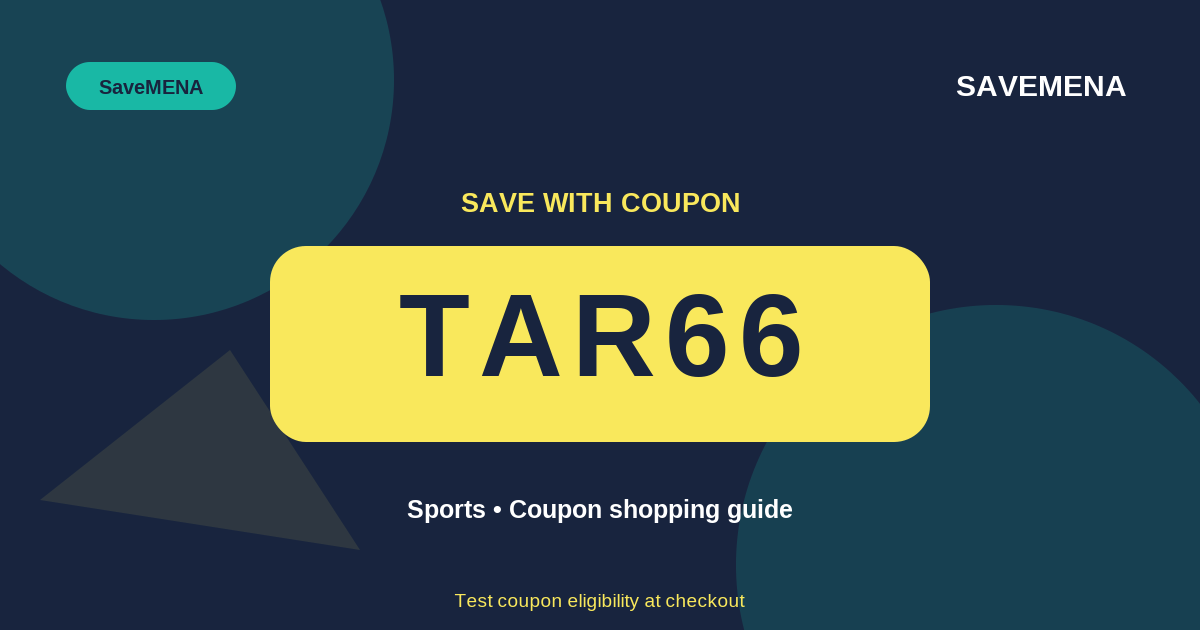
Codes available to try while comparing
These codes are not guaranteed for the article topic or listed brands; test them at checkout and use the live result.
1. What the Noon UAE Final Price Looks Like on SaveMENA
SaveMENA presents sports products in a clean, straightforward layout. The list price appears beneath the product name, while the “Instant Savings” section shows any complementary reductions that Noon offers, such as loyalty points or bundled discounts. Once you click “Add to Cart” and proceed to checkout, the platform pulls all applicable prices, fees, and adjustments together into a single, concise breakdown. This is the moment you’ll see the true cost of your purchase before you hit “Place Order.”
When you study the final price, note that Noon includes the product cost, any taxes applicable in the UAE, and a separate line item for delivery fees, if applicable. The platform’s software keeps all details consistent across the screen, so you’re never surprised by hidden charges after you’ve already agreed to pay. This transparency is essential for the “account context” you’re evaluating.
2. Leveraging Your Noon Account for Accurate Price Comparison
Signing into your Noon account is the first step toward a reliable price comparison. Your account holds key data: saved payment methods, shipping addresses, and any loyalty status you hold. All of these factors influence the final number you see, because Noon can trigger auto‑applied discounts or waive delivery charges based on your account profile. It’s important to confirm you’re logged in before you begin the checkout sequence, so the system knows exactly what benefits apply.
In addition, certain promotional coupons may only be valid for users who log in. Even if you enter a code like TAR66, Noon’s system cross‑checks your account level—whether you’re a standard user or a Prime member—to determine if the discount qualifies. By verifying your account status first, you eliminate uncertainty when the final price loads on the payment screen.
3. Applying the TAR66 Coupon and Watching the Numbers Shift
When you arrive at the cart page, click the “Enter a promo code” field and type TAR66. After pressing “Apply,” Noon will recalculate the line items instantly. Look for a new column that lists the coupon’s impact; it’s usually labelled “Coupon discount” or “Promo savings.” The system will subtract the value from your subtotal before adding the delivery fee. This is the most critical step in ensuring you’re looking at the true cost.
Do not assume the discount is immediately reflected in the product price. Often the platform keeps the list price intact and shows the reduction separately, making it easier to see the full effect of the coupon. If the slider does not produce a change, double-check that your account has not been flagged or that the coupon is not expired or restricted. The only definitive check remains the final checkout screen.
4. Decoding the Final Checkout Breakdown
The checkout page on Noon is a mosaic of line items. At the top, the product cost remains unchanged unless an exclusive discount meets the threshold. Directly beneath, you’ll locate the sum of all savings – from the TAR66 coupon to any loyalty benefit. Below that, the delivery fee (if any) is displayed separately. Finally, a tax estimate appears, grounded in UAE tax regulations.
Notice that Noon’s final total is the sum of these elements. If you want to confirm the arithmetic, add the subtotal, subtract the coupon savings, add delivery and tax. If the calculated result deviates from the displayed total, it’s a signal that an unnoted fee or tax adjustment might be present. Use the platform’s “View details” link for a microscopic view of each component.
5. Checking for Additional Layered Discounts or Loyalty Points
Beyond the TAR66 coupon, Noon often offers layered discounts—such as seasonal sales, bundle offers, or flash sales that trigger automatically at checkout. These do not always appear in the “Promo savings” column until you reach payment. Pay close attention to any “See all savings” button that expands hidden reductions, ensuring you’re not missing out on a cumulative discount.
If you’re part of Noon’s loyalty program, points can sometimes auto‑apply at checkout, reducing the subtotal further. Verify whether your points balance is being displayed in the cart; the system will indicate the number of points granted for your purchase. This amount is also subtracted on the payment screen, so senior account holders may see a noticeably lower final figure.
6. Potential Pitfalls: Fees, Minimums, and Account Eligibility
While Noon strives for clarity, a few common confusions can arise. Some delivery fees are waived only when the cart subtotal crosses a minimal threshold, which may vary by region. The TAR66 coupon does not influence delivery eligibility; it strictly reduces the product cost. Make sure you are aware of whether any “minimum spend” is required for a given coupon or for free shipping.
Account eligibility may also factor in, especially for certain promotions limited to new users or to those who pay with specific methods. If you’re bypassing the standard payment method that Noon ties the coupon to, double-check that the coupon clicks still apply. The only definitive verification is always found at the final checkout page.
7. Best Practices for Repeating the Process on Different Sports Products
When you shop across multiple sports items—say a pair of running shoes, a backpack, and a sweatband—apply the TAR66 coupon after adding each item to your cart. Noon updates the subtotal accordingly, and the coupon’s effect carries over until the cart limit is reached or variations in pricing occur (e.g., different sizes or colors). This ensures a consistent comparison across items.
Once the full aggregate is in the cart, use the “Review Summary” button to see the full list of discounts before proceeding to checkout. This step mimics the “final price” evaluation at a macro level, giving you a streamlined overview of how the coupon forms part of the sport-focused bundle.
8. Recording and Verifying the Final Amount Before Completing the Order
Before hitting the “Place Order” button, double-check every number again. The final amount includes the product cost plus any tax and delivery, minus the coupon and any loyalty points. Feverish shoppers often overlook a stray “service fee” that might pop up for a specific payment option. The platform clearly lists each fee, so pause for a quick mental tally.
Once satisfied, note the final number for your record—especially if you plan to review or dispute charges later. In an environment where price transparency matters, the final checkout screen is your ultimate reference for the completed transaction, capturing all adjustments that your account context granted or withheld.
Related SaveMENA pages
Related articles
Official sources to check
Frequently asked questions
How can I be sure the TAR66 coupon is applied?
After entering the code, the cart should display a new line titled “Coupon discount” or similar. If it’s missing, double-check your login status or contact Noon support. The only definitive proof is the deduction shown on the checkout page.
What if the final price differs from what I saw earlier?
A change can occur due to taxes, delivery fees, or auto‑apply rules that activate only at checkout. Verify each line item on the payment screen; if anything seems off, reopen the cart for clarification.
Does my Noon account level affect coupon eligibility?
Yes, certain promotions require specific account types. If you’re not logged in, the system may not apply the coupon. Ensure you’re signed in before entering the code.
Will free shipping be available after applying TAR66?
Free shipping depends on the cart subtotal or your account status, not on the coupon itself. Check the delivery section on checkout to see if the fee has been waived.