Apple Tablets on Noon UAE: account eligibility — final price comparison · TAR64
The final price seen at Noon is the sum of the product base price, any applicable taxes, and any shipping or handling fees that the platform has pre‑calculated for
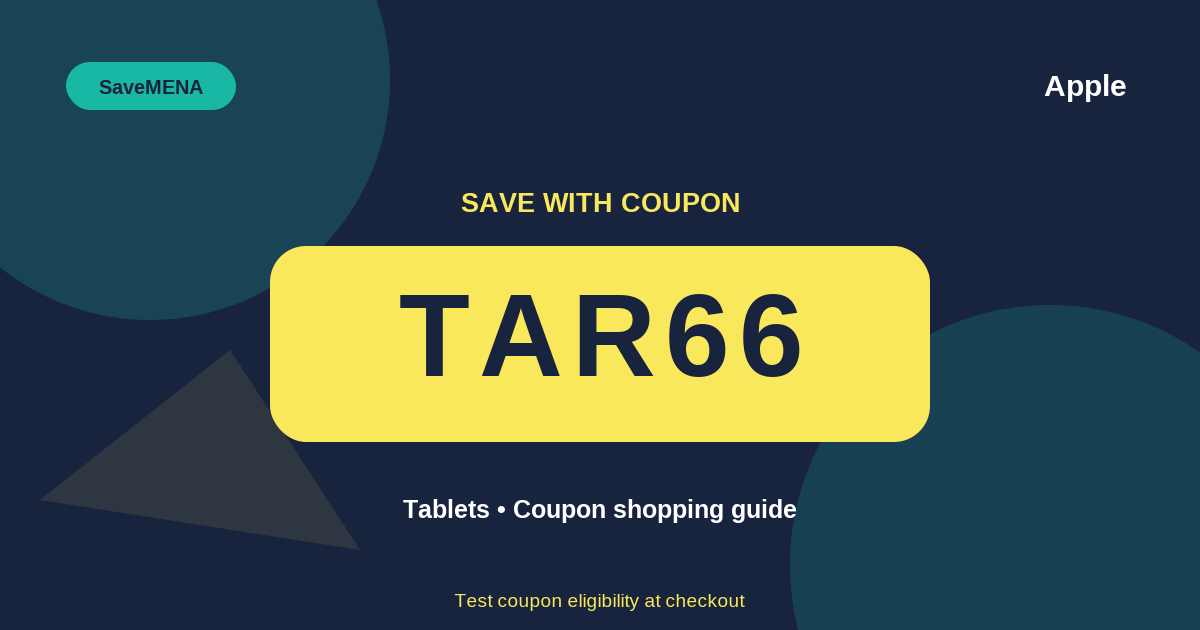
Codes available to try while comparing
These codes are not guaranteed for the article topic or listed brands; test them at checkout and use the live result.
1. Decoding Noon UAE Final Price for Apple Tablets
The final price seen at Noon is the sum of the product base price, any applicable taxes, and any shipping or handling fees that the platform has pre‑calculated for the chosen delivery method. This is the figure displayed immediately after adding an item to the cart once your account is logged in. It reflects different pricing tiers that may apply based on your location within the UAE, and whether you qualify for special promotions tied to Noon’s loyalty program.
2. Setting Up Your Apple Account for Coupon Eligibility
To use a Noon coupon in tandem with an Apple‑linked account, you must first ensure your Noon profile is linked to an Apple ID that is active and verified in the UAE. This linkage is necessary for occasional cross‑platform promotions, but the TAR64 code itself is not brand‑specific; it only requires that your Noon account be authenticated at checkout.
3. Adding Apple Tablets to Your Noon Cart and Noticing the Price
Once your account is configured, browse the Apple tablet section and click to add the chosen model to your cart. As soon as the item is added, Noon displays a quick cart preview dialog. Below the subtotal, you should see the originally listed price, which may reflect a standard retail value or a promotional rate if the seller is offering a midday discount.
4. Applying the TAR64 Coupon: a Step‑by‑Step Walkthrough
To apply the TAR64 code, proceed to the cart and locate the coupon field, typically under the subtotal line item. Enter the code in uppercase, press Apply, and wait for the platform to recalc the total. Noon will instantly redraw the price grid, subtracting the voucher value from the subtotal and updating the final amount accordingly.
5. Verifying the Discount at Transaction Review Page
After applying the voucher, move to the checkout page. Here the system presents a step‑by‑step breakdown: product price, tax, courier cost, and the applied coupon discount. The final figure displayed in the summary field is what your card will be charged if you continue.
6. Understanding Unforeseen Adjustments: Taxes, Fees, and Shipping
Even after the discounted total is displayed, notice any additional terminology such as “VAT” or “delivery fee.” These charges are calculated based on your registered address and are separate from the coupon discount. They will appear as separate line items in the review page, and the final total includes all of them combined.
7. Comparing Before‑and‑After Discounts Manually
To understand the real saving, jot down the original cart subtotal before applying the voucher. Then, record the final checkout total that includes taxes, shipping, and the coupon deduction. By subtracting the final amount from the pre‑coupon total you obtain a precise figure of how much you have saved, specific to your Noon account and the TAR64 code.
8. Making the Purchase Decision: Factors Beyond Price
Once the final price is confirmed and you are satisfied with the savings, check the vendor’s return policy, warranty details, and product authenticity statements. Noon lists such information on each seller’s page and in the cart summary, which is essential for Apple tablets that often have strict after‑sales requirements.
Related SaveMENA pages
Related articles
Official sources to check
Frequently asked questions
How do I confirm that the TAR64 code was successfully applied?
The TAR64 voucher will appear as a negative line under the subtotal on the checkout review page. The final total will reflect the discount. If the code is not accepted, an error message will notify you and the coupon line will not display.
Do Apple tablets need a specific vendor to get discounts on Noon?
Noon’s TAR64 voucher is not brand‑specific, but it must match the product and your account status. You can use it on any Apple tablet listed by Noon as long as the item is eligible at the time of checkout.
Will taxes be recalculated after applying the coupon?
Taxes on Noon are derived from your delivery address and are added after the coupon discount. The review page shows the VAT amount separately, ensuring you know the exact tax applied to the net price.
Can I use the TAR64 voucher for multiple Apple tablets?
The voucher can be applied once per checkout transaction. If you intend to buy multiple units, you’ll need to apply the code after adding all items to the cart, but it will only deduct from the overall total once.