Calvin Klein Watches on Noon UAE: account eligibility — final price comparison · TAR64
How to compare the final price after a coupon is key when shopping for a Calvin Klein watch on Noon UAE.
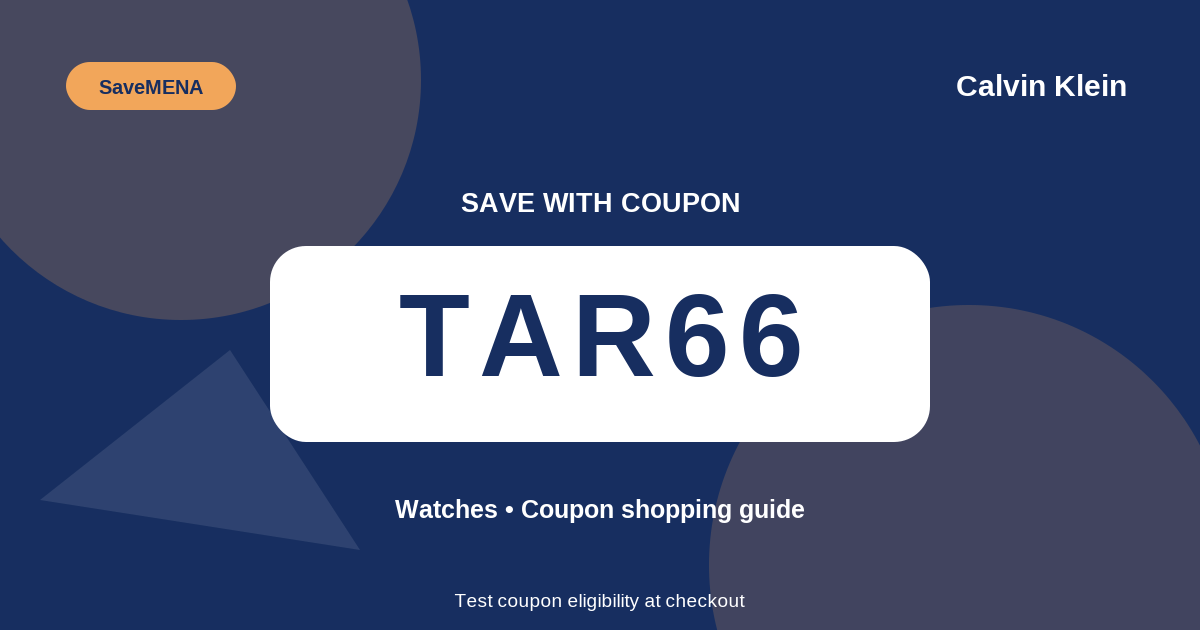
Codes available to try while comparing
These codes are not guaranteed for the article topic or listed brands; test them at checkout and use the live result.
Selecting a Calvin Klein watch on Noon UAE
Begin by narrowing your search to Calvin Klein watches listed on Noon UAE. Use the website’s filter options—brand, gender, price range—to display the relevant models. Pay close attention to the watch’s specifications such as the type of movement, strap material, and water‑resistance rating. These details influence not only the style but also the perceived value and potential resale worth. A clear understanding of what you want reduces the risk of later surprises and speeds up the decision‑making process.
Once you’ve shortlisted a few options, compare the base prices shown on each product page. Note that Noon frequently updates its listings, so the prices you see are the ones before any additional discounts or promotional offers are applied. The base price serves as the starting point for all subsequent calculations, so record it accurately in a note or a spreadsheet for future reference.
Understanding Noon UAE final price format
The “final price” on Noon reflects the total amount before any coupon codes, loyalty discounts, or special promotions are applied. It includes the item’s list price, any applicable government taxes, and sometimes a service fee, though these charges can vary by item and location. For watches, taxes are applied at the same rate as general consumer goods, ensuring consistency across categories. The final price shown is the base you will work with when testing coupon effectiveness.
When comparing final prices across multiple Calvin Klein models, keep in mind that Noon may intentionally position certain watches with slightly higher base prices to offset future discount potential. By looking at the final price alone, you can better gauge which models offer the most utility for the money before adding Bogo or seasonal offers.
Role of the TAR64 coupon in price comparison
Coupon code TAR64 represents a variable discount that buyers can try when eager to reduce a watch’s final price. The step of applying this code simulates a real‑world scenario in which a shopper integrates a promotional offer into their shopping experience. This code is not guaranteed, but the exercise of plugging it in and observing the outcome informs whether it provides a tangible benefit.
The key to effective comparison is that the coupon is applied in the same account context. This means you should be logged into your Noon UAE account during the testing phase. Account data can affect eligibility, as Noon may restrict certain codes based on user history or membership status. Without verifying account eligibility, the coupon’s impact may be over‑ or underestimated.
How to apply the coupon within your Noon account
To test the code, add the selected Calvin Klein watch to your cart and proceed to the “Cart” section. In the header, a field labeled “Enter coupon code” awaits your input. Carefully type the code TAR64, ensuring there are no spaces or typos. A successful entry will prompt an instant message indicating that the code has been accepted and a provisional discount will appear.
After entering the coupon, the cart updates with the new subtotal and any coupon-related savings outlined beneath the list of items. It is essential to read the message that appears because it will clarify whether the coupon was applied successfully or if the code is ineligible for this particular item or account. Record the updated subtotal for your comparison.
Calculating the final price after applying TAR64
The apparent discount listed next to the cart subtotal represents the reduction you would receive if the coupon were to be honored during checkout. Subtract this amount from the current subtotal to reach the pre‑tax amount that would be displayed on the order summary page. This figure will help you anticipate whether you are achieving a competitive price relative to the base final price.
To fully compare, you need to validate the final payable amount after all taxes and fees are added. Noon’s checkout process presents a “Total” line that includes Rate on Exemptions (RoE), VAT, and possible shipping charges. Using the cart’s updated subtotal, predict the total by applying the standard the discount shown at checkout VAT and any applicable delivery fee. Verify these calculations against the real total shown during checkout.
Checking account eligibility and promo restrictions
Your Noon account can influence coupon applicability. In cases where the coupon is host‑to‑host, your account level—whether a Standard, Gold, or Premium member—may allow or disallow its use. Additionally, some coupons are restricted to first‑time users or those who have already spent a certain amount. While specifics aren’t disclosed, a best practice is to review the “Promotion Details” area on the product page. There you often find any eligibility constraints.
If the coupon appears rejected during cart entry, the thousands of notes in the pop‑up can provide clues. Pay careful attention: a message stating “Ineligible: this offer is not applicable to this cart” is a direct verdict and indicates that the coupon won’t reduce the final price in your current context. Document these findings so you avoid small surprises when the final order is reviewed.
Reviewing seller and warranty information
A reputable seller on Noon UAE typically lists a warranty period and visible seller ratings. Ensuring the seller is verified mitigates the risk of counterfeit or substandard watches. The warranty’s duration and coverage can sway the perceived value more heavily than a discount. For Calvin Klein watches, a 12‑month limited warranty is common and typically covers manufacturing defects, not accidental damage. Verify that this information is present before confirming purchase.
The seller’s return policy should also be reviewed. A generous return window can add peace of mind, especially for luxury items. Keep in mind that the return period is independent of any promotional code usage. The policy is usually presented at the bottom of the product page, under “Return & Refund.” A clear understanding of these policies supports a confident purchase decision.
Confirming the final payable total at checkout
Once you have added the watch to the cart, activated the coupon, and validated eligibility, proceed to the “Checkout” page. At this stage, Noon consolidates all modifiers into the final payable amount. Compare the displayed Total with your earlier calculations. If the line item for “Coupon” shows a discount, this confirms the coupon was accepted. Otherwise, the presence of a line item stating “Coupon invalid” means the offer cannot be applied in this scenario.
Finally, review the payment breakdown: your chosen payment method (credit card, digital wallet, cash on delivery) and any associated fees. Ensure that the date and time of transaction are recorded, as this can be helpful for future dispute resolution. Once verified, you can opt to place the order or cancel if the final amount does not meet your expectations.
Related SaveMENA pages
Related articles
Official sources to check
Frequently asked questions
How do I know if the TAR64 coupon will work for my watch?
When you add the watch to your cart, enter TAR64 in the coupon field. Noon's system will immediately inform you whether the code is accepted. If you receive a confirmation message, the coupon will apply to your final price; otherwise, the code is ineligible for this item or account.
What happens to the coupon code if I change the quantity of the watch?
If you adjust the quantity after applying the coupon, the discount automatically recalculates. A change in quantity may create a new subtotal that could affect whether the coupon remains applicable.A coupon is not guaranteed; verify its result at the retailer checkout.
Does the coupon affect delivery fees on Noon UAE?
Noon’s delivery fees are typically calculated after all coupons and taxes. If the coupon reduces the subtotal, it can indirectly lower the delivery fee if that fee is a percentage. However, fixed delivery charges remain unchanged.
Can I use the same coupon code on multiple orders?
Coupon eligibility rules are not disclosed publicly. Noon's system may allow re‑use if the code was accepted on previous receipts, but it can also be restricted to a single use. Check the coupon terms displayed during cart entry.