Calvin Klein Watches on Noon UAE: account eligibility — final price comparison
How to compare the final price after a coupon when buying a Calvin Klein watch on Noon UAE – that’s the exact question many UAE shoppers face when they’re ready to
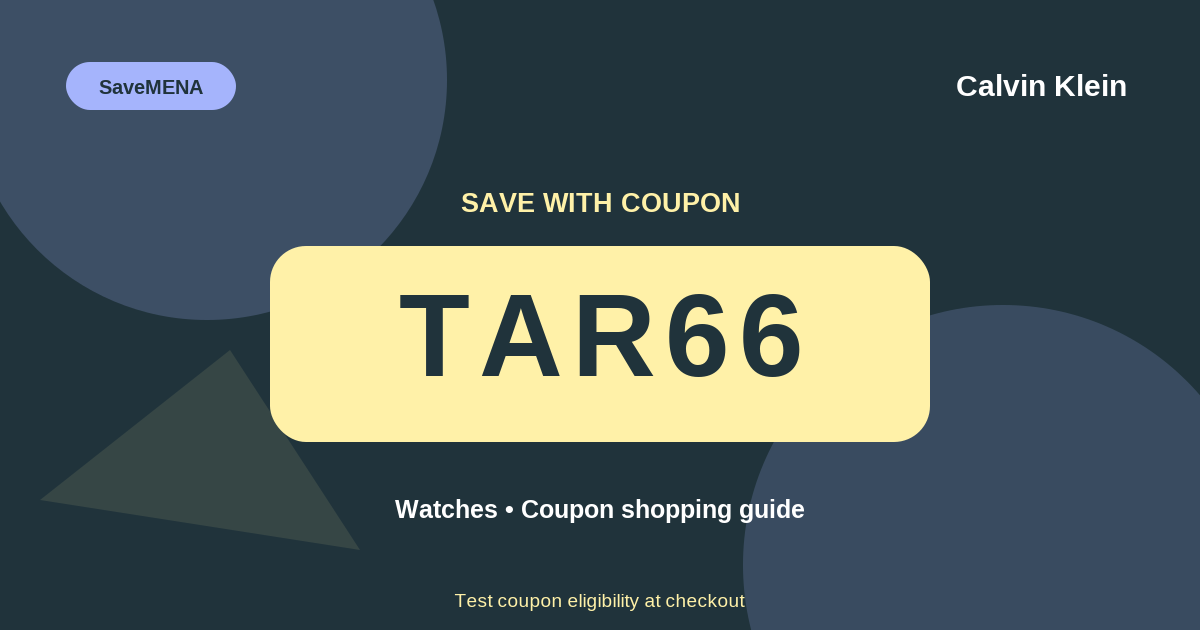
Codes available to try while comparing
These codes are not guaranteed for the article topic or listed brands; test them at checkout and use the live result.
1. Identify Desired Watch Listings on Noon UAE
Start by searching Noon UAE for the Calvin Klein watch model that matches your style. Focus on listings that explicitly show “Calvin Klein” in the title or description, ensuring you’re not misled by generic “watches” sellers. Check the seller’s name and read product details for any mention of “real brand” vs “imported.” Remember that the Noon UAE final price Watches Calvin Klein account context applies only to verified items, so you want to confirm the listing is for the authentic brand before moving forward.
Once you’ve shortlisted a few options, log those into your shopping cart to lock in the current posted price. A quick glance at each card’s “price” field gives you a baseline. This doesn’t yet factor in account balance, rate changes, or the TAR 66 coupon. The information you collect at this stage feeds directly into the later comparison step, so take your time to confirm the model number, color, and any special edition notes before proceeding.
2. Check Your Noon Account Balance and Eligibility
Your Noon account balance provides a baseline for how much you can spend before needing to add funds or a payment card. Log into Noon UAE and navigate to the “Wallet” or “Account” section to view the current balance. The Noon UAE final price Watches Calvin Klein account context depends heavily on this figure – if the total exceeds your balance, you’ll need to add a payment method or top‑up your wallet to cover the difference.
Verify that you are not on a “new‑user” restriction or under a special promotion that might change how your balance is applied during checkout. The idea is to confirm that the balance you see matches the amount that will be deducted overall. This step is essential; a forgotten balance can cause a final price mismatch that might derange your entire budget plan.
3. Add the Watch to Your Cart and Review Cart Totals
After adding the desired Calvin Klein watch to your cart on Noon UAE, click the cart icon to view the breakdown. The cart screen will display the listed price, any shipping or handling fees, and a provisional subtotal. It’s important to compare this cart subtotal with your account balance for a clear picture of the expected cost before applying any coupons.
Do not yet proceed to checkout. Instead, note the cart total exactly as it appears. This figure will be pivotal when you later apply the TAR 66 coupon – you should be able to visually compare the pre‑coupon cart subtotal with the final price after the code is entered, ensuring no hidden fees are added during the process.
4. Apply the TAR 66 Coupon at Noon UAE Checkout
Begin the checkout process by selecting “Proceed to Checkout.” Enter your delivery address and confirm the shipping method. When you reach the coupon or promo code field, type in TAR 66 exactly as shown, then click “Apply.” Noon may then recalculate the total on the screen, showing the new estimated payable amount.
Although the coupon code TAR 66 is yours to try, Noon does not confirm in advance whether it will be accepted. Observe if the price change appears; if it doesn’t, the code was not applied. Remember that Noon UAE final price Watches Calvin Klein account context relies on what the system displays after this step – your actual bill reflects the last amount shown post‑coupon.
5. Verify the Final Price Snapshot Before Payment
At this stage, the checkout page presents the ‘final price’ – a snapshot of all charges, including the watch price, shipping, and any taxes. Compare this number to the cart subtotal you noted earlier. If the two differ, it indicates that applying TAR 66 either succeeded or failed, or that a fee was added. This final price will be the amount deducted from your Noon account or payment card, so it must match your expectation.
If the final figure appears to exceed your account balance, the platform will prompt you to add another payment source before you can place the order. Double‑check that the sum matches the currency (AED) and that no extra line items have been unintentionally added. Consistency at this gate ensures the Noon UAE final price Watches Calvin Klein account context stays intact until you confirm the purchase.
6. Confirm Payment Method and Fees Prior to Order Confirmation
Next, review your chosen payment method. On Noon UAE, you can select from wallet balance, credit/debit cards, or other local options. The platform will show the breakdown of how each card or wallet portion will cover the final price. Ensure that the total number displayed here matches the previous final price snapshot – any discrepancy signals a mis‑calculation that needs correction before the order locks in.
If your Noon account balance is insufficient, you can add a card; note that additional bank or card fees may apply, and these will show on the payment summary. The goal is that the sum of wallet and added card equals the final price. Align this figure with your Noon UAE final price Watches Calvin Klein account context to avoid last‑minute adjustments after the order is confirmed.
7. Review the Order Summary Before Final Confirmation
Before you hit the “Place Order” button, Noon UAE presents a final order summary. This screen lists the watch, shipping address, chosen payment method, and the exact payable amount. Here, the final price, after all discounts and applied coupons, is final. Verify that every detail connects with what you intended – the watch model, shipping location, and especially the total price.
Cross‑check this summary against the checkout page’s final price. If everything matches, it’s safe to proceed. The Noon UAE final price Watches Calvin Klein account context at this point is locked in; the transaction will proceed exactly as displayed. Any mismatch indicates that the coupon or account deduction was not recorded correctly, at which time you should pause to adjust the coupon application or payment method before completing the purchase.
8. Track Delivery and Post‑Purchase Activity
After confirming the order, Noon UAE sends a confirmation email with an order number and a link to track delivery progress. Use the tracking tool to monitor dispatch, transit, and estimated arrival. The final price paid remains visible in the order history section of your account, which offers a post‑purchase audit trail. If you notice any price discrepancy or charging issues, refer to this record for discussion with Noon support.
Keeping a keen eye on the audit trail also helps if you decide to return or exchange the watch. The order history confirms the purchase price and the exact delivery timeline, which can influence your return window. By following all prior steps to confirm the Noon UAE final price Watches Calvin Klein account context, you can confidently handle any post‑purchase adjustments with accurate reference points.
Related SaveMENA pages
Related articles
Official sources to check
Frequently asked questions
What if the TAR66 coupon code doesn’t apply during checkout?
If TAR66 fails to apply, Noon will not automatically retry or apply a different coupon. The final price will stay unchanged, and you’ll need to proceed without the discount or look for another code. Be sure to double‑check the code entry for correctness.
Can I use my Noon wallet balance along with a credit card for a watch purchase?
Yes, after checkout you can select wallet balance and a credit card as payment methods simultaneously. Noon will show a split amount if the wallet is insufficient to cover the total final price.
Will delivery fees affect the final price after applying the coupon?
Delivery fees are added after coupon application. They appear in the final price on the checkout page. Verify that the sum of watch price, coupon discount, and shipping fee equals the displayed total before confirming.
How do I confirm the exact price I’ve paid after placing the order?
The order dashboard on Noon displays the final billed amount. Compare this number on the confirmation screen with the one shown during checkout to ensure consistency across both.