Philips Electronics on Noon UAE: item availability — final price comparison
Begin by determining which Philips product you actually want. Is it a 55‑inch LED TV, a 65‑inch Smart OLED, a ceiling lamp, or a power strip?
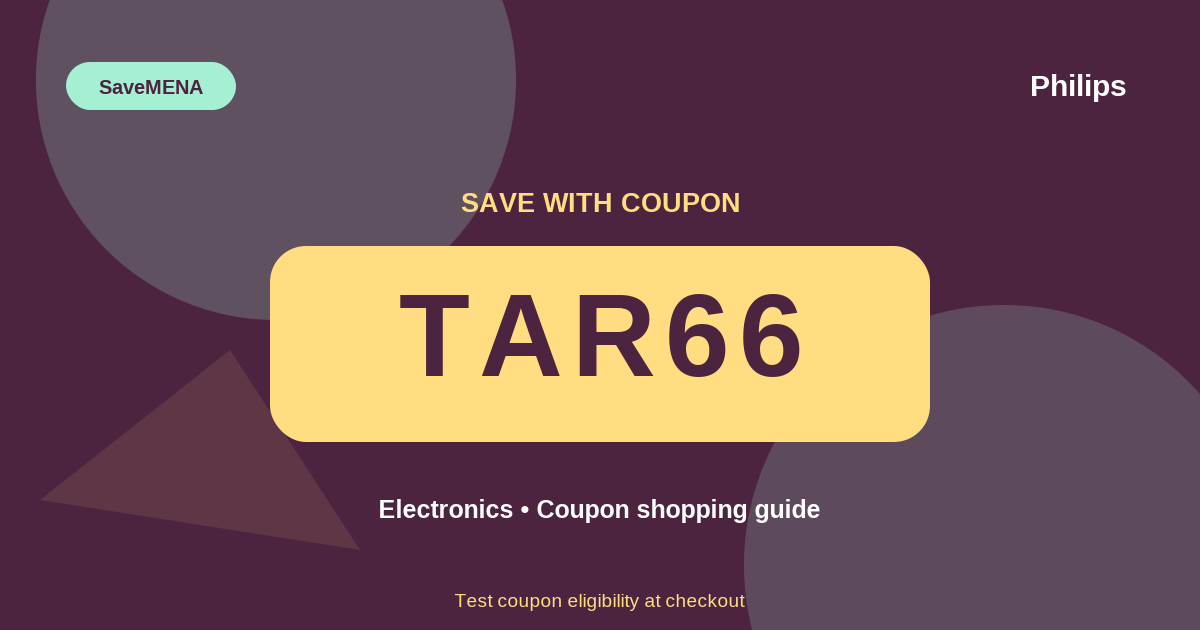
Codes available to try while comparing
These codes are not guaranteed for the article topic or listed brands; test them at checkout and use the live result.
Identify the Exact Philips Variant Needed
Begin by determining which Philips product you actually want. Is it a 55‑inch LED TV, a 65‑inch Smart OLED, a ceiling lamp, or a power strip? Each variant comes with distinct specifications such as screen size, resolution, connectivity options, and color. Only after you’ve pinned down these details can you safely navigate Noon’s catalogue, because a model listed as “Philips OLED 55” is not interchangeable with a “Philips OLED 65.”
Use the brand filter and search by category, then read each listing’s title and description carefully. Pay attention to colour codes or feature tags that differentiate variants. Taking this extra step during the browse phase prevents later surprises at checkout where the final price might differ if an unintended variant slips in.
Review the Listed Item’s Availability Details
Once you have chosen a variant, double‑check its listed availability. Noon displays a stock indicator next to the add‑to‑cart button, often showing “In Stock,” “Only 3 left,” or “Out of Stock.” A low quantity does not mean the item is unavailable, but it signals that the final price you see now may change if the item runs out and the seller drops price or resumes stock later.
Scroll to the bottom of the product page where seller information appears; some sellers list their warehouse location. While this does not guarantee shipping speed, it can hint at whether the item’s availability at purchase time is genuine or the seller simply books fulfillment timestamps.
Verify the Base Price Listed Before Coupon
The base price is the figure Noon shows when you first view the product. It reflects any standard promotions current at that moment, but it excludes additional discounts you may later apply. Make note of this amount, as it is the reference point for calculating savings.
If the listing shows a “Sale” badge or a price crossed out, the sale price is what the site uses to compute the final total before coupons. Recording this figure allows you to compare the pre‑coupon price to the post‑coupon total once you enter your coupon code.
Enter the Coupon Code at the Cart Stage
Add the product to your cart and navigate to the cart summary. Here, Noon provides a field for “Enter coupon code.” Type the coupon TAR66 and submit it. The platform will instantaneously attempt to validate it against the current order composition.
Be mindful that Noon’s validation logic may vary. Some coupons apply only to orders above a certain threshold or require a specific category; others fail silently if conditions are unmet. Observe whether the cart updates instantly or remains at the base price. If no change occurs, the coupon may not be eligible for your purchase.
Observe the Updated Total in the Checkout Summary
After applying TAR66, the cart should display a new subtotal, shipping fee, and final payable amount. The discount shown is the raw difference between the base and final prices. If the coupon does not produce any reduction, Noon will indicate this with a warning, and the final price will match the base.
Record the entire line‑item view: product price, discount, shipping, and any taxes. This snapshot is the definitive reference for what you will actually pay after tax and fees are included, reducing post‑checkout surprises.
Confirm Shipping Fees and Delivery Options
Shipping costs appear after the subtotal is calculated. Noon often offers free standard shipping for orders exceeding a threshold; otherwise, a fee applies. Check the delivery date estimate and whether different shipping methods alter the final price.
If you are a member of Noon’s subscription service, verify whether Saturday or express delivery options influence the charge. Remember that adding a different delivery option after applying the coupon may trigger a price recalculation, so confirm once finalized before moving to payment.
Double‑Check Payment Method Compatibility
Some payment methods unlock additional discounts or earn loyalty points. Noon accepts credit cards, debit cards, and wallet payments. Check the “Payment options” in the checkout page; the platform may provide a small banner indicating any extra reductions for a particular payment method, but this is not guaranteed.
If you plan to use a store credit or a third‑party card issuer benefit, ensure it is applied correctly in the checkout form. A mismatch here can delay processing or result in a final price increase if the coupon is inadvertently invalidated by the payment method.
Final Confirmation and Order Placement
Once all components—the price, coupon, shipping, and payment—are verified, a final “Review Order” screen summarizes every number. This is your last chance to spot discrepancies, especially if the coupon suddenly disappeared or if your shipping chosen after applying the discount.
If the displayed final price is satisfactory, confirm the order. The receipt will show the exact amount charged, the coupon applied (if any), and the selected shipping method. Save this confirmation for future reference, as it is the official proof of the transaction value.
Related SaveMENA pages
Related articles
Official sources to check
Frequently asked questions
How reliable is the coupon code TAR66 on Noon UAE?
Coupons are trial solutions; they may not always be accepted. Noon displays coupon status instantly in the cart. If the code doesn’t yield a discount, the amount reflects the base price.
Does applying TAR66 affect shipping fees?
Shipping is calculated after coupon application. If the discount changes the subtotal, the free‑shipping threshold may shift, potentially altering the shipping fee accordingly.
Can I use a different payment method after applying a coupon?
Yes, you can change the payment method on the checkout page. Ensure the final screen updates to reflect any additional fees or benefits linked to the chosen method before confirming.
Will I see different prices if I add more items after applying the coupon?
Adding new items may reset the coupon if the new cart does not meet its conditions. Reapply TAR66 after modifying the cart to see an updated total.