Huawei Tablets on Noon UAE: basket contents — final price comparison · TAR98
140-180 words. Make it: first sentence addresses search intent: "If you’re looking to compare the final price after applying a coupon on Noon UAE, here's a
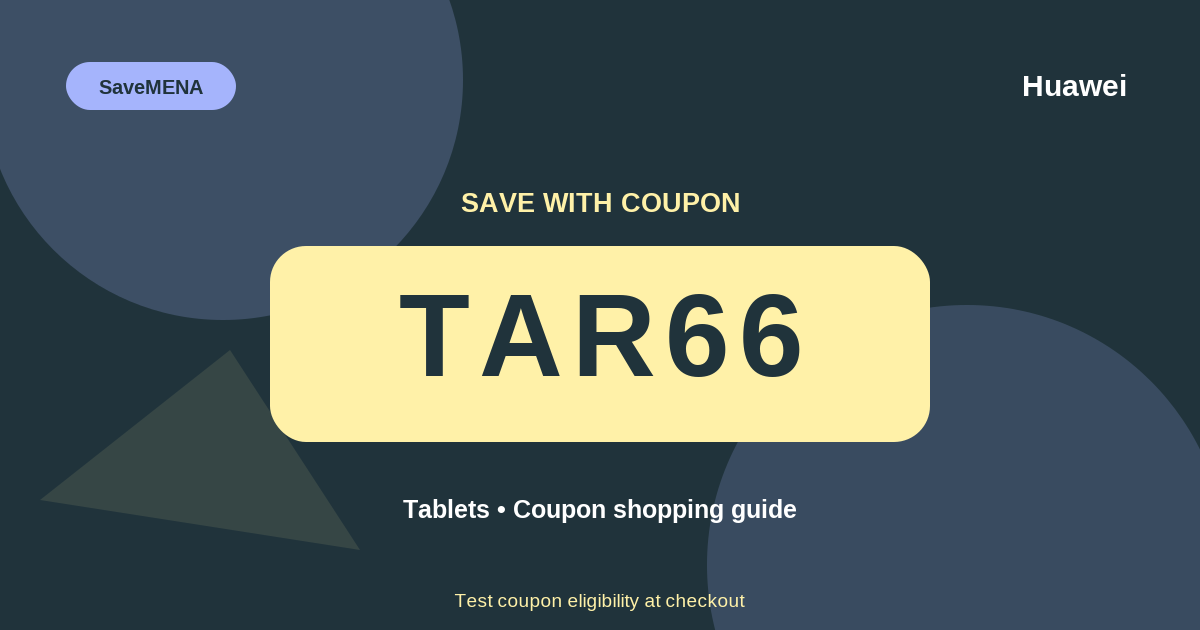
Codes available to try while comparing
These codes are not guaranteed for the article topic or listed brands; test them at checkout and use the live result.
1. Decoding the Final Price on Noon UAE
The first step in any price comparison is to understand that the “final price” on Noon UAE is not simply the sticker price of the tablet. It aggregates the base cost of the device, any selected warranties or insurance add‑ons, the shipping charge determined by the seller, and any applicable taxes that are applied at checkout. Only after each of these components is summed do you obtain the amount that will be charged to your card. This layered structure means you must view each line item when comparing identical models across sellers.
When a coupon code such as TAR98 is entered, the platform applies a discount to the subtotal that excludes shipping and taxes by default.A coupon is not guaranteed; verify its result at the retailer checkout. The final payable amount will display the net of all deductions, and this is the critical figure for determining whether the deal meets your budgetary expectations.
2. Picking Your Huawei Tablet on Noon UAE
Huawei offers a range of tablets that vary in screen size, processor speed, and feature set. Before adding a device to your basket, cross‑check the specifications such as RAM, storage capacity, and battery life to ensure you’re selecting the model that fits your needs. Each product page on Noon UAE lists seller ratings and the number of orders, which can help gauge reliability.
When two versions differ only in, for example, storage or color, remember that price differences are often marginal. However, these small variations can affect your basket composition later: higher‑spec models may qualify for different shipping rates or insurance options. Always keep this in mind when compiling a list of potential tablets.
3. Building a Comprehensive Basket: Accessories and Services
A tablet’s journey to checkout is rarely limited to the device itself. Many sellers bundle protective cases, keyboard docks, screen protectors, or extended warranty plans alongside the tablet. Each of these items contributes to the basket total and can shift the overall cost curve. Before finalizing, enumerate all accessories you intend to purchase and note each seller’s price points.
Some accessories, like a screen protector, may be free with purchase or offered at a discount from a specific seller. Others, such as an extended warranty, carry a fixed fee that sits outside the normal product price. By listing every item upfront, you can see how the basket composition influences the final sum and better decide whether to add or omit optional extras.
4. Applying the TAR98 Coupon: A Practical Walkthrough
To see how the TAR98 coupon interacts with your basket, proceed to the cart page where all line items are displayed. In the designated coupon field, input TAR98 and press “Apply.” The system will recalculate the subtotal, showing any discount applied before taxes and shipping. If the coupon applies only to the device cost, accessories may remain untouched in the calculation.
After applying the code, pause to verify the new subtotal. The difference between the original and adjusted amounts reveals the coupon’s impact. Keep in mind that the discount is non‑stackable, so any additional promotional offers from sellers will not combine with TAR98 unless explicitly stated.
5. Checking Shipping Fees and Pick‑Up Options
Delivery charges on Noon UAE vary by seller and by the distance between the hub and your address. Some sellers offer free shipping if a minimum spend threshold is met, while others charge a flat rate regardless of order size. On the cart page, each seller’s shipping fee is listed separately, and the total shipping cost is summed at checkout.
If you are close to a physical Noon store, inquire about pick‑up discounts or waived shipping. Store pick‑up often eliminates shipping fees entirely, which can significantly alter the final price. Even when shipping remains, the cost may be less than the coupon savings; always weigh both options before proceeding to payment.
6. Final Payable Amount vs. Pre‑Discount Total
Once you have all items, shipping, and coupon adjustments in place, the checkout screen consolidates everything into the “final payable amount.” This figure is the net sum that will be debited from your chosen payment method. Compare it to the initial pre‑discount total to quantify the total savings. The difference reflects the combined effect of coupon, shipping, and any additional seller‑specific promotions.
If the final payable amount remains above your affordability threshold, consider downgrading accessories or selecting a different tablet model. Conversely, if the basket composition has yielded a net lower price than expected, it might be worth proceeding immediately, as inventory limits could affect availability. Always keep the price comparison in view before locking in the purchase.
7. Payment Options and Currency Handling
Noon UAE accepts major credit cards, debit cards, and a variety of digital wallets. When checking out, confirm which methods are viable for the exact amount displayed. Some payment providers may levy additional fees for certain card types, subtly influencing the final cost. A clear understanding of these ancillary fees helps prevent surprises during payment confirmation.
Currency conversion is not an issue on Noon UAE, as all transactions are settled in UAE dirhams. Should you wish to view the equivalent cost in a different currency for budgeting purposes, use a reliable online converter or the built‑in tool on your device. Moreover, keep an eye on fluctuating exchange rates if you plan to re‑visit for a future purchase.
8. Confirming Your Decision Before Finalizing
Before clicking “Place Order,” take a final opportunity to revisit the basket summary. Check that all selected items match the specifications you intended, that the coupon was applied correctly, and that the final payable amount aligns with your budget. If any element is unclear—such as an unexpected shipping fee—contact the seller or Noon customer support for clarification prior to completion.
Once you are satisfied, proceed to payment. After the order is confirmed, keep the receipt and order confirmation handy for tracking delivery status. If you plan to review the outcome of the TAR98 coupon for future reference, noting the discount amount shown at checkout will aid in comparing next time you shop for a tablet.
Related SaveMENA pages
Related articles
Official sources to check
Frequently asked questions
What does “basket composition” mean when comparing final prices on Noon UAE?
Basket composition refers to all items and services added to your cart—such as accessories, warranties, or pick‑up options—alongside the base tablet price. Each element can affect shipping fees, taxes, and coupon applicability, so its overall cost must be factored into the final payable calculation.
How can I verify if the TAR98 coupon is valid for my chosen Huawei tablet?
You can test the coupon by entering TAR98 in the cart’s coupon field. The platform will recalculate the subtotal and display whether a discount is applied. If it shows a change, the coupon is valid; if not, it may be inapplicable to that product or seller.
Will the shipping fee change after applying a coupon on Noon UAE?
Noon UAE usually calculates shipping based on the seller and distance after the discount is applied. However, shipping fees typically remain separate from coupon deductions, so they will stay constant unless a free‑shipping threshold is met. Check the cart summary for any updates.
Can I apply other discount codes along with TAR98?
No, Noon UAE generally does not allow stacking of multiple coupons for the same order. If a seller’s listing offers a promotional offer, it may supersede the coupon, but the system will typically apply only one discount. Verify at checkout which discount, if any, is active.