Calvin Klein Women’s Fashion on Noon UAE: basket contents — final price comparison
Noon UAE final price Women’s Fashion Calvin Klein basket composition: Looking to compare the final price of a Calvin KleinWomen’s Fashion item on Noon UAE after
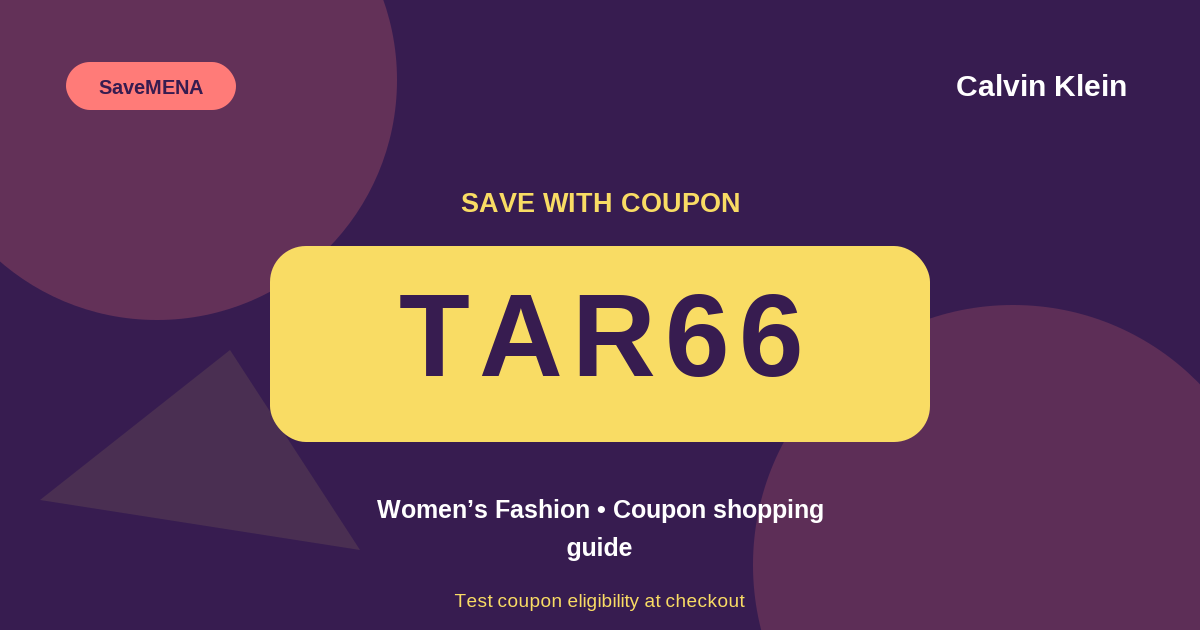
Codes available to try while comparing
These codes are not guaranteed for the article topic or listed brands; test them at checkout and use the live result.
1. Understand the Basket Composition on Noon UAE
The first decision point is determining which products and variants actually appear in your basket. For a Calvin Klein Women’s Fashion item, confirm the exact size, colour, and any optional add‑ons such as gift wrapping or extended warranties are listed before you proceed. Each of these elements carries its own price tag, and the sum of these prices forms the basis for the final payable amount. Open the basket view in the Noon UAE app or website and note each line item; this ensures you’re not overlooking a potential discrepancy when comparing totals.
Once the items are confirmed, pay attention to the “Subtotal” field; this figure doesn’t yet include shipping, handling, taxes, or coupon deductions. Keep the basket open while you test coupon application, as the coupon prompt usually appears immediately after you proceed to checkout. If the coupon in question—TAR66—does not activate, you will stay at the subtotal level, and you’ll need to assess the difference from any promotional references you have elsewhere. Remember, the basket composition also dictates how many “units” the platform treats as eligible for a coupon, which can differ if the seller offers bundle options.
2. Verify MSRP and Original List Price
Before applying any coupon, cross‑check the Manufacturer’s Suggested Retail Price (MSRP) shown on Noon UAE with the original list price from the Calvin Klein official site or trusted retailers. The MSRP serves as a benchmark for how much the coupon discount will affect the final amount. Note that Noon UAE may display a “Sale” price separately, which is what constitutes the baseline for applying any coupon. If the platform’s price is already lower than MSRP, the coupon may reduce an already favourable amount; this difference is vital when calculating a potential savings versus a listed discount percentage.
In the Women’s Fashion category, sellers sometimes list multiple price tiers for the same product—such as a “Standard” and a “Premium” variant that differ in packaging or material. Double‑check that the variant you selected matches the tier you intended to discount. Any misalignment could lead to an unexpected final price because the coupon may apply only to the chosen variant’s baseline. Ensuring you’re working with the correct MSRP will help you compare the nominal discount against the actual savings you’ll get.
3. Apply the TAR66 Coupon: How and Where
With your basket ready, click the “Coupon” button at checkout and input the code TAR66. If the platform accepts the code, you’ll see a subtraction line immediately under the “Subtotal.” If the code is invalid or inapplicable, the checkout page will display an error message; this is when you’ll have to reassess other available savings options or contact Noon support. The coupon only deducts from the subtotal and does not normally affect shipping or tax figures, so plan accordingly if you’re also trying to shave off those amounts.
Because the coupon is tested at the end of the shopping sequence, a fresh “Place Order” trigger will confirm the new total. Keep the coupon field open until you confirm the final amount; coupon codes can sometimes become unavailable due to stock limits or a seller’s marketing rule that the code does not apply to a specific brand or category. Always verify the amount on the final confirmation screen—this is the only place the system will state the exact figure you owe.
4. Examine Seller Reliability and Delivery Policies
When calculating the final price, you need to factor in the seller’s shipping terms. For Calvin Klein women’s apparel on Noon UAE, multiple sellers may offer the same product, and each could have distinct delivery timelines and fee structures. Look for the “Free Delivery” badge or any noted dispatch time; a European seller may take longer, while a local distributor might ship faster, but potentially at a lower fee. The seller’s rating will help you decide whether a higher shipping fee is justified by faster delivery or a simpler return procedure.
Check the “Return & Refund” policy for the chosen seller before finalizing. Some sellers allow free returns within 14 days, while others impose a restocking fee. A free return policy saves you from incurring unexpected costs if the item doesn’t match your expectation or size. Likewise, a seller with a quick dispatch promise may offset the higher shipping cost with the benefit of earlier receipt—an important consideration if you’re planning an upcoming event or holiday.
5. Account for Shipping, Handling, and Additional Fees
The final payable total on Noon UAE includes the retail price after coupon plus any shipping or handling charges that the seller or the platform imposes. On the checkout page, scroll to the “Delivery & Payment” section to identify the exact cost of delivery. A “Free Shipping” offer might be advertised, but only verify on the final screen; sometimes free shipping is limited to orders above a certain subtotal, so reaching that threshold is essential.
Additional fees such as a “Pay on Delivery” surcharge or a “Wallet Credit” deduction can also appear. For instance, if you choose “Cash on Delivery,” some sellers charge an extra handling fee. In contrast, using the Noon wallet may apply a small transaction fee. Add these totals to the discounted subtotal to calculate the exact amount you’ll owe.
6. Reconcile Tax and Duty Obligations for Import Goods
Import taxes and customs duties on international fashion items can significantly affect the final price. Noon UAE often displays a “Customs Duty” estimate during checkout based on the product’s declared value and category. The duty is calculated after the coupon discount but before delivery charges. If you’re purchasing a Calvin Klein item shipped from Europe or the US, customs duty can range from the discount shown at checkout to the discount shown at checkout of the saved price, depending on current regulations.
Double-check the duty estimate in the “Tax & Fee Summary” before placing your order. Some sellers may include the customs fee in the listed price, while others make it an additional charge visible only at checkout. Be prepared to pay this fee, as it will be added to the final total shown in the “Payment Summary.” Remember, the platform will only collect the customs duty if it has been declared in the product’s shipping documentation.
7. Confirm Minimum Quantity and Variant Constraints
Some promotional coupons, including TAR66, might have minimum quantity requirements or limit the number of units that can receive the discount. If you’re buying multiple Calvin Klein items, verify whether the coupon applies to each line item or just the first. On Noon UAE, this detail is commonly displayed under the coupon explanation or in the “Discount Rules.” If a limit exists, adjust your basket accordingly to avoid a partial discount that could lead to confusion at checkout.
Variant constraints also play a role. If you’re ordering a specific shade or size that is out of stock for the seller, the coupon may not apply to that variant. Check the stock status in the item description before adding it to the basket. If the status is “Only 1 left” or “Stock Pending,” the final price might change after the item is reallocated from another seller’s inventory, potentially altering the coupon applicability.
8. Final Payable Amount: Summarising All Components
After reviewing all components—product price, coupon discount, seller shipping, taxes, and any surcharge—you can arrive at an accurate final total displayed in the “Payment Summary” section. This section consolidates all numbers: the discounted subtotal, the free shipping indicator, the customs duty estimate, and the payment method surcharge. Pay close attention that the total matches the figure on the receipt you will receive; this ensures you know the precise amount you’re paying, including all ancillary costs.
Keep the receipt and confirmation email in your digital folder for reference; the receipt includes a detailed breakdown and can help you resolve disputes or request refunds. Once you’ve confirmed the final amount in the checkout screen, you can proceed with payment. If any element looks incorrect, revisit the corresponding section—such as reviewing seller policies for shipping costs—to ensure accuracy before completing the transaction.
Related SaveMENA pages
Related articles
Official sources to check
Frequently asked questions
How does the TAR66 coupon impact the final price on Noon UAE?
The TAR66 coupon is applied to the product subtotal after confirming the basket composition and variant. It does not affect shipping or taxes, which are added after the discount. Verify the reduction on the “Payment Summary” before placing your order to understand the exact impact.
Can I use multiple coupons for the same order?
Generally, Noon UAE allows only one coupon per transaction. If TAR66 does apply, no other coupons will be honored for that same purchase. Try a different coupon by removing TAR66 before applying another code in the coupon field.
What happens to import duties when I buy a Calvin Klein item from abroad?
Import duties are calculated after the coupon discount and displayed during checkout in the “Tax & Fee Summary.” They depend on the product’s declared value and transportation country. Pay the duty at the point of delivery; it’s added to the final total shown on the receipt.
Is the final price on Noon UAE the same as the amount I’ll pay at home delivery?
Yes, the final price shown in the “Payment Summary” includes all applicable shipping charges, customs duties, and any payment method fees. The confirmed total on the receipt is what you’ll owe upon delivery; double‑check it before leaving the checkout page.