Baby & Kids on Noon UAE: bundle contents — final price comparison
Noon UAE final price Baby & Kids bundle and accessories: How to compare the final price after a coupon can feel like a puzzle, especially when navigating baby and
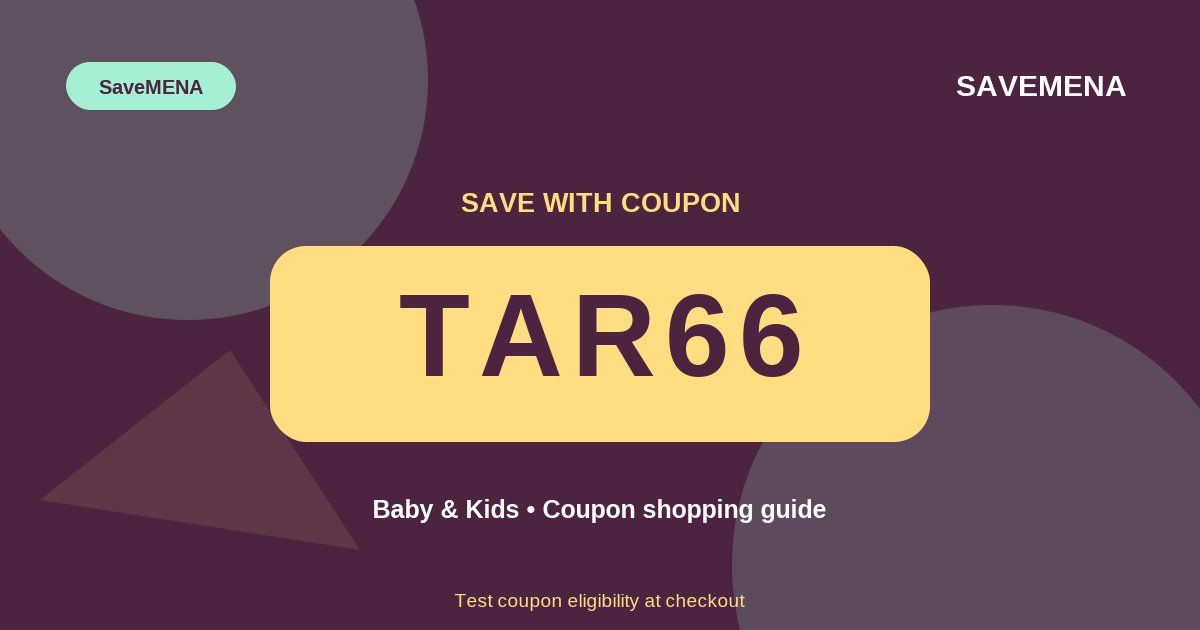
Codes available to try while comparing
These codes are not guaranteed for the article topic or listed brands; test them at checkout and use the live result.
Identify the Bundle on Noon UAE
Start by locating the preferred baby or kids bundle on Noon UAE’s website or app. Use the search bar and filter results by category “Baby & Kids” to pull up bundles that satisfy both your needs and the bundle‑centric shopper’s desire for a cohesive set. Carefully read the bundle description to confirm that each listed item is included and that the accessory options listed under the bundle are available for separate selection if needed.
Once you have identified the bundle, check the seller information. While SaveMENA is independent, a reputable seller can sometimes signal consistent fulfillment. Verify the brand, model, and any included accessory details that might affect the bundle’s overall utility. Confirming this detail early helps prevent surprises at checkout when you are ready to apply your coupon.
Add Bundle with Desired Accessories
Add the chosen bundle to your cart, then proceed to the accessory selection page. Shipping around accessories like car seats, strollers, or feeding kits is often optional, but each count toward the bundle’s total. State the quantity clearly for each requested accessory to avoid miscommunication about your final price at checkout.
This step also allows you to compare the base price of the bundle with the price of each accessory on its own. While the overall price will shift after coupon application, seeing these numbers side by side helps you decide which accessories truly deliver added value versus incremental cost.
Apply the TAR66 Coupon at Checkout
Proceed to checkout and locate the coupon field. Enter “TAR66” in the promo code box and click apply. The platform will perform a tentative recalculation of totals, showing the adjusted price indicated. There is no guarantee this coupon will activate, but the attempt will reveal any possible savings.
If the code is accepted, you should see a revised total displayed before any further steps. Review that figure carefully to ensure that the adjustment applied correctly across the bundle items and the accessories you selected. Always confirm that the new total reflects your entire order, including tax and shipping where visible.
Review the Final Price Summary
When the coupon is applied, the checkout interface presents a summary of item prices, bundle disbursements, applied promo, VAT, and shipping. This is the moment to cross‑check that every component—initial bundle, accessories, taxes—is accurately represented.
Compare this final total against the pre‑coupon price shown earlier. Any difference should be attributed to the coupon’s effect, but unless you have concrete figures, the difference may remain abstract. The key is that the system’s final payable amount appears logically consistent with how the bundle and accessories were composed.
Verify Any Potential Additional Fees
In some cases, there may be extra fees such as a delivery surcharge for certain regions or an optional gift‑wrap service. Ensure these fees are visible on the final price breakdown before completing payment.
Although you might not see a specific amount without numerical data, a checkbox or note indicating “Additional fees apply” or similar phrasing signals that you should double‑check or contact support to confirm final charges if they could alter the bundle price.
Choose Payment Method and Secure the Deal
After confirming the final total, proceed to the payment selection screen. The platform typically offers multiple methods: credit/debit cards, digital wallets, or convenience checkout options. Choose the one that best fits your preference for tracking payment status.
At this juncture, review the payment confirmation screen for the total payable amount once more. Pay attention to any bank‑processing fees that might be added outside the platform’s retail total, as these can impact the overall cost you’re willing to spend on the bundle and accessories.
Track the Order and Shipments
After finalizing payment, an order confirmation will appear with a reference number. Use this to track the package through the Noon UAE system. The tracking page will list the shipping status, expected delivery window and any updates that could affect when the bundle reaches you.
If delays or missing accessory items become evident during tracking, it may be necessary to contact the seller or Noon customer support. This step safeguards the bundle’s completeness and ensures you aren’t left without a purchased accessory due to a shipping hiccup.
Enjoy Your Baby & Kids Bundle
Upon delivery, inspect each bundle component and accessory for completeness and quality. Use the combination of items as intended, whether storing them at home or navigating daily baby or kid activities. The bundle’s design should offer cohesive convenience and functionality.
Finally, should you decide to share your experience or feedback, consider noting how the final price—after applying TAR66—aligned with your expectation. Even without numerical details, documenting your return or a positive review can help future shoppers weigh bundling and coupon choices.
Related SaveMENA pages
Related articles
Official sources to check
Frequently asked questions
Will the TAR66 coupon automatically apply to all baby & kids bundles?
Applying the TAR66 coupon is manual during checkout. The system will attempt to apply it, but there is no guarantee it will activate for every bundle or accessory combination. Verify after applying.
Can I use multiple coupons on a single purchase?
Only one promo code is typically accepted per order during the checkout step. If you try to add another, the system may replace the existing code or show an error. Confirm which code is active.
What if the final price shown is higher after applying the coupon?
Check the detail breakdown to see if any additional fees or taxes appear. If the final total increases, the coupon may not have applied, or extra charges were added. Contact support if the cause is unclear.
How do I confirm that all accessories I added are included in the bundle?
Before applying the coupon, review the cart summary. Each accessory should be listed with its quantity. After applying the coupon, ensure the final total reflects every selected item. If an accessory seems omitted, revisit the cart.