HP Computer Accessories on Noon UAE: bundle contents — final price comparison
Begin by locating the HP bundle you want on Noon. Bundles often include a laptop, mouse, keyboard, and extended warranty.
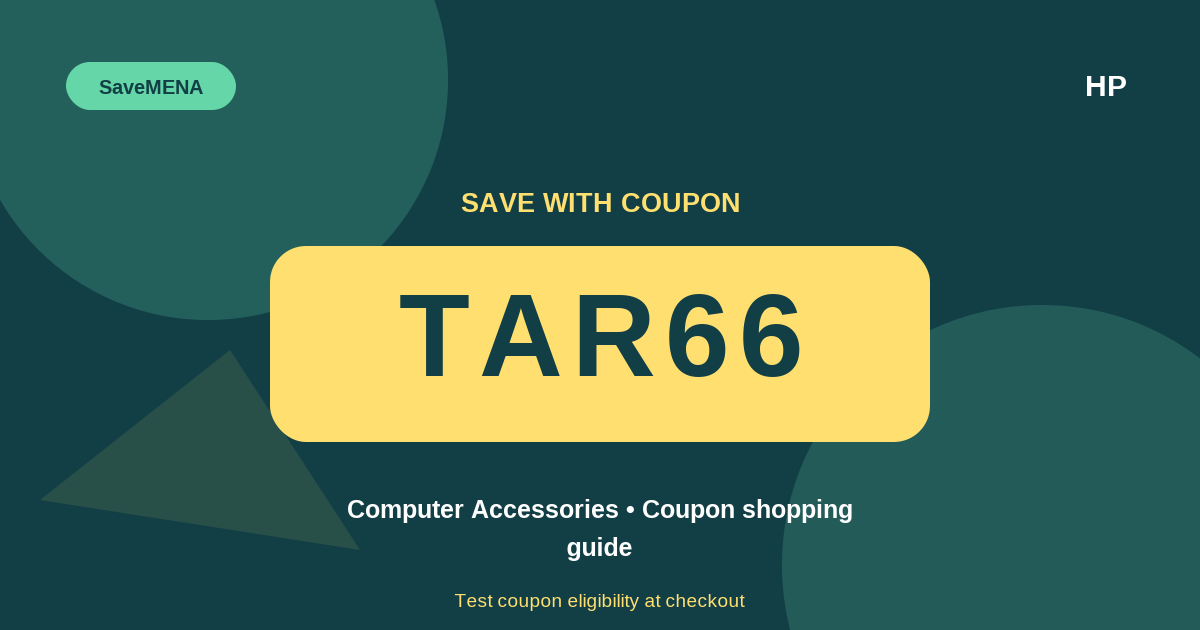
Codes available to try while comparing
These codes are not guaranteed for the article topic or listed brands; test them at checkout and use the live result.
1. Identify the Exact HP Bundle Pack
Begin by locating the HP bundle you want on Noon. Bundles often include a laptop, mouse, keyboard, and extended warranty. Check the product title and description for the phrase “HP bundle” and ensure that the listing lists all accessories explicitly. Note the quantity of each item and any variations (e.g., wired vs. wireless). The more accurate the bundle details, the easier it becomes to confirm that you are not missing a complimentary item or paying extra for a mis‑listed component.
Next, compare similar HP bundles offered by other sellers on Noon. Pay close attention to included accessories and warranties. Even if the headline price differs, variations in included items can make the actual worth of the bundle offset or exceed the listed price. Make a short table of bundled items with reference numbers, then decide if you need additional accessories not in the bundle, but remember that this will affect your final checkout breakdown.
2. Verify Seller and Product Authenticity
Before adding the bundle to your cart, check the seller’s profile on Noon. Verify that the seller has a legitimate business profile and sufficient customer ratings. While SaveMENA is an independent buyer’s guide, the authenticity of the item on Noon stays with the original seller. Look for “verified seller” badges, but understand that such badges do not automatically guarantee the coupon will discount the bundle. Sellers can sometimes disable coupons for certain SKUs, so double‑check the product’s coupon eligibility page.
Also read the product’s return policy, warranty details, and shipping timeframe. Bundles may include a limited warranty service that triggers additional fees at checkout if you opt for faster delivery or express handling. The final price you see at the cart may not reflect these extra charges, so ensure that all terms are clear before proceeding. This step protects you against hidden fees that can inflate the final amount after coupon application.
3. Add Bundle to Cart and Review Cart Breakdown
After confirming the bundle, add it to your Noon cart. Open the cart overview to examine each line item. Each accessory should appear separately, allowing you to see the base price, any applied taxes, and shipping options. If the bundle is priced as a single unit, confirm that the displayed price reflects all accessories, otherwise you may need to adjust the quantities manually. This clarity ensures that the cart accurately reflects the bundle you intended to buy.
While in the cart, spot any extra handling or service charges that may apply. For HP bundles, special services such as data migration or pre‑installed software sometimes add an additional fee. These are not usually discounted by coupons and will appear as separate charges. Record these numbers, as they will be part of the final payable total once you add the TAR66 coupon at checkout.
4. Apply the TAR66 Coupon at Checkout
Proceed to the checkout page, where you’ll enter delivery details and pay. Locate the coupon code field and type “TAR66”. Press apply and watch the order total update. If the coupon does not display a reduced amount, check the status field for any error or restriction notice. Remember that SAVE MENA cannot guarantee the coupon will apply; it may be expired or restricted to different categories. If you see “Coupon not applicable”, contact Noon customer service for clarification.
After applying the coupon, examine the updated cart again. The discount should appear as a separate line item labeled “Coupon discount” or similar. Verify the amount shown matches the difference between the original total and the new total. If the amount is smaller than expected or missing, note it for your records, and remember to confirm that the coupon code is tied to the exact product SKU you selected.
5. Double‑Check Shipping and Payment Fees
Shipping fees on Noon can vary based on the selected delivery option and the total weight of the bundle. Physical accessories like a mouse or keyboard add weight, increasing shipping cost. Ensure you review the shipping method’s details—standard, express, or same‑day—and confirm how the cost is added to the final price after the coupon discount is applied.
Payment method fees may also affect the final amount. Noon may add a surcharge for credit cards or certain wallet payments. Do the final price reduction calculation after the coupon and then add any payment surcharge. Knowing these fees ahead of time helps you decide whether upgrading to a faster delivery option or a different payment method is worth the additional spend.
6. Prompt for Tax and Duty Adjustments
HP bundles imported into the UAE may incur import duty or VAT. Noon typically calculates these at checkout, but the amount can vary per product. Check the tax line item and ensure it reflects the correct percentage for electronics. Import duty can be significant on high‑value bundles, and sometimes coupons do not apply to tax or duty, so this line will remain unchanged.
If you land in a high shipping zone or your location changes the duty rate, the total payable value will shift. Verify that the duty charges are listed distinctly and that the amount is correct before confirming your order. If the duty is unusually high, contact Noon support to double‑check any potential errors or exemptions due to the product category.
7. Confirm Final Totallot After Coupon and Fees
At this point, the checkout page should display the final payable amount as a single figure. This number should include the original bundle price, applicable discounts from TAR66, shipping charge, payment fees, and any taxes or duties. Cross‑check this figure with your earlier calculations: add the base bundle price, subtract the coupon discount, add all shipping and payment fees, and then add tax/duty. The result should match the final total seen at checkout.
Don’t confirm the purchase until you verify these numbers once more. If any discrepancy arises, return to the cart to reassess. A final double‑check prevents unnecessary surprises when the payment is processed or when the delivery invoice arrives.
8. Post‑Purchase Check: Receipt and Warranty Confirmation
After you complete the payment, Noon sends an order confirmation email. Review this email to ensure that every item in the HP bundle is listed, and that the total matches your final checkout figure. Look for an itemized receipt with line‑by‑line amounts to confirm the TAR66 discount and any additional fees.
Finally, locate your warranty documentation in the email or within your Noon account. HP bundles typically include an extended warranty, and its coverage start date should correspond to the order confirmation date. If the warranty information is missing or incorrect, log into Noon or contact their support to get the accurate details. This step locks in the bundle’s full post‑purchase benefits.
Related SaveMENA pages
Related articles
Official sources to check
Frequently asked questions
Do I need to type the coupon code exactly?
Yes, enter "TAR66" exactly in all caps into the coupon field on the checkout page. Even minor variations can prevent the discount from applying correctly.
Can the coupon be applied to a bundle that contains multiple separate items?
Only if every separated item in the bundle is eligible for the coupon at the time of purchase. If any item is ineligible, the coupon may not apply to the entire bundle.
Will shipping fees be waived if I use the coupon?
No. Shipping fees are calculated independently of the coupon. The discount will reduce only the product price, not the shipping cost.
How do I verify that the final price at checkout includes all applicable duties?
During checkout, Noon lists a tax/duty line item. Ensure this line matches the expected VAT and any import duty rates for electronic products. If it is missing, you may need to contact Noon support.