Nike Sports on Noon UAE: checkout message — final price comparison
Noon UAE final price Sports Nike the live coupon message at checkout: If you’re looking to compare the final price after a coupon on Noon UAE, the live coupon
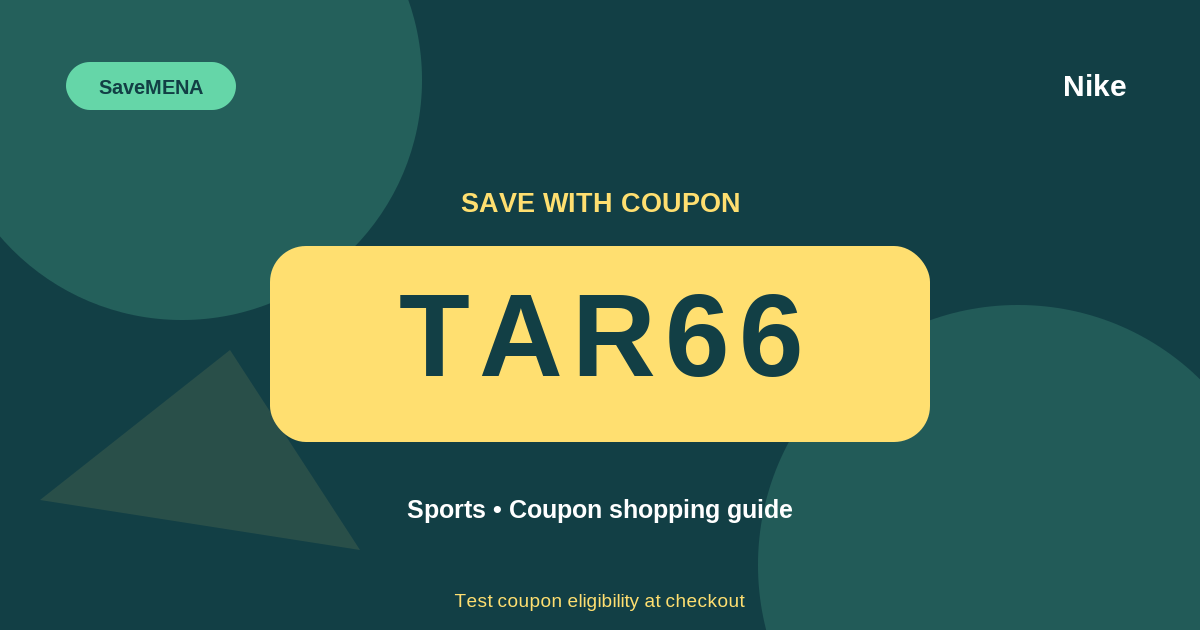
Codes available to try while comparing
These codes are not guaranteed for the article topic or listed brands; test them at checkout and use the live result.
1. Add Your Nike Sports Item and Check the Cart
Begin by choosing the Nike sports product you want to buy and move it into your online shopping cart. Once the item appears in the cart summary, glance over the listed price and any additional fees that may be present. Pay close attention to whether the retailer’s name, shipping details, and any promotions are clearly indicated. This first snapshot establishes the baseline amount that the coupon will try to alter. Because the final price depends on how Noon displays the product, a clear view of these initial details is essential for an accurate comparison later.
At this stage, you can also explore alternative listings that might offer similar Nike items from different sellers. While this does not directly affect the coupon, it helps you identify potential discrepancies in retailer policies or available shipping options. Keep a mental note of each seller’s reputation, as it may influence the overall transaction. Remember, the active coupon will stay at the checkout page, so you have the full freedom to move items in or out of the cart before proceeding.
2. Verify Item Eligibility Prior to Applying TAR66
Before attempting to use the coupon code, double‑check the product detail page for any eligibility criteria that are shown at the bottom or within the product description. These indicators might mention whether a discount applies only to certain categories, stores, or price ranges. Even when the coupon is listed on a promotional banner, it does not guarantee applicability across all items. By reviewing the item’s eligibility tags now, you can avoid disappointment at the live coupon message stage.
If the Nike sports item’s description does not explicitly state a restriction, you are still advised to confirm that the code TAR66 is intended for general use. This can often be found in a note near the “Add to Cart” button or within the “How to use coupon” section. By ensuring the product and coupon are compatible before checkout, you minimize the risk of a surprising final price or a rejected discount when the live message appears at the payment step.
3. Input TAR66 During Checkout
Proceed to the checkout flow once your cart is ready. At the appropriate prompt, insert the coupon code TAR66 exactly as shown. The field will usually indicate “Coupon Code” or “Promo Code” and may accept a single entry. It is crucial to enter the code in its entirety, with correct capitalization, to increase the chances that Noon can process it. After entry, watch for an automatic update in the price or a prompt that requests confirmation from the system.
The application of a coupon occurs after the server verifies the code’s validity. This process is instant, and Noon typically displays the status in real time. Keep a fresh eye on the checkout screen because the live coupon message will determine the final payable figure before you choose the payment method. If the code is not recognized, you may see a brief notification that the discount could not be applied, which signals the need to verify step two again.
4. Interpreting the Live Coupon Message on Noon UAE
During the checkout, a live coupon message appears in a designated area of the order summary. This message is the definitive indicator of whether the coupon is accepted and how it influences the total. It may highlight a subtraction, a percentage adjustment, or simply a confirmation of eligibility. By reading the message carefully, you can ascertain if the coupon has altered the item’s price, shipping fee, or both. If the message is absent, the coupon likely did not activate.
Because the live coupon message reflects the real‑time evaluation by Noon, it represents the most accurate comparison between pre‑discount and final prices. The viewer should note any textual cue that refers to the specific coupon code, particularly mentioning TAR66. This is your only reliable reference before final confirmation, as subsequent pages, such as payment, typically do not change the total again.
5. Comparing Pre‑Discount vs. Final Prices
After the live coupon message updates, you are in a position to compare the initial cart price with the modified figure shown in the same summary. The displayed numbers on the checkout page will reflect any reduction applied by TAR66, if accepted. By noting the difference, you can determine the actual saving and whether that aligns with your expectations. This direct side‑by‑side perspective is the most transparent way to gauge coupon effectiveness.
If the coupon did not adjust the price, the two numbers will be identical. At that point, you may still proceed to confirm whether you wish to accept the purchase at the posted rate or return to the cart to reconsider the item or coupon choice. The comparison saved on this screen informs your final purchase decision without relying on post‑purchase notices that might be misleading.
6. Accounting for Shipping and Handling Fees
Shipping and handling components are typically listed separately from the product price in the checkout order summary. When a coupon applies, it can either affect the overall total or remain exclusive to the product price. Observe whether the live coupon message indicates a subtotal adjustment or if the shipping charges remain static. This distinction matters because it changes the final amount you will actually pay.
In many cases, coupons that the coupon code product discounts do not alter shipping costs unless explicitly stated. Therefore, the live coupon message will often show an unchanged shipping fee. To avoid surprise expenses, you should review both items in the order before confirming payment, ensuring that the combined total—product price plus shipping—matches your budget. This holistic view keeps you from overlooking hidden fees that might tip the scale of value.
7. Confirming Final Payable Total After Coupon
Before proceeding to the payment method selection, examine the final line item of your order. This figure represents the total payable amount after all coupon adjustments and added fees are considered. The live coupon message is a precursor, but the final payable line is the definitive reference. If the two numbers align, you can trust that the coupon was successfully integrated into your purchase.
At this juncture, it is also prudent to verify that the order details—including weight, packaging, and destination—are correct. Inaccuracies or changes at this stage can affect future delivery times or costs. If everything checks out, you are ready to advance to payment, confident that the coupon’s impact is clear and fully reflected in the final amount displayed.
8. Completing the Purchase and After‑Sale Considerations
After confirming the final payable total, select your preferred payment method. The transaction will capture the exact amount shown on the summary, and any discrepancy between that amount and the expected discount should no longer occur. Once the payment succeeds, a confirmation page will appear, summarizing the order details, including the applied coupon code. Store this confirmation for future reference, especially if you want to track the success or failure of TAR66 across different products.
Should you encounter any difficulties post‑purchase—such as a missing discount, an unexpected charge, or a delivery delay—reach out to Noon’s customer service for clarification. Keep in mind that the coupon’s effect is determined entirely at checkout; for disputes, you will need to point to the live coupon message logged at that moment. This approach provides concrete evidence of how the coupon interacted with your order and supports any follow‑up actions.
Related SaveMENA pages
Related articles
Official sources to check
Frequently asked questions
How do I know whether the coupon applied successfully?
The live coupon message in the checkout summary will explicitly state if TAR66 was recognized and how it adjusted the price. Without that message, the coupon did not apply.
What if the final price remains the same after entering the coupon?
Either the coupon does not apply to that item or the discount was not eligible under the current conditions. Verify product eligibility before retrying.
Does the coupon affect shipping charges?
Coupons that the coupon code product discounts typically do not modify shipping fees unless stated. Review the shipping section to confirm whether it remains unchanged.
Can I apply the same coupon to multiple items?
Only one coupon code can be entered per checkout. If you want additional discounts, select them before proceeding, keeping in mind the live coupon message for final validation.