LG Home Appliances on Noon UAE: delivery fees — final price comparison · TAR71
Noon offers coupons that can be applied in the cart before you push “place order.” If you wish to use the TAR71 coupon on an LG appliance, simply enter the code in
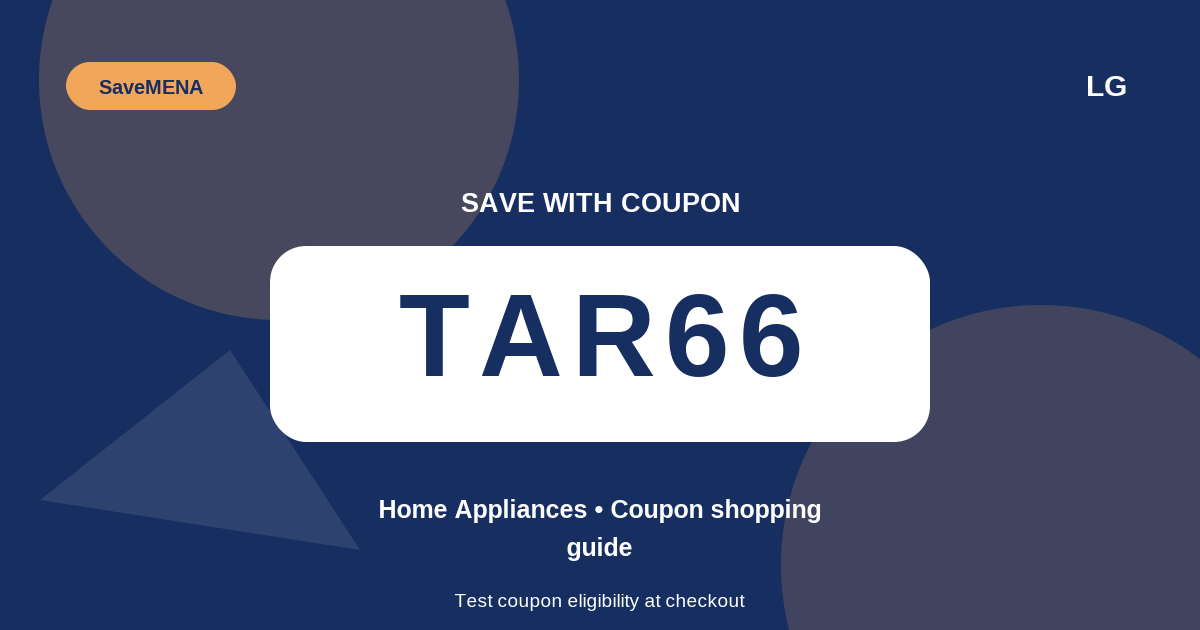
Codes available to try while comparing
These codes are not guaranteed for the article topic or listed brands; test them at checkout and use the live result.
The Role of Coupons on Noon
Noon offers coupons that can be applied in the cart before you push “place order.” If you wish to use the TAR71 coupon on an LG appliance, simply enter the code in the coupon box and press Apply. By default, Noon honors the coupon for the entire order, whether you have one device or multiple. The system subtracts the coupon discount from the subtotal, otherwise leaving VAT and delivery untouched, before recalculating your final payable amount.
Coupon usage on Noon is subject to the platform’s terms and conditions, sourced from the coupon’s original offer. It is not guaranteed to work with every product, especially if the seller’s policy restricts promotional discounts. Thus, confirm that the coupon still applies to your selected LG appliance at least a few minutes before you proceed to checkout, because the platform may lock a seller’s restriction once the cart is created.
VAT, Delivery and Other Hidden Costs
VAT on Noon UAE prices is a non‑negotiable tax that is automatically calculated for every purchase and added to the total at checkout. The tax proportion is consistent across all items, but the absolute amount varying with product price. You observe this VAT only after you add a product to the cart, and it remains fixed no matter how the coupon is applied.
Delivery fees are often the most variable element in the final price. They depend on the seller’s own fee structure, the size of the LG appliance, and the selected delivery window. Some sellers waive the fee when you cross a particular spending threshold or if you are a Noon Plus subscriber. Therefore, it’s critical to scrutinize the delivery charge that appears before you finalize the payment, as it may change when you plan a later delivery date.
Sorting by Final Price When Browsing
To compare LG appliances efficiently, Noon’s interface allows you to sort by “Price: Low to High” or “Price: High to Low.” This sorting arranges items by their base price, not the final cost. It is best to use a pair of tabs: the “Price” filter for initial candidates and the “Coupon” filter on the cart page to see how the TAR71 discount changes the final amount.
After you add a seller’s LG item to your cart, revisit the cart page and check the “Price with Coupon” view. This quick snapshot shows the subtotal after coupon and the final payable figure including VAT and any delivery charges. If you want to compare two or more LG models from different sellers, add each to a separate cart or use browser tabs, and simply compare the final price lines side by side.
LG Appliances: Features and Pricing Dynamics
LG home appliances are celebrated for their energy efficiency, smart connectivity and rich feature sets. For instance, a 6‑kg washer may come with a “Smart Inverter” power‑saving mode that reduces electricity usage, while a 55‑inch TV might feature a “NanoEdge” display for deeper blacks. Each feature typically adds to the base price, which in turn influences VAT and potentially delivery postage if the item’s dimensions cross a certain threshold.
The market offers a broad range of price points even within the same LG category because some sellers bundle accessories or offer extended warranties, increasing the base price. If you are not interested in optional extras, ensure you select “Only Core Model” or “No Warranty” when the product page lists those options, as they often appear automatically in the final price calculation at checkout.
Delivery Fee Strategies for LG Volume
When ordering larger LG appliances, sellers often provide a free delivery promotion for orders above a set subtotal. By reviewing the “Delivery Info” field in the cart, you can see the exact threshold required to waive the delivery fee. If you are close to the threshold, it may be worthwhile to add a small accessory—like an extra cushion or an installation kit—to the order to cross that line.
Delivery slot selection also impacts cost. Some sellers offer a “Standard” slot for a lower fee, while “Express” or “Same‑Day” options incur higher charges. Since Noon’s platform displays the chosen fee upfront, you can pre‑emptively choose a more economical slot if time permits, thereby lowering the final price before you confirm the contract.
From Cart to Checkout: Confirming the Final Total
At the checkout screen, Noon consolidates every cost into the “Total Due” figure. The breakdown usually lists the product subtotal, the coupon discount, the VAT amount, and the delivery fee. Verify each line: the subtotal should match the cart entry, the coupon line must reflect the TAR71 deduction you entered, and the VAT should be accurately derived from the subtotal, not from the discount.
Every time you adjust the delivery interval or change your shipping address, expect a recalibration of the delivery fee. This refresh occurs instantly on the checkout page, so re‑examine the final price after each change. Only after you enter valid payment information by the agreed deadline does Noon lock the final figure, which is the amount you must pay.
What to Do When Prices Change Before Checkout
The noon platform occasionally updates prices or delivery charges for reasons such as dynamic inventory levels or regional tax adjustments. If you notice a sudden jump in the final price after adding the TAR71 coupon, pause and ensure the code entered correctly. Occasionally, the platform will apply an error message indicating the coupon is no longer applicable; in that case, reach out to Noon’s support for a quick resolution.
When any change occurs, recalculate by removing and re‑adding the LG appliance to the cart. This action forces Noon to refresh the pricing matrix, ensuring that the final amount reflected on the payment screen is current. If you truly need an immediate purchase, consider using the “Buy Now” option which skips the cart step and applies the coupon directly at checkout.
Related SaveMENA pages
Related articles
Official sources to check
Frequently asked questions
How do I apply the TAR71 coupon to my LG appliance?
You can apply the TAR71 coupon by adding the appliance to your cart, locating the coupon code box on the cart page, typing "TAR71" and clicking Apply. The platform will then deduct the coupon amount from the subtotal and update the final payment total accordingly.
Will there be additional charges after I submit the order?
Once you confirm the order, Noon locks the final price displayed during checkout, which includes VAT and any delivery fees. Any subsequent changes, such as shipping adjustments, require contacting Noon’s customer service before the payment is processed.
Avoiding high delivery fees for large LG appliances—how can I manage that?
Check if the seller offers a free–delivery threshold in the cart. If you’re close, add a small accessory to meet the threshold. Also select a delivery slot that shows a lower fee. The fee lineup appears instantly on the checkout page, letting you validate the savings before checking out.
If the final price updates after I entered the coupon, what should I do?
The best practice is to recalculate by temporarily removing and re‑adding the appliance, ensuring the coupon is still valid. Confirm the updated final price on the payment page; if it still doesn’t match the coupon expectation, contact Noon support for clarification or a possible code refresh.