Puma Shoes on Noon UAE: delivery fees — final price comparison · TAR71
We need to produce a SaveMENA shopping editorial content. Must not invent anything. Use only facts provided. The facts: SaveMENA is independent from Noon.
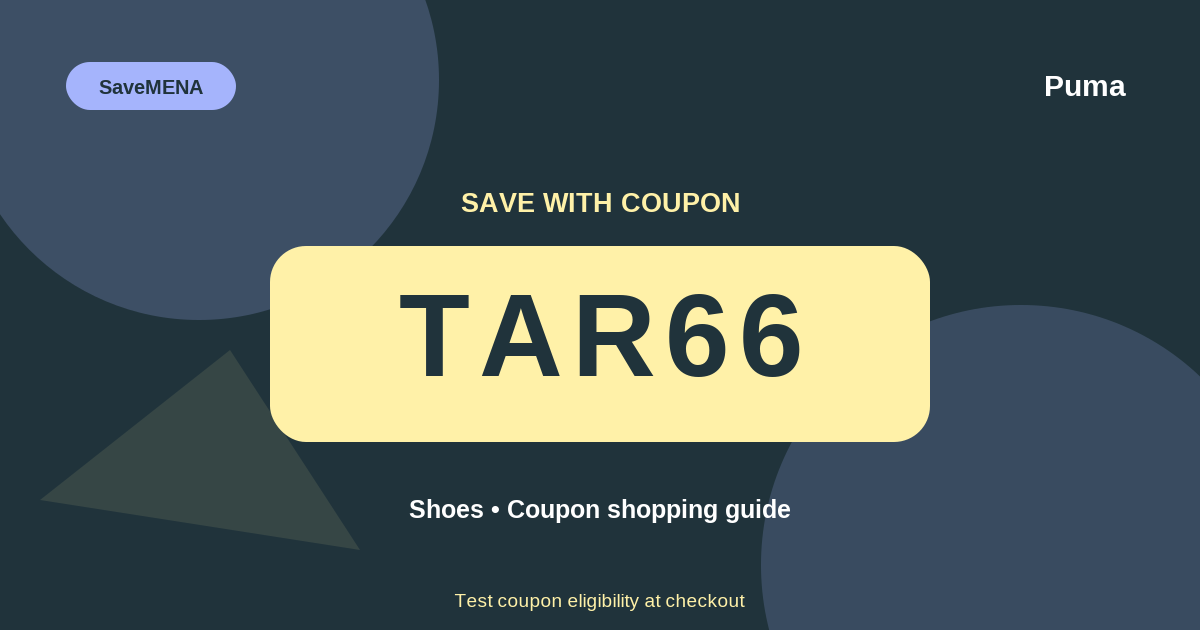
Codes available to try while comparing
These codes are not guaranteed for the article topic or listed brands; test them at checkout and use the live result.
Understanding the Final Price On Noon
When browsing for Puma sneakers on Noon UAE, the product page will display a base price and a discounted price when one is available. However, the figure shown is not the amount that will ultimately appear in your payment summary. Noon aggregates additional elements such as delivery fees, applicable VAT, and potential service charges that vary by recipient area. These not only affect the final amount but also determine whether certain coupons or payment methods become valid. A systematic approach to reading each component of the price breakdown will give you confidence that you’re seeing the true cost of the item.
Never rely solely on the price tag; confirm the final payable amount in the cart section before you apply a discount. The cart is the only place where all relevant charges are summed together, giving you the accurate line‑by‑line cost reference. This ensures that any subsequent deduction or fee adjustment is based on the latest figures provided by the platform at that moment, reducing surprises at the point of payment.
Selecting the Right Puma Shoe Variant
Puma offers various shoe models, styles, and colorways, each with distinct prices and availability statuses. When you navigate to the product listing, you’ll encounter a “Choose Size & Color” option that opens a variant selector. Selecting a particular variant updates both the product image and the displayed base price. This step is critical because different variants may carry different wholesale costs, which means the discount applied by a coupon can vary. Understanding these differences beforehand allows you to choose the variant that best aligns with your budget and the coupon’s effect.
After making the variant selection, add the item to your cart. The cart will then reflect the chosen size, color, and price. Pay attention to any “in‑stock” confirmations or back‑order notices that may affect delivery timing and associated fees. By ensuring the correct variant is in your cart before applying any code, you avoid mis‑application of discounts and prevent potential order cancellations later in the process.
Applying the TAR71 Coupon Code
When you locate the “Coupon” field in your Noon cart summary, enter the code TAR71 and click “Apply.” Noon’s system will validate the code against its current promotion list. If the code is accepted, a new line in the price summary will show the applied discount as a deduction from the subtotal. The platform may or may not interact with the coupon based on the item type, total amount, or your account status. Because no guarantee or discount percentage can be disclosed beforehand, checking the live result after applying the code is mandatory.
Immediately examine the recalculated subtotal after the coupon effect. Notice if the discount applies only to the product price or also influences the delivery fee. Some coupons restrict themselves to the item value, while others can reduce the overall payable amount. If the coupon does not affect the delivery fee, that fee will remain unchanged. Verify that the discount amount appears in the summary, and record the new total to compare against the original total before the coupon action.
Reviewing the Cart Summary
With the coupon applied, scroll through the full cart breakdown. The summary will present each line item: the base product price, any shop‑specific service charge, the amount deducted by the coupon, the delivery fee, VAT, and the final payable total. Each line is crucial because overlooking a hidden service charge can shift the overall cost. The cart is essentially the final reference point for all calculations before the payment gateway activates. By annotating any unexpected items, you can trace their origin back to Noon’s pricing structure. This step helps you ensure all fees have been properly accounted for.
Always refresh the cart after the coupon entry and before proceeding to checkout, to be sure no dynamic changes—such as an updated delivery fee—occur. Some sellers on Noon adjust their fees automatically based on location or order size. By capturing the cart snapshot at that moment, you have a reliable baseline to refer back to should a discrepancy arise during or after payment. Also, take note of any small square symbols next to line items that denote tax or consistent fees defined by the platform for that specific seller.
Decoding Delivery Charges
Delivery charges on Noon UAE can differ depending on the seller, your exact address, and whether the product is shipped from a local or international hub. The cart will list a “Delivery” line, often marked with a note indicating it’s a variable fee. This number can shift if you change your delivery address or if the seller's inventory geography changes.A coupon is not guaranteed; verify its result at the retailer checkout.
When you are unsure whether a discount will affect delivery, consult the cart’s tooltip or help icon that often appears next to the delivery fee. It might clarify if the discount is store‑level or order‑level. If uncertainty remains, record the delivery fee separately and compare it with the total after coupon application. Will the coupon reduce it, or will you still pay the full fee? Knowing this distinction prevents unexpected out‑of‑pocket expenses when the payment is processed.
Factoring in Additional Fees
Other fees, such as VAT or mandatory platform service charges, usually appear as separate lines beneath delivery. Noon typically calculates these fees based on the final amount after coupons, but sometimes they are applied before the discount. The shopping cart’s breakdown will show whether these charges appear before or after the coupon application. This order matters because it determines the absolute amount of tax or service fees you will ultimately pay.
For instance, if the tax is calculated on the original price and the coupon isn’t applied until after that, the final taxed amount will be higher. Conversely, if taxes follow the discount, you’ll pay a lower overall tax sum. Checking the post‑coupon cart entries will reveal the exact order by the presence of a “Tax” or “Service Charge” line. This visibility allows you to anticipate your final adjustable total before committing to payment.
Final Price Verification Before Checkout
Before you click “Proceed to Payment,” glance once more at the cart’s final total. Confirm that the sum matches what appears in the final payment screen. These two displays often differ if the platform updates dynamic fees based on shipping options or if the coupon application state changes. Any mismatch between the cart and the payment screen warrants revisiting the coupon entry or verifying that the correct delivery address is selected. It’s smart to jot down the exact value shown, ensuring you have a tangible reference if a discrepancy pops up post‑payment.
NT Emirates shoppers should also confirm that the final total includes all taxes and fees. If the system displays a subtotals table before taxes, make sure the total you intend to pay matches the sum of all displayed elements. By aligning the cart and the payment totals, you reduce the likelihood of last‑minute surprises. If you notice a discrepancy, you can usually resolve it early by adjusting the address, delivery option, or even contacting Noon’s help center.
What to Do If Something Goes Wrong
If you discover that certain fees appear after you’ve pressed “Place Order,” or if the coupon code shows as invalid after your first attempt, the most straightforward solution is to remove the item from the cart and start anew. Re‑adding the product ensures you are using fresh, up‑to‑date data for all dynamic pricing and delivery calculations. This step also resets the coupon application, allowing your code TAR71 to re‑validate against the current promotion list.
Should the issue persist, contact Noon’s customer service through the app or website. Provide them with the exact error message, your cart snapshot, and the order number (if any). Since holidays, shipping logistics, or system updates can sometimes cause unexpected fee variations, professional support can clarify the situation and validate whether the coupon period is still active or if there's a mistake affecting your order. Meanwhile, keep the shopper documentation of the coupon usage and all detected fees for reference.
Related SaveMENA pages
Related articles
Official sources to check
Frequently asked questions
Can a coupon affect the delivery fee on Noon UAE?
Noon’s handling of coupons relative to delivery fees varies by seller and promotion. Some coupons apply only to product prices, while others can reduce the total payable amount, including delivery. Verify at checkout whether the delivery fee display changes after applying the code. If it remains unchanged, the coupon likely does not affect that fee.
Do I need a Noon UAE account to apply the TAR71 coupon?
Coupon application typically requires an active Noon account to track eligibility and usage limits.A coupon is not guaranteed; verify its result at the retailer checkout.
What happens if the coupon code fails during checkout?
If the code fails, Noon will usually prompt you with an error message. Check for any typo, previous usage, or inactivity period. Removing and re‑adding the item, or refreshing the page often resolves connection or cache issues that can cause a faulty validation.
Will VAT still apply after using a coupon on Noon?
VAT is calculated based on the final order amount after any discounts. Consequently, if the coupon reduces the product price, the tax base also decreases, resulting in a lower VAT amount.A coupon is not guaranteed; verify its result at the retailer checkout.