Skechers Shoes on Noon UAE: delivery fees — final price comparison · TAR73
SaveMENA invites UAE shoppers to navigate Noon UAE’s shoes section with confidence, especially when hunting for Skechers styles.
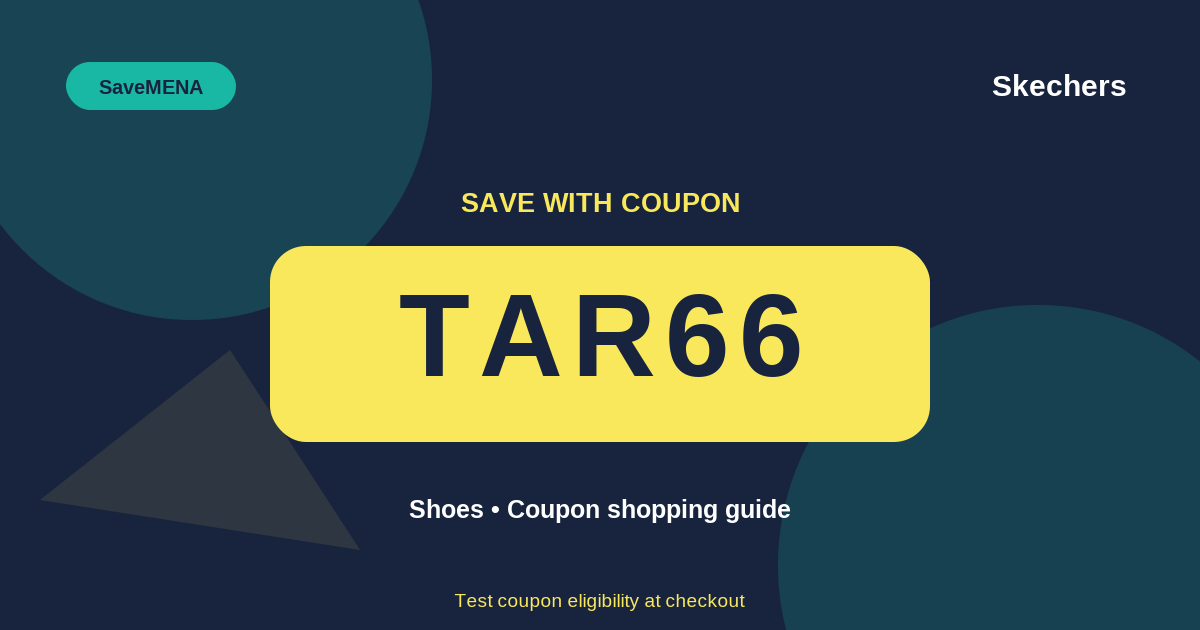
Codes available to try while comparing
These codes are not guaranteed for the article topic or listed brands; test them at checkout and use the live result.
2. Identify the Seller’s Delivery Terms
Noon UAE separates the delivery fee from the product price, calculating it based on weight, location, and the seller’s policies. Most sellers in the Shoes category offer a range of shipping options, from standard to express, each carrying its own fee structure. Make sure to bookmark the chosen seller’s listed delivery fee so you can factor it in when you evaluate the final cost.
Some sellers provide free standard shipping if the order total meets a threshold, while others charge a flat fee regardless of order size. In your case, you’ll want to verify at the product page whether free shipping applies, especially when you add the coupon later. Knowing the delivery fee early lets you adjust your expectations of the total cost, and it prevents surprises at the final checkout stage.
3. Enter Your Coupon Code TAR73
Once you decide to add a Skechers pair to your cart, you can input TAR73 into the coupon field at checkout. The application process on Noon is straightforward: the system will recalculate the total before the delivery fee and taxes. Notice whether the coupon applies to the whole cart, a specific brand, or just a product. The displayed discount amount will appear instantly, allowing you to compare before adding more items.
Because Noon does not disclose coupon conditions in the interface, the easiest way to confirm the effect of TAR73 is to observe the difference it makes in the shopping cart subtotal. If the coupon has no impact, it may indicate incompatibility with the chosen product or seller. Either way, seeing the quantified savings—if any—helps you decide whether to stick with Noon or explore alternative platforms.
4. Verify the Final Payable Total
After the coupon recalculates the subtotal, Noon’s checkout form aggregates the product price, the coupon deduction, the delivery fee, taxes, and any other applicable charges. This aggregate figure represents the final amount you owe. The clarity of this breakdown is crucial because it illustrates the real cost after coupons and additional fees. You’ll see each component labelled separately.
If any part of the breakdown appears missing or the coupon discount is lower than expected, double‑check the product’s eligibility for the coupon. Since Noon sometimes restricts coupon use to certain sellers or product categories, verifying the breakdown ensures you are not overpaying. This step also allows you to find any unanticipated fees such as handling charges, which may be added for heavier items like some Skechers models.
5. Explore Payment Options and Their Fees
Noon UAE offers multiple payment methods, including credit or debit cards, Apple Pay, and local wallets. Each option may impose its own set of processing fees or late‑payment charges. While the checkout screen typically lists the base fee, any extra fee is displayed only if it applies. Checking this detail guards against a sudden uptick in the final amount.
When choosing a payment method, compare how each may influence the total. For purchases involving a sizeable delivery fee, some payment gateways charge a percentage fee on top of the amount. Recognizing and factoring this in early means you can transfer the correct funds and schedule your payment without a last‑minute surprise at checkout.
6. Confirm Seller Reputation and Return Policy
Delivery and fees aside, the seller’s credibility can affect how smoothly your order travels to you. Noon displays seller ratings and reviews that give insight into reliability, shipping speed, and product quality. If the seller has a strong rating, you can trust that the delivery fee calculation is accurate and that the package will arrive on time.
Return policies are also worth examining before finalizing a purchase. A seller with flexible return terms may sometimes charge an additional fee for processing returns. Knowing about these potential costs lets you factor them into the final amount you are willing to pay. It also clarifies whether the seller’s free or paid return policy affects your total cost for the transaction.
7. Re‑Check the Cart Before Final Order
Before you click “Place Order,” pause to reassess the entire cart total. Make sure the listed delivery fee reflects the current weight and shipping address. Noon’s system recalculates the delivery charge if you modify the shipping address or add a second item, which may alter the final amount. A final review ensures you are not missing any hidden costs that might have changed after adding the coupon.
If you notice any discrepancy—such as the delivery fee being higher than initially displayed—contact Noon’s support or adjust your shipping preferences. This final verification step guarantees that the figure on the checkout screen is what you actually pay, eliminating any eventual frustration down the line.
8. Secure Your Purchase and Monitor Delivery
Once the final payable total confirms and all pre‑checkout checks pass, proceed to place your order. Noon’s LMS will hold the payment until the product ships, after which a delivery confirmation appears in your order history. The display of the delivery fee in the order summary remains consistent, so you can monitor the exact cost of shipping.
Post‑delivery, stay vigilant for any follow‑up emails regarding shipping updates or returns. Should any additional fee arise—for example, a damage surcharge—You should verify it against Noon’s policy. By keeping an eye on the order details and confirming all fees remain consistent, you secure a transparent shopping experience that meets your expectations of the final price, delivery, and any associated fees.
Related SaveMENA pages
Related articles
Official sources to check
Frequently asked questions
Can I use the SAME coupon code for multiple items?
The coupon applies upon entering the code during checkout. If multiple items are in the cart, the code affects the combined subtotal, but confirmation is only available at the checkout screen.
Will the delivery fee change after applying the coupon?
Delivery fees are calculated based on weight and location, not the subtotal. Therefore, applying a coupon generally does not alter the shipping cost displayed during checkout.
What if no discount shows after entering TAR73?
If the coupon does not affect the total, it may be ineligible for the chosen product or seller. Verify product and seller eligibility or try the code on a different item.
How can I confirm if the final price includes all fees?
Review the explicit breakdown on the checkout screen: product price, discount, delivery fee, taxes, and any payment fees. This will display the subtotal before payment method fees cross‑checked with the payment gateway.