Nike Women’s Fashion on Noon UAE: delivery fees — final price comparison · TAR71
Each Nike shirt or pair of sneakers comes in multiple sizes, colors, and sometimes different style codes.
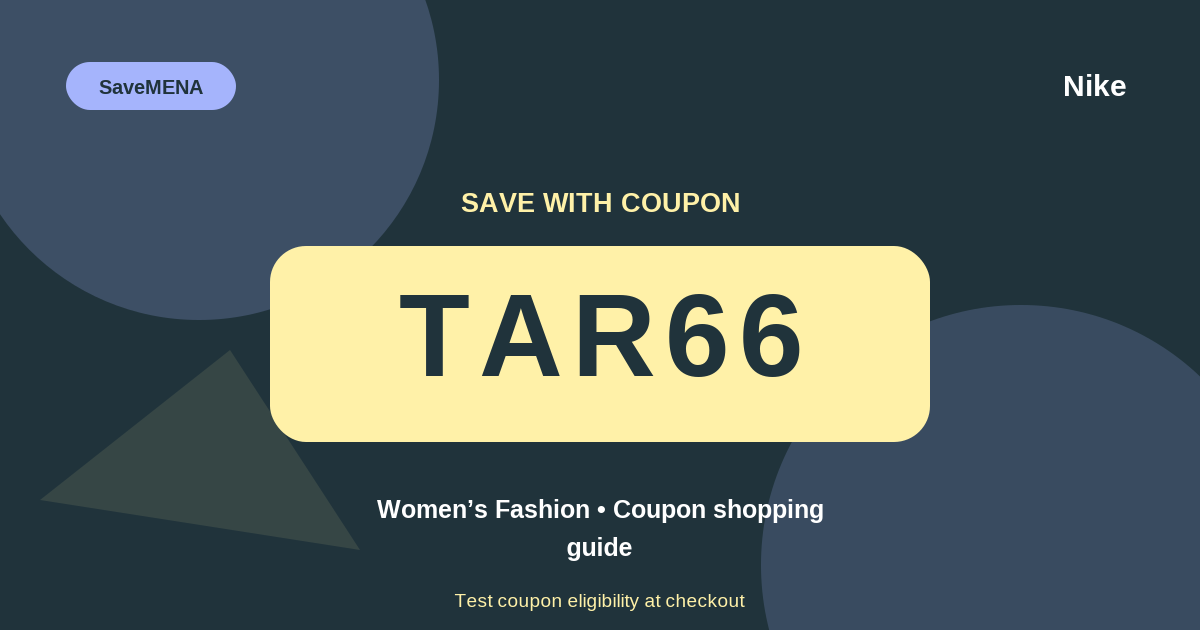
Codes available to try while comparing
These codes are not guaranteed for the article topic or listed brands; test them at checkout and use the live result.
2. Sorting by Seller and Variant
Each Nike shirt or pair of sneakers comes in multiple sizes, colors, and sometimes different style codes. Noon displays these variations in the “Size & Color” selector under the product description. When comparing, you should first confirm that the variant you’re inspecting is identical across different product listings; otherwise, the base price and eventual final price may diverge.
Seller ratings and shipping times are also visible in the listing details. Although the price may be the same for the same variant across sellers, logistical factors such as expedited shipping options or local warehouse stocking can sway the cost of delivery and fees. For a hands‑on comparison, note each seller’s “Shipping From” field and any available shipping methods.
3. Using the TAR71 Coupon
Once the product and seller are chosen, the next step is to apply the optional TAR71 coupon before you proceed to checkout. The code can be entered in the “Promo code” field on the cart or checkout page; the reduction it produces is shown instantly in the cart summary, under the subtotal.
It is important to keep in mind that the coupon deduction applies exclusively to the product total, not to shipping or handling charges. Therefore, the savings you see in the cart will not alter the cost of delivery unless a specific promotion covers that extra fee. Be sure to double‑check the coupon line at checkout, the last step before final confirmation.
4. Filtering by Final Price
With the coupon applied, Noon offers a search filter that lets you sort items by “Deal price” or “Final price.” These filters consider the product cost minus the coupon’s value but do not automatically incorporate shipping. Consequently, items that look cheaper upfront may end up more expensive due to standard freight charges. Check the “Delivery options” icon to see the total shipping cost that will be added.
The final price displayed in this sorted view helps you quickly compare a collection of Nike women’s fashion items. However, once you click a specific product, you’ll see the “Subtotal” and “Shipping” breakup for that item alone, which is the real decision point before payment.
5. Choosing Delivery and Wholesale Fees
Delivery options on Noon range from standard to express. Standard tends to be free when the cart exceeds a threshold, while express adds a surcharge visible in the cart. Each of these shipments also carries a potential handling fee that may differ by seller and region. Because Noon applies these logistics costs after the subtotal and coupon deduction, they are the last line item you see before final confirmation. Inspect the “Estimated delivery” and “Handling fee” boxes within the cart to anticipate the total amount you will pay. But remember, shipping schedules can shift the time frame for receiving your gear, which can be relevant for fashion deadlines.
6. Weighting Payment and Transaction Fees
On top of the product and shipping aggregate, Noon may add payment‑related fees for certain cards or payment methods, especially if you use an off‑standard method or a prepaid gift card. These fees rarely occur with standard debit or free‑delivery cards but can appear if you choose a premium account pre‑payment, for instance.
Before you finalize the order, please review the “Payment fee” line in the cart. If a fee applies, it will appear as an add‑on item, and the summed price in the checkout totals will include it. A precise check confirms that what you expect to pay matches what the system will charge.
7. The Checkout Confirmation
In the final checkout interface, all the components—product subtotal, coupon reduction, shipping, handling, any payment fee—are summed under “Grand Total.” This figure is the definitive amount that Noon will deduct from your card when you hit the “Place Order” button. No further price adjustments can be made after this point.
If a surprise fee appears—such as an unexpected handling charge—you can click on the fee line to view the details or contact the seller directly. If the final total differs from what you calculated, double‑check that the coupon has been applied and that you have selected the correct shipping option for your address.
8. Checklist Before You Pay
A coupon is not guaranteed; verify its result at the retailer checkout.
Once all numbers add up, you can confidently press “Place Order.” That final total displayed is the amount that should appear on your card statement. Should any discrepancy arise, you can open an order‑status inbox on Noon’s app or web site. With the final price clarified in your mind, you’ll save time and avoid post‑purchase disputes.
Related SaveMENA pages
Related articles
Official sources to check
Frequently asked questions
What if I see an extra fee at checkout after applying TAR71?
Any fee added after the coupon deduction is part of Noon’s shipping, handling or payment charges. It appears in the cart’s fee breakdown. You can view the details next to each fee line or contact the seller for clarification.
Will the TAR71 coupon apply to shipping costs?
Coupons on Noon are typically applied only to the product subtotal. Shipping, handling, or payment fees remain unchanged unless a separate promotion specifically covers them.
How does Noon decide the delivery fee for my address?
Delivery fees depend on the seller’s shipping policy and your location. These fees are displayed in the cart as “Shipping” and may vary between standard and express options.
Can I change the shipping method after placing the order?
Once the order is confirmed, shipping options are locked. If you need a different delivery speed, you may contact Noon customer support before the order is processed further.