Noon UAE coupon code: how to compare the final price after a coupon | Laptops ASUS
Noon UAE offers a variety of products, including laptops, but the true value depends on verifying discounts, delivery charges, and taxes.
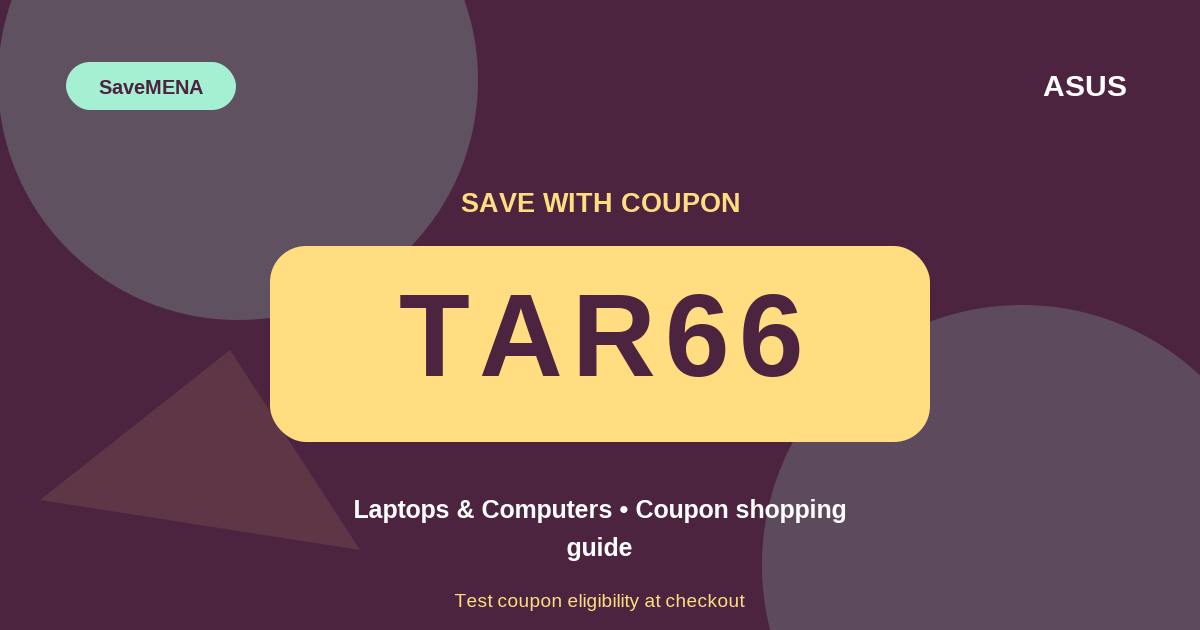
Codes available to try while comparing
These codes are not guaranteed for the article topic or listed brands; test them at checkout and use the live result.
Understanding the Impact of Coupon Codes on Laptop Prices
Coupon codes like TAR78 can lower the base price of laptops, but their effect varies depending on the product’s original listing. Shoppers should first locate the laptop’s listed price before applying the coupon. Some listings may already include promotions, while others remain at full retail cost. The coupon’s validity is tied to Noon’s terms, which may change without notice. Always check the expiration date and eligibility criteria directly on the platform.
After applying the coupon, the displayed price reflects the discounted amount. However, this does not account for additional costs such as shipping, taxes, or payment method fees. For example, a laptop priced at AED 5,000 with a the discount shown at checkout off coupon would show AED 4,500, but delivery charges might add AED 50–100. These variables mean the final price requires careful review at checkout. Always double-check the total before confirming your purchase to avoid surprises.
Key Factors Influencing Final Price After Coupon Application
Beyond the coupon, several elements determine the final price. Delivery options often affect costs—standard shipping may be free for higher-value orders, while expedited services incur extra fees. Taxes, such as VAT, are typically applied to the total purchase, including the discounted price. Payment methods like credit cards or installments might also introduce processing fees.
Additionally, third-party sellers on Noon may offer different pricing structures compared to official retailers. While the coupon applies universally, variations in seller policies, return conditions, or warranty coverage could impact overall value. Shoppers should compare multiple listings for the same model to identify the most cost-effective option. Always read the fine print to understand what’s included in the deal.
Comparing Laptop Models and Specifications Post-Coupon
When evaluating laptops, prioritize specifications aligned with your needs, such as processor speed, RAM, storage, and display quality. A discounted model with lower specs might save money but fail to meet performance expectations. Conversely, a slightly pricier laptop with better features could offer long-term value. Use Noon’s filters to narrow results by brand, price range, and user ratings.
The ASUS brand, for instance, offers diverse models catering to students, professionals, and gamers. Applying the TAR78 coupon to an ASUS ZenBook or VivoBook reduces its base price, but compatibility with your workflow matters. Compare technical details side-by-side to ensure the discounted model meets your requirements without compromising functionality. Focus on what matters most for your daily tasks.
Verifying Coupon Eligibility and Applicability
Not all products qualify for every coupon code. The TAR78 code may apply to select laptops but exclude accessories, software, or refurbished items. Check the coupon’s terms on Noon’s website or contact customer support for clarification. Some codes require a minimum purchase threshold, while others are limited to specific sellers or regions.
Even if the coupon appears valid, its effectiveness depends on the product’s availability. If a laptop is out of stock or marked as “pre-order,” the discount might not apply until the item ships.A coupon is not guaranteed; verify its result at the retailer checkout. Avoid assumptions—verify details directly on the platform.
Calculating Total Cost Before Checkout
To accurately compare prices, create a list of desired laptops and note their base prices. Apply the TAR78 coupon to each entry to see the discounted rate. Next, estimate delivery fees based on the product’s weight, dimensions, and your location within the UAE. Add applicable taxes and payment method charges to project the total cost.
Some laptops may offer bundled deals, such as free accessories or extended warranties. These packages could offset the cost of the coupon’s discount. However, evaluate whether the added items align with your needs to avoid unnecessary expenses. Prioritize what adds genuine value rather than just chasing perceived savings.
Considering Seller Reputation and Customer Reviews
While coupons reduce upfront costs, the seller’s reliability affects post-purchase experience. Read reviews for the seller’s shipping speed, product condition, and customer service. A low-priced laptop from an unfamiliar seller might lead to delays or damaged goods, negating the savings.
Noon’s verified sellers generally provide consistent service, but third-party listings vary. Look for badges indicating “Top Seller” or “Trusted Seller” to minimize risks. Additionally, check return policies to ensure flexibility if the laptop does not meet expectations. A reliable seller can make all the difference in your shopping journey.
Final Steps for Confirming Savings and Purchase
Before completing the transaction, revisit the cart to confirm the coupon’s application. Ensure no errors occur during the checkout process, such as incorrect item selection or missed fees. Some laptops may require installation of drivers or software, which could add hidden costs.
Once purchased, track the shipment through Noon’s platform and inspect the laptop upon delivery. If discrepancies arise between the listed price and the final charge, contact customer support immediately. Remember, the checkout page remains the ultimate source for confirming eligibility and total payable amount. Stay vigilant until the purchase is fully completed.
Compare alternatives without guessing
When you compare another option in asus, keep the specifications, quantity and seller as consistent as possible and compare the total shown at checkout. A different coupon does not automatically make a deal better because delivery, fees and the live basket context can change the outcome. Use the final payable total as the practical comparison point.
If the retailer shows a specific condition, rely on that visible message; if it does not, do not turn an assumption into a general rule. Test available options one at a time and note any real change in the total or eligibility message. That creates a verifiable shopping comparison instead of a recommendation built on an unsupported marketing claim.
Related SaveMENA pages
Related articles
Official sources to check
Frequently asked questions
How do I apply the TAR78 coupon code on Noon?
Enter the code in the designated field during checkout. If it doesn’t apply, verify eligibility on the product page or contact Noon support.
Is the TAR78 coupon valid for all laptop brands on Noon?
The coupon’s applicability depends on the product’s listing. Check the terms or test it during checkout for confirmation.
What happens if the TAR78 coupon expires before I complete my purchase?
If the code expires, you’ll pay the standard price. Renewal or alternative discounts may be available later.
Can I combine the TAR78 coupon with other promotions?
Combination policies vary. Review the product’s terms or contact Noon to clarify if stacking discounts is allowed.