Dyson Home Appliances on Noon UAE: payment method — final price comparison
The first step to unlocking the best value when buying Dyson home appliances on Noon UAE is to understand how the final price is constructed.
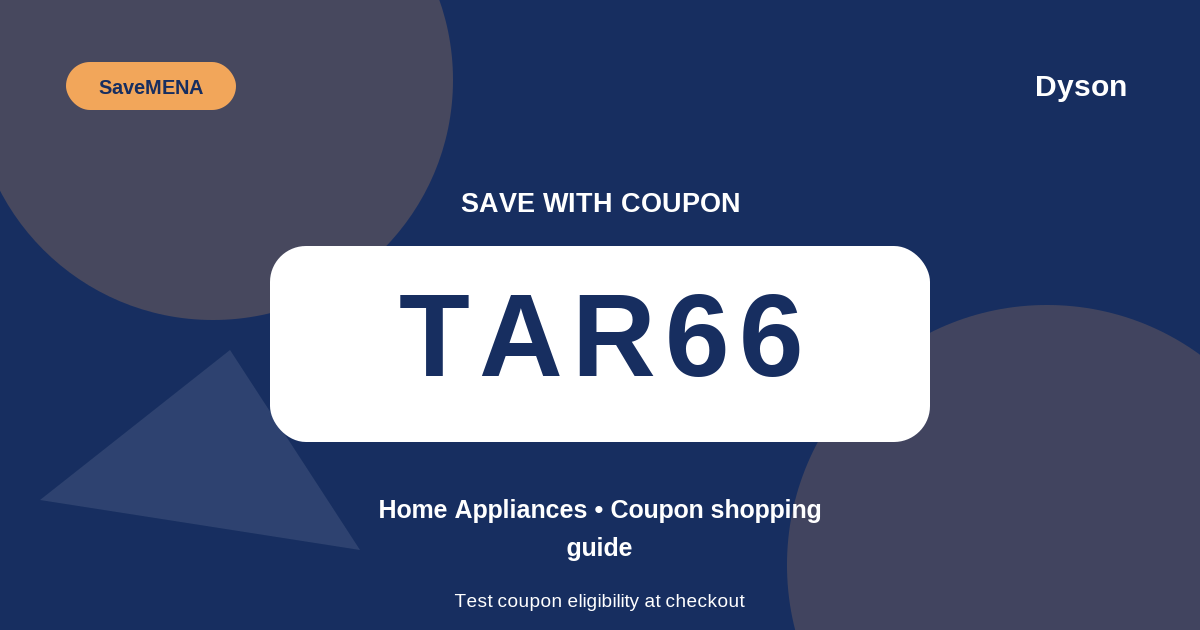
Codes available to try while comparing
These codes are not guaranteed for the article topic or listed brands; test them at checkout and use the live result.
1. Understanding the Final Price Landscape on Noon UAE
On Noon UAE, the final price you see before checkout is a snapshot of the product’s listed price plus any mandatory charges, but it does not reflect discounts that may be applied later. The platform typically displays a breakdown that includes the item cost, a calculated VAT of the discount shown at checkout, a delivery fee that varies based on location and speed, and the total without credits. To see how a discount reshapes that figure, you must run through the entire checkout flow, where the platform applies coupons, promo codes, and payment‑related benefits.
Because Noon UAE has multiple payment‑related offers—such as interest‑free installments with certain cards or a temporary cash‑back credit for using a Noon wallet—your final price may change based on the chosen method. Even a coupon that appears at the item level can interact with these offers; for example, a coupon might discount the product price but leave the delivery fee untouched, or vice versa. Knowing these dynamics allows you to evaluate every possible scenario before you commit.
2. The Role of Coupons in Realizing Savings
A coupon code like TAR66 is a tool that can reduce the product price, but its effectiveness is not guaranteed until the checkout page confirms the deduction. Noon UAE’s policy requires you to manually enter the code next to the payment section and then wait for the platform to recalculate the total. The welcome screen may highlight “TAR66 available to try,” which signals that the coupon could apply but that this is an optional benefit rather than a mandatory discount.
Unlike fixed percentage‑off deals, non‑guaranteed coupons cannot be presumed to yield a specific saving or even to trigger at all. If, for instance, the code is expired or the seller is not eligible to accept it, Noon will simply ignore it at checkout and the final price will remain unaltered.A coupon is not guaranteed; verify its result at the retailer checkout.
3. Step‑by‑Step: Applying TAR66 at Checkout
First, add the Dyson home appliance you wish to purchase to your cart—be it a vacuum or a heater. When you click “Proceed to Checkout,” Noon presents the payment options and an “Enter coupon code” field. Type TAR66 carefully, ensuring no extraneous spaces or incorrect letters. Press “Apply” and watch the platform recalculate.
Once the page refreshes, you should see a line stating whether the coupon has been accepted, rejected, or pending review. Only if the coupon is accepted will the product price be lowered before adding VAT and delivery charges. Confirm that the new subtotal reflects the discount; otherwise, the coupon may not be usable for this particular SKU or seller.
4. Comparing Final Prices: Before and After the Coupon
On the checkout page, Noon displays both the “Original Total” and the “New Total.” The Original Total represents the price without the coupon, while the New Total incorporates the discount, if accepted. To evaluate which pricing structure works best for you, take note of each amount: subtracting the New Total from the Original Total reveals how much (in AED) the coupon effectively saved or left behind. This comparison is essential for deciding whether the coupon justifies an investment, such as a high‑spend payment method.
Because the coupon might not affect the delivery fee, consider adding the delivery cost back into the calculation if you’re comparing different sellers or delivery speeds. This yields a more accurate picture of the real final price you would pay under each scenario.
5. Payment Method Impact on the Final Price
Payment choices on Noon UAE can trigger additional credits or perceived savings. For instance, using a Noon wallet or a partnered credit card may grant you a cashback credit or an interest‑free installment plan that modifies the net amount payable. When the final amount after a coupon is displayed, sections such as “Financing Options” or “Wallet Credits” will appear. If you opt for installment, the total amount remains the same, but you’ll be responsible for smaller monthly charges.
To compare, note the exact dollar amount you will have to pay immediately for each payment method. A coupon that reduces the product price to AED 1,200 may still end up costing more if a particular card requires a higher processing fee that is only reimbursed after payment completion. Cash or instant debit card payments generally do not add extra cost beyond the final price shown.
6. Highlighting Dyson Home Appliances: Features and Price Considerations
Dyson products are renowned for advanced engineering, yet their SSU (selling price unit) can vary significantly based on model and color. When shopping for a Dyson vacuum, for instance, the price you see on Noon may reflect the manufacturer’s list price modified by local taxes and bundles. The actual end price, after coupon and while using the optimal payment method, can provide the best value, but only if the final total accurately reflects all reductions.
Aside from price, consider the warranty, the power rating for heaters, and the brush roll replacement cost. These ancillary factors influence the long‑term value beyond the dollar amount. Even if the coupon does not apply, a Dyson model with a longer support period might still be preferable for your budget and usage habits.
7. Practical Tips for Maximising Savings Without Overpromising
Because coupons like TAR66 are not guaranteed, one practical way to maximize savings is to combine the coupon with a payment method that offers an instant discount—such as a Noon wallet credit of the discount shown at checkout on the total. Ensure your wallet has sufficient balance and that the credit is applicable to the checkout stage. Double‑check that the coupon’s discount is still applied after the wallet credit is deducted; sometimes, the platform applies credits before coupons, affecting the final calculation.
Keep your cart ready for quick actions. If the coupon does not apply after you first enter it, wait for a few minutes, refresh the page, and try again. Insert the code as close to the final payment stage as possible to avoid automated checks that may block it earlier. If the coupon still doesn’t apply, you’re free to proceed with the payment method that would have otherwise provided the most benefits, and your final total will be accurately computed at checkout.
8. Final Checklist Before You Pay
Before completing the transaction, perform a final audit of the checkout page: confirm that the product price reflects the coupon discount, ensure that VAT and delivery charges are correct, and verify that the selected payment method does not add unexpected fees. Pay close attention to any “Pay Later” or “Installment” indicators—these will keep the final amount the same but shift the payment schedule.
Once you’re satisfied, click the payment confirmation. At this point, Noon UAE will lock in the final price, integrate the coupon if accepted, and apply any wallet or card credits. Your receipt will reflect the final amount in AED, the coupon code used (if any), and the payment method chosen. Keep this receipt for reference in case of any post‑purchase adjustments or disputes.
Related SaveMENA pages
Related articles
Official sources to check
Frequently asked questions
How can I confirm if the TAR66 coupon has been applied?
The coupon status is displayed on the checkout page after you click “Apply.” If the code is accepted, the product price will decrease and a note such as “TAR66 applied” will appear. If it’s not accepted, the price remains unchanged.
Can using a Noon wallet credit replace the need for a coupon?
A Noon wallet credit reduces the final amount directly. It can replace a coupon if it offers the same or greater discount, but using both may be possible if the platform allows them to stack. Verify at checkout whether the wallet credit applies before the coupon.
Will installment payments change the total amount after applying the coupon?
Installments keep the total amount the same; they only alter the payment schedule. The coupon discount is applied before the installment calculation, so the overall savings remain unchanged.
What should I do if the coupon does not work at checkout?
Refresh the checkout page, double‑check the code, ensure there are no leading/trailing spaces, and try again. If it still fails, the coupon may not be applicable to that seller or SKU—proceed without it.