Lenovo Laptops on Noon UAE: payment method — final price comparison · TAR62
The way you compare final prices on Noon UAE can change how much you actually pay for a Lenovo laptop.
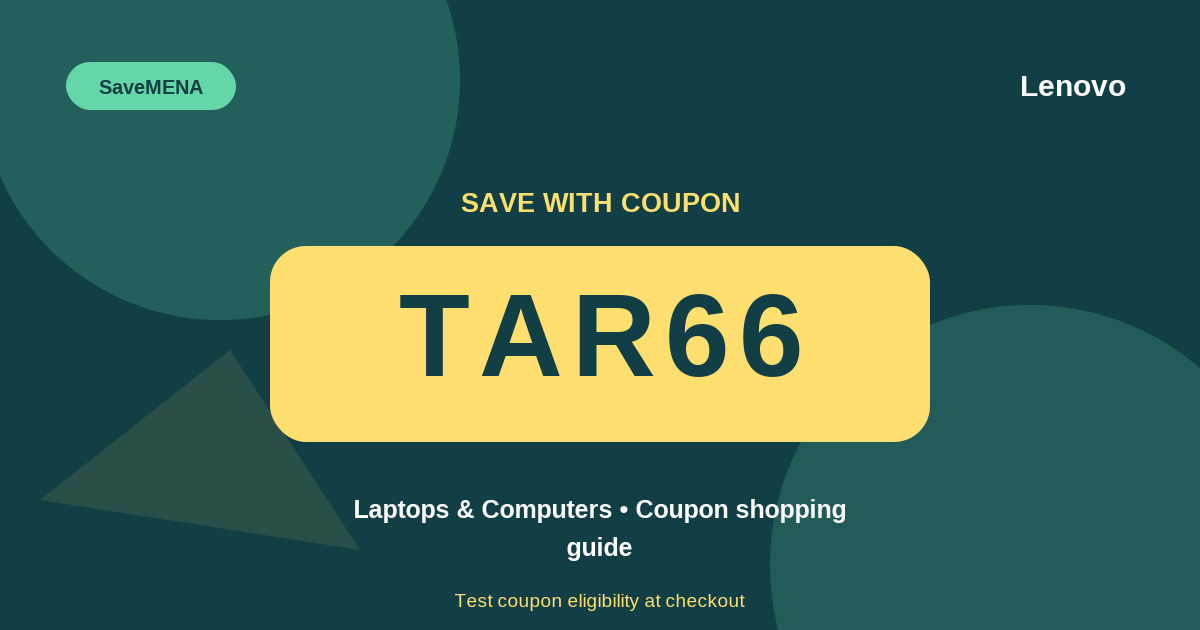
Codes available to try while comparing
These codes are not guaranteed for the article topic or listed brands; test them at checkout and use the live result.
1. Knowing the Noon UAE Final Price Basics
When you look at Lenovo laptop listings on Noon UAE, the initial price you see is the merchant’s listed cost before any coupons, promotions, or payment‑specific adjustments. This listed price is the first figure in your comparison toolbox, but it is not the amount you will pay unless you’re certain no other changes apply. Always read the product page for any stated eligibility criteria – if there are hidden fees or required account tiers, those may shift the final figure. Keep a mental note of the displayed price so you can trace any subsequent changes in the checkout.
The “Final Price” on Noon is calculated after all applicable discounts, coupon allowances, and any platform fees have been accounted for. At checkout, this figure appears in the order summary line labeled “Subtotal.” This is the amount that will be charged to your selected payment method once you confirm the order. By comparing each step—original price, discounted price, and the final charge—you can verify each discount is truly applied and that no unexpected fees are added.
2. Applying the TAR62 Coupon to Your Laptop
To use the TAR62 coupon, enter the code in the designated promo field before you press the “Add to Cart” or “Proceed to Checkout” button. The platform will automatically recalculate the subtotal based on the coupon’s conditions, if any. Because the coupon is available to try and not guaranteed, the application may or may not succeed; the site will indicate whether the code was accepted or if it was ineligible.
After the coupon is applied, a separate line item will appear in the order summary to show the deduction. This is the visual representation of the discount amount. Make sure you still see the correct laptop model and quantity, as sometimes applying a coupon can lead to unintended cart adjustments. Move forward only after confirming the coupon entry succeeded and the total looks correct for this transaction.
3. Verifying the Discount at Checkout
At the checkout screen, beside “Subtotal,” there will be a notation for the discount applied with the coupon.A coupon is not guaranteed; verify its result at the retailer checkout. If the discount disappears or the amount does not change, the coupon may have expired or been unavailable for the selected product; keep this in mind and review possible exclusions or match confirmations.
Your final “Total” on the cart will incorporate the subtotal, any tax, shipping or handling charges, and any payment‑mode fee or credit card surcharge. The final figure you see at the bottom of the checkout page is the precise amount that will be billed to your card, PayPal, or other payment method. Double‑check this figure before you finalize the payment, since it is the only consistent reference for payment.
4. How Payment Method Affects the Final Price
Different payment options may lead to minor service or convenience fees that Noon UAE applies post‑checkout. For example, if you pay via a bank card, the merchant might add a nominal processing fee that is not disclosed until the payment is processed. Conversely, some payment methods such as certain wallet services may offer fee‑free transactions. Each payment method’s fee structure is typically disclosed in the payment gateway window; however it is prudent to verify the final charge before confirming.
The impact of payment method can become especially noticeable when you compare deductive items like merchant discounts, coupon usage, and the final price. While the coupon deduction is already reflected, the payment‑specific fee or discount may be added after the order has been placed. Therefore, always confirm the total on the receipt, which includes any payment‑related adjustments that checkout indicates.
5. Choosing the Right Lenovo Laptop Models for Your Needs
Lenovo offers a broad spread of laptops – from budget‑friendly ThinkPad models to high‑performance gaming‑ready Legion series. When you evaluate so many options, ensure each model’s configuration aligns with your use‑case: i.e., processor speed, graphics capability, memory, and storage size. A model with more resources may carry a higher price tag but could reduce future upgrade costs. Match the specs against the intended workload, whether it’s office work, graphic design, or intensive computing.
Your final price could also depend on the specific SKU chosen, as different configurations are priced separately. A laptop with a faster CPU or more RAM will be more expensive than basic versions. Before applying the coupon, be mindful of the SKU you are looking at, because a cheaper base option may later require more investment for updates, affecting long‑term value.
6. Delivery Fees, Times, and How They Influence Cost
In the UAE, Noon typically offers free delivery for orders above a certain threshold; otherwise a small delivery charge may apply. Delivery fees are displayed during checkout and added to the order total. While the coupon code may reduce the product price, it does not automatically remove the fridge or express delivery charges. Carefully note the total shipping cost before confirmation, as this element also shapes the final amount.
The shipping cost can vary by location and service level. Faster shipping may incur a premium over standard 3–5 business day delivery. To keep costs predictable, verify whether your chosen shipping tier is included in your payment‑mode discount calculations, and keep the shipping cost visible throughout the process until the final order confirmation.
7. Selecting the Optimal Payment Option for Lenovo Purchases
When budgeting for a Lenovo laptop, assessing payment options can mean the difference between a smooth, fee‑free process and an unexpected surcharge. For UAE customers, options include debit/credit cards, PayPal, UPay, or shopping‑credit from Noon if available. Each option may come with a distinct fee regime or reward program. Prioritize payment methods that don’t add hidden fees and align with your loyalty or reward schedule.
During the checkout process, once you choose your payment method, the platform will automatically show if any extra fees apply. Compare these overlays for each method: some use a small percentage, others a flat fee. Pick the method that yields the lowest final charged amount; if two methods yield equal totals, consider your rating or reward points as a deciding factor.
8. Final Checkout Checklist for the Ultimate Savings
Before you tap “Place Order,” review the following swift checklist: confirm that the listed laptop model and quantity match your intent; verify the coupon has successfully deducted the intended amount; ensure the final total includes all applicable tax, delivery, and payment‑fee lines; confirm that the chosen payment method shows no undisclosed fee. If any mismatch arises, adjust or contact Noon support through the chat or help center for clarification.
After submission, you will receive a confirmation screen and email. This confirmation acts as the final record of charges and payment details.A coupon is not guaranteed; verify its result at the retailer checkout. With these steps, your Lenovo purchase will reflect the true cost you intended to pay.
Related SaveMENA pages
Related articles
Official sources to check
Frequently asked questions
A coupon is not guaranteed; verify its result at the retailer checkout.
No, the coupon is available to try. Its eligibility can depend on product, seller, and other conditions. Verify its application on the checkout page before confirming the order.
Will my chosen payment method add a fee after the coupon discount?
Payment‑specific fees are displayed during checkout. After you apply the coupon, check the final total to ensure no additional fees are added before you finalize the payment.
Does Noon UAE charge delivery fees on all Lenovo orders?
Delivery fees are shown at checkout and depend on the order value and chosen shipping tier. Some orders qualify for free delivery if they meet the platform’s threshold.
Can I change the payment method after finalizing the order?
Once the order is placed, changing the payment method is not possible. Confirm your preferred method during checkout to avoid post‑purchase adjustments.