Dell Office on Noon UAE: payment method — final price comparison · TAR62
How can you accurately determine the final price of a Dell office laptop on Noon UAE, especially after applying a coupon, and what role does your payment method
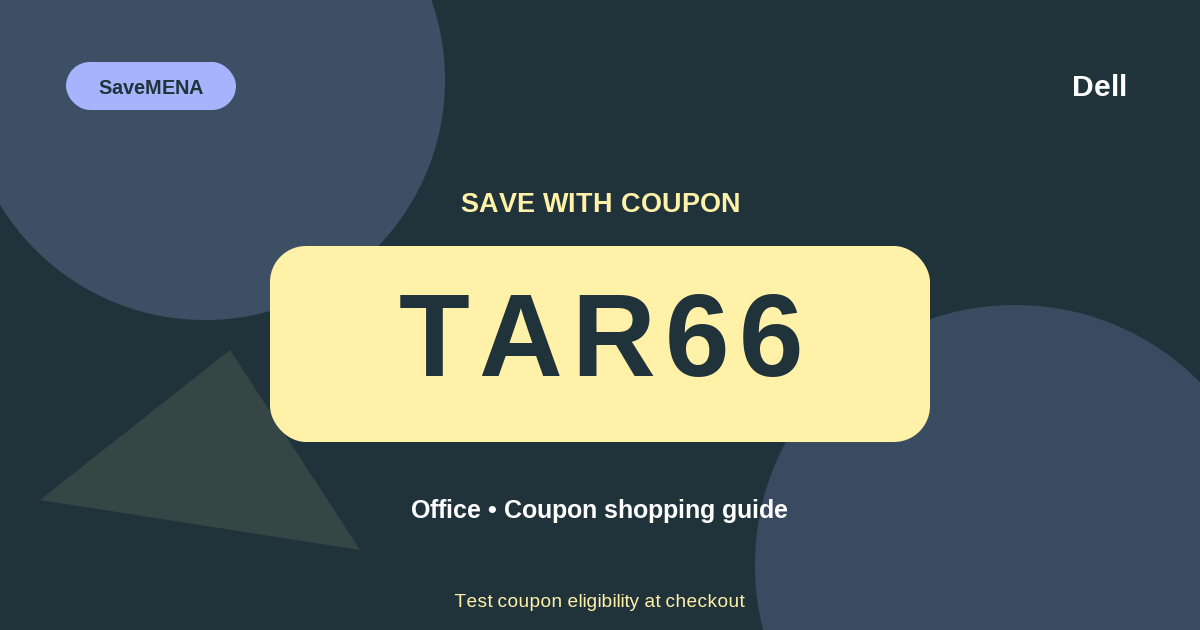
Codes available to try while comparing
These codes are not guaranteed for the article topic or listed brands; test them at checkout and use the live result.
Understanding the Final Price on Noon UAE for Office Dell Products
When you search for a Dell office laptop on Noon UAE, the first figure you see is the list price. However, this number isn’t the only cost that will appear on your final bill. Noon’s interface updates the total in real time as you add items, choice of variant and delivery location.A coupon is not guaranteed; verify its result at the retailer checkout. Always compare the displayed list price with the calculated final amount during checkout, as the latter reflects taxes, service fees or any other adjustments that are not obvious on the product page.
After entering the cart, you’ll notice that Noon calculates and displays a “Subtotal” that may differ from the sum of product prices if there are automatic store credits or customer promotions in effect. This subtotal is the starting point for further adjustments: the coupon you apply and the chosen payment method can either reduce or increase the final amount. To truly compare prices, you must keep track of the subtotal before and after every modification.
Applying the TAR62 Coupon and its Impact on the Checkout Flow
The coupon code TAR62 is the only code we recommend trying when you want to see how a discount could affect your final price. Enter it in the “Apply coupon” field located in the cart summary section. Noon will immediately recalculate the total, displaying the adjusted amount under the subtotal. If the coupon is accepted, the new total will reflect the discount; if it isn’t, Noon will display an error message indicating the coupon was not applied – a reminder that coupons are not guaranteed.
Once the coupon has updated the price, you should review the new total again when you select a delivery option and a payment method. At this point, any service or brokerage fee linked to a specific payment method will appear, ensuring you understand whether the discount still stands or whether a new charge erodes the advantage. Reading this sequence of adjustments, rather than making assumptions, gives you a clear picture of how your final price truly looks.
Choosing the Right Payment Method for Optimal Savings
Payment options on Noon UAE typically include credit/debit cards, digital wallets, UDE Pay, and sometimes third‑party services like PayPal. Each method may carry its own transaction fee or discount structure. For example, some digital wallets offer instant cashback, while credit cards might lend a small rebate for certain card brands. Even if a method does not promise extra savings, it might still be cheaper if it avoids a merchant fee that applies to other options.
To determine which payment method delivers the lowest final price, you must add the same item to your cart, apply TAR62, and then toggle between all available payment options. Observe the final figure that appears just before you confirm the order. The method that results in the smallest absolute number—and especially the smallest amount after deducting any fee—will be your best choice for that particular transaction.
Variants and Seller Differences: How They Influence the Final Price
Noon lists multiple seller options for Dell office laptops, each with identical specifications but potentially distinct prices. When you select a variant (such as RAM or storage size), each seller may charge a different baseline price. These differences can widen the gap between the initial list price and the final price after coupon application, as some sellers might include promotional rates that are already discounted.
Because each seller’s discount structure can differ, the impact of TAR62 may vary as well. When you add a Dell laptop from a particular seller to your cart, be sure to compare the final price shown at checkout for that seller against the same product from another seller. Always verify that the coupon has been applied consistently across variations, as some sellers may accept it while others do not, leading to different final totals.
Delivery Options and Fees: What to Look For Before Checking Out
Noon UAE offers multiple delivery methods such as standard, express, and pickup. These options can add a service fee or delivery charge to the subtotal. Once TAR62 has been applied, choosing a faster delivery may still increase the overall cost if the method’s fee is not offset by the coupon’s discount. For office items that require quicker delivery, compare the total cost of the item plus delivery against a slower option to judge which is truly cheaper.
Additionally, certain delivery methods might be available only to specific payment methods. For instance, a digital wallet could grant free delivery for some orders, whereas card payments may not. When evaluating your final price, always pay attention to any "delivery & handling" line item that appears under payment or shipping selections.
Verifying Eligibility and Order Summary at Checkout
Before finalizing any order, Noon presents an “Order Summary” page that receives all adjustments: product price, applied coupon, delivery fee, and payment‑related charges. This page is your actual ledger of what you will pay. If the coupon has not been accepted, you will see the original price unchanged, and the potential discount will be absent. If the coupon applies, the discount will be displayed next to the subtotal line.
It is essential to read the order summary carefully for any additional notes such as “payment‑specific fee” or “coupon not applicable to this seller.” These notes are the only place on Noon where a payment method’s impact on the final amount is visible. If anything in this summary looks unfamiliar, double‑check the details against the item’s listing and the seller’s own terms.
Comparing Final Prices Across Payment Methods: Practical Examples
To illustrate this comparison, place the same Dell office laptop in your cart and apply TAR62. Then, using the checkout’s payment selector, toggle through the available card types, digital wallet, and any other options. Observe how the final figure changes, if at all, when you change payment methods. If one option has a lower total, that’s the method that truly saves you money for that purchase.
Repeat this experiment on multiple days, as Noon sometimes tweaks its payment‑fee policy or offers limited‑time incentives for specific payment methods. By maintaining a small spreadsheet of the final totals you observe, you can quickly spot patterns and choose the payment method that historically provides the best net cost.
Bottom Line: Making Informed Decisions for Office Dell Purchases
On Noon UAE, the only way to confirm the true final price of a Dell office laptop after a coupon is to watch the numbers change in real time during checkout. The coupon code TAR62 might or might not be accepted, and its effect might be dwarfed or reinforced by a payment‑related fee. By systematically checking each payment option, you can figure out whether a particular method offers a genuine price advantage or simply adds a surcharge.
Always keep your final total in view before confirming the order so you can see the exact amount you will be charged.A coupon is not guaranteed; verify its result at the retailer checkout.
Related SaveMENA pages
Related articles
Official sources to check
Frequently asked questions
How do I know if the TAR62 coupon has been applied correctly?
You will see the discount reflected in the subtotal line of the order summary on Noon’s checkout page. If the coupon does not appear to lower the subtotal or an error message shows, the coupon was not accepted and your final price remains unchanged.
Can a payment method add extra charges to my final price?
Yes, some payment methods may carry transactional fees or brokered charges that appear just before you finalize the order. Always review the “Order Summary” before confirming to see any such additions.
Is the final price on Noon the same as the price I see on the product page?
No. Noon calculates the final price by adding taxes, shipping, and possibly payment fees to the original price, and then adjusting for any accepted coupons. Therefore, always check the checkout total.
Should I use a digital wallet or a credit card to get the best discount?
It depends on the current fee structure for each method. Compare the final total by switching payment options during checkout; the one with the lowest overall amount is the best choice.