Smart Watches on Noon UAE: payment method — final price comparison · TAR78
When shopping for smart watches on Noon UAE, many buyers want to see how a coupon will alter the actual amount they owe.
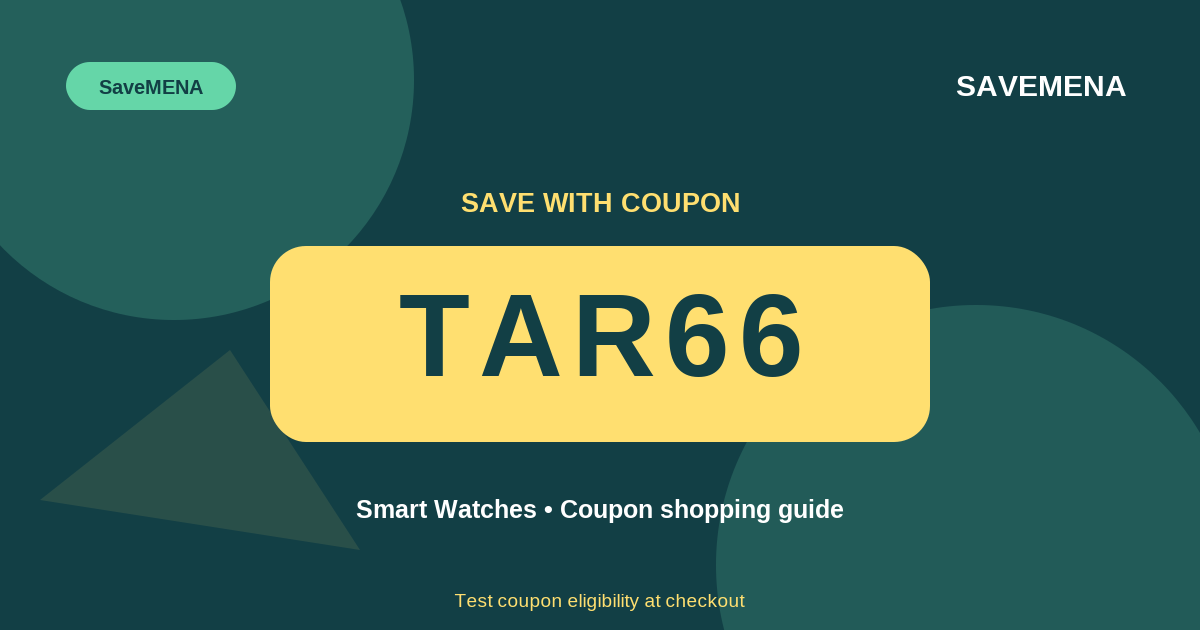
Codes available to try while comparing
These codes are not guaranteed for the article topic or listed brands; test them at checkout and use the live result.
Finding Your Ideal Smart Watch on Noon UAE
Start by navigating Noon’s search bar and typing the smart watch model you want. Use filters—by brand, price range, and features—to narrow the list. The product page displays the listed price, product description, and seller details. Make a note of the listed price before adding to the cart, as this will be the baseline for your later comparison. This step is essential for seeing whether a coupon will truly change the amount you pay at checkout.
When several sellers offer the same model, pay attention to shipping options and delivery times. Sellers may list “free delivery” or a small handling fee. The exact fee will appear only during checkout, but previewing the options can help anticipate how these charges might affect the final price. Also, checking for any in‑stock information keeps you from buying a watch that might get delayed or unexpectedly restocked, which can alter shipping fees.
Adding a Smart Watch to Your Cart and Understanding Fees
Once you choose a seller, click “Add to Cart.” The cart’s mini‑view indicates the list price and the quantity. At this point, the checkout isn’t yet finalized, so you’re still able to alter the quantity or remove the item. Don’t be fooled by any “discount” notes on this page—they usually refer to the next step, not the current list price.
Notice if a seller advertises free shipping, but the cart still shows a “delivery fee” placeholder. This placeholder will be replaced during checkout with the confirmed cost, which could be zero or a small amount. Understanding the difference between listed price and eventual delivery fee helps you anticipate the final dollar amount before applying a coupon.
Entering and Testing the TAR78 Coupon
The cart page usually provides a “Use a voucher” field. Type TAR78 into this field and press Apply. The system will validate whether the code is still active and whether it applies to your item. If the code is rejected, Noon will explain why—often, the item is outside its scope or the code has expired.
If the application succeeds, the cart will recalculate. The recalculation eliminates the placeholder for the coupon’s impact on the amount. At this moment, you can glimpse how the code changes the amount before the payment method’s own fees get added. Take note of the displayed figure; it is not yet the final payable total, but it shows the discount effect.
How the Coupon Affects the Noon UAE Final Price
After applying TAR78, the cart will show a new subtotal. Compare this figure with the original list price you noted earlier. While we cannot disclose discount percentages, you will notice that the number is lower—usually reflecting a monetary reduction or a percentage off. This difference explains how much you’re effectively saving if the coupon is honored.
However, the cart subtotal is still before any shipping, tax, or payment method charge. Remember that the mentioned coupon will apply only if all other conditions are met. Keep in mind that the coupon trials can sometimes fail at checkout due to eligibility or seller restrictions, so always double‑check the final figure after you choose a payment method.
Checking the Payment Method Fees and Options
On the checkout page, you’ll see options such as credit/debit card, NetBank, and sometimes mobile wallets. Some payment methods may add a small convenience fee; others may offer a promotional bonus. The fee appears only after you select the method, and in many cases, the fee is added to the shipping or taxes, not deducted.
For each payment option, poll the “Fee” or “Extra charge” field before finalizing the transaction. If you wish to avoid extra charges, choose an option that offers no fee or a lower fee relative to others. Pay attention that certain card types might add an extra percentage because of international processing; these will be displayed just before you confirm payment.
Reviewing the Final Price on Checkout
When you’re ready to review the final price, click “Proceed to Checkout.” The summary page aggregates all components: the discounted subtotal (after the TAR78 code), shipping and handling fees, applicable VAT, and any payment method charge. This comprehensive list reflects what you’ll pay when you confirm the purchase. The final payable total is the sum of these items.
At this stage, scroll through the details to ensure no hidden fees appear. If a payment method’s fee unexpectedly shows up later, the checkout screen will adjust in real time. The final price you see here is the definitive reference for what you’ll be charged. If the code appears to have been disregarded, double‑check the seller’s eligibility and the card/network used.
Confirming Eligibility and Final Total Before Paying
Before clicking the final “Pay” button, review the final total with a critical eye. If the TAR78 coupon was successfully applied, you should see an immediate drop in the line shown for the discount. Confirm that the sum matches your expectation after factoring shipping and method fees.
Also verify the expiration or usage status of your payment method. For example, if your credit card has an expiry earlier than the order date, the transaction may be declined. A quick check here can save time and prevent a failed payment that would require order cancellation and restocking fees.
Tips for a Smooth Smart Watch Purchase in the UAE
To ensure a smooth transaction, always use the same payment method as registered on your Noon profile, and keep your card details updated. Charges from mobile wallets and NetBank are usually processed within a few minutes, but bank‑issued cards sometimes need 24 hours for pre‑authorization.
When you finalize the purchase, keep a copy of the order confirmation and the receipt of the payment authorization. If any part of the final price was unexpectedly higher—due to shipping changes or payment fees—review the confirmation to identify where adjustments occurred.
Related SaveMENA pages
Related articles
Official sources to check
Frequently asked questions
What if the TAR78 coupon doesn’t apply at checkout?
If the coupon is rejected during checkout, Noon will indicate why: eligible items, expiration date, or seller limitations. Re‑apply the voucher if you rectify the issue, or try another coupon. Always double‑check eligibility before finalizing the order.
Do payment method fees add to the final price?
Yes, certain payment methods may add a convenience fee to the final payable total. This fee appears on the checkout summary and is included in the final amount you confirm.
How can I verify the final price after applying a coupon?
After applying a coupon, view the checkout summary. It lists the discounted subtotal and any additional charges. The final total shown is the exact amount you’ll pay upon confirming the order.
Can the delivery fee increase after I apply the coupon?
Delivery fees are calculated independently of coupon discounts. The final payable amount combines the discounted price, shipping charges, taxes, and payment method fees as shown on the checkout page.