Nike Men’s Fashion on Noon UAE: price changes — final price comparison
Noon UAE final price Men’s Fashion Nike rechecking after a price change: If you’re hunting for a fresh pair of Nike men’s shoes on Noon UAE, a price may have
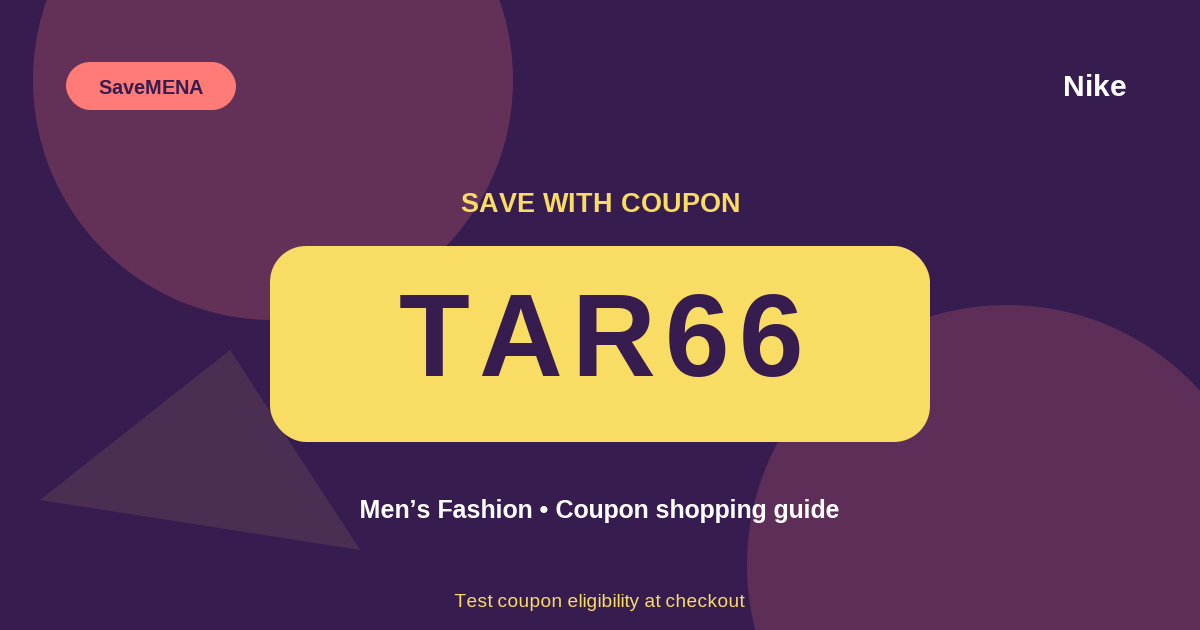
Codes available to try while comparing
These codes are not guaranteed for the article topic or listed brands; test them at checkout and use the live result.
1. Identify the Current Price Presented on the Product Page
Begin by noting the price that appears next to the “Add to Cart” button. An online store may display a “price history” line that hints at recent dips or rises, but the green figure right in front of you is the source of truth until you confirm otherwise. Record the amount it shows, as this will become the baseline for all subsequent comparisons.
Make sure the currency symbol matches the UAE market; Noon typically shows AED. If you notice a “–” or a price slash, this signals a temporary discount that may not persist. Keeping a simple note—whether on paper or in a notes app—helps you avoid mixing up the old and new figures later in the process.
2. Verify the Product’s Historical Price Trend
Before you lock in from the current figure, check whether Noon provides a price‑trend chart or a “compare prices” feature. Many merchants annotate the item’s price history UI with dates of past changes. Look for timestamps that align with your browsing session; a recent surge might explain a sudden jump.
If the platform lacks a visual history, a quick search of the product’s listing on a marketplace aggregator can reveal earlier price points. By cross‑referencing dates, you confirm whether the present rate indeed dropped or rose, allowing you to decide if the listing is still favorable for the long term.
3. Apply TAR66 Coupon Before Adding to Cart
Many shoppers try the coupon code on the product page, but the code might trigger only after you’ve added the item to your cart. In your checkout flow, locate the “Apply Coupon” box where Noon requests promotional codes. Enter TAR66 exactly as shown and hit “Apply.”
If the system accepts the code, a small notice or a reduction in the item’s price should appear instantly. Keep in mind that the promotion may apply only if the product meets unspecified conditions; the Coupon box will reveal any unnamed qualifiers once applied.
4. Re‑Open the Cart to Validate the Discounted Total
Click the cart icon after applying the coupon to view the breakdown. The interface lists the item price, any coupon adjustment, and applicable taxes. Here you can confirm whether TAR66 truly lowered the cost or if the discount conflicted with the product’s current pricing.
Check that the “Price” field still reflects the same SKU you examined earlier. A mismatch in brand or model indicates a potential switch in the item’s details, which could happen if the original product was out of stock and a substitute was offered.
5. Confirm Shipping Calculations After Price Adjustment
Delivery fees can shift when order totals cross discount thresholds. In the cart, scroll to the “Shipping” section to see the applicable fee. Noon often calculates this as a flat rate or a percentage of the order value.
Verify that the shipping cost corresponds to the updated subtotal after the coupon. Some sellers apply a “free shipping” rule that activates only when the net price surpasses a certain amount; if the discount moves you below that level, you’ll notice a fee appear.
6. Re‑Check the Minimum Spend Requirement (If Any)
While Noon rarely imposes a minimum for coupons, some sellers embed a “spend $X to qualify.” If an item’s price drops below this threshold after the coupon, the discount may expire. In your cart, look for any notice that states “minimum spend” or “varies by seller.”
Should such a rule be present, add an extra item or adjust the quantity to meet the requirement. If no notice appears, the coupon likely remains valid regardless of the adjusted total, but still double‑check at checkout to be sure.
7. Use Browser Features to Record Final Payable Amount
Before flipping “Continue to Checkout,” enable the browser’s screenshot tool or copy the cart’s total amount into a document. This creates a textual record of the figure that Noon presents on the last step of the flow.
Occasionally, slight rounding differences or tax adjustments become visible only after you enter your delivery address or payment details. By capturing the total before this, you retain a reference point to compare in case the final payment differs.
8. Inspect the Final Summary Page for Accuracy
The last page before payment churns out your payment details. Here Noon displays the unit price, quantity, coupon deduction, tax, and shipping together. Cross‑check each line against earlier notes: the unit price must match the listed price before the coupon; the discount must correspond to the TAR66 tagline; and the total must reflect all added fees.
If any figure conflicts with the earlier data—or if you see an unexpected fee—pause the process. You can delete the item, add a new SKU, or contact Noon’s support before you complete the transaction. Exempting yourself from a hidden price jump or out‑of‑scope coupon is key to a satisfying purchase.
Related SaveMENA pages
Related articles
Official sources to check
Frequently asked questions
What should I do if the price changes again after I add the item to my cart?
Immediately revisit the cart page and look for the “Price” field. If it has shifted, try removing the item and re‑adding it. If the price stays lowered, the change is likely finalized and the coupon still applies. Otherwise, you may need to cancel the order before payment.
Does the TAR66 coupon apply to all Nike men’s fashion items on Noon?
Not necessarily. Noon may restrict specific SKUs or seller collections. To confirm, enter TAR66 during checkout and see if the discount is accepted. If the coupon doesn’t apply, the system will display a warning.
How can I ensure there are no hidden fees after I finalize the loan?
Check the final summary screen before completing payment. It lists taxes and shipping separately. Compare these to the initial cart view. If a new fee appears, verify the delivery address or rate choice, and consider whether a shipping speed upgrade added the cost.
Can I claim a refund if the final paid amount is higher than my earlier estimation?
Unless you encounter a price‑error or a coupon issue, Noon’s standard return policy applies. It’s best to resolve any discrepancy at checkout; you can cancel the order or initiate a return after receipt if needed.