Calvin Klein Perfumes on Noon UAE: price changes — final price comparison
Noon UAE final price Perfumes Calvin Klein rechecking after a price change: .. Verify the actual item, seller, and checkout total; the coupon is available to try
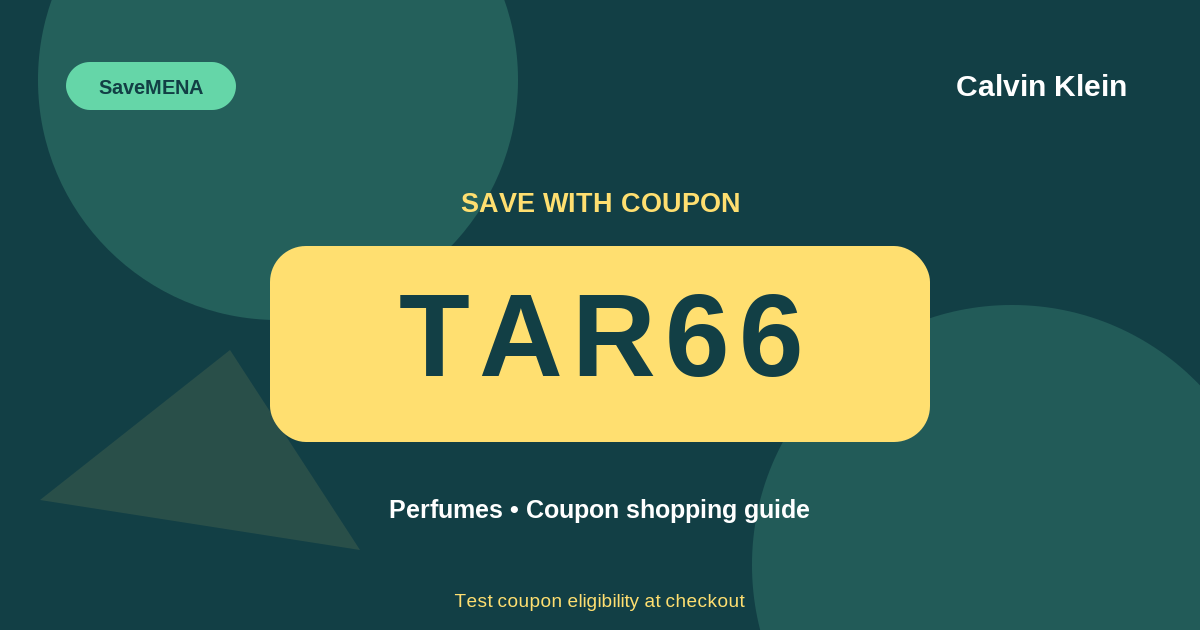
Codes available to try while comparing
These codes are not guaranteed for the article topic or listed brands; test them at checkout and use the live result.
Verify the Latest Base Price Before Applying the Coupon
Start by locating the Calvin Klein perfume listing on Noon UAE. Hover over or tap the product to view the displayed price, and then double‑check that the amount shown matches the most recent price indicated on the product page. Because Noon occasionally updates prices at midnight or during promotional periods, a quick glance now versus 24 hours ago can reveal a significant shift. If a discount tag or sale counter appears, it’s typically applied automatically, so the base price you see is the starting point for the coupon calculation.
Once you have the clear, current base price, note it down mentally or in a quick note app. This figure represents the reference amount before any coupon or shipment cost is added. If the price appears lower than a week previous or new discounts have been listed, you’ll already have an idea of how much room there is for a coupon to further reduce the payable total. With that origin point established, you can move on to checking for any recent price adjustments that may have occurred after you first saw the listing.
Observe Any Recent Price Adjustments to the Product Listing
Focus on any price history tools or “price change” indicators that Noon might display. A flashing icon or a brief banner may alert you to a price that has recently dropped or risen. By clicking or tapping this banner, a tooltip often appears detailing how much the price has shifted, the time of the change, and whether the new price is temporary. This information lets you confirm whether the price you noted earlier is still current before you commit to a coupon or checkout step.
If a price adjustment flag appears, the retailer updates the base price on the main listing instantly. Thus, your earlier note may become outdated. In this case, refresh the page or re‑open the product to capture the updated figure. Make sure you capture the new price because this is the figure that the coupon will reference when you eventually apply the TAR66 code on the cart page. A mis‑aligned base price can lead to unexpected surprises in the final payable amount further down the funnel.
Apply the TAR66 Coupon in the Cart
Proceed to add the desired Calvin Klein perfume to your cart. Once inside the cart overview, locate the coupon entry field—generally labeled “Coupon Code,” “Promo Code,” or “Discount Voucher.” Here, you can type the code TAR66 and click the apply button. The platform will then recalculate the line item subtotal, potentially reducing the total if the coupon is valid for this category or brand.
Keep in mind that the TAR66 code is available to try, and there’s no guarantee it will be accepted. The discount (if any) will be displayed only after the system processes the code on the cart page. If the discount appears, the new subtotal is shown beside the original price. If the coupon isn’t recognized, you’ll stay with the initial cart total. In both scenarios, note the displayed amount before proceeding to delivery selections, as this amount serves as the baseline for any subsequent fee additions or adjustments.
Confirm Cart Items and Quantities
A quick scan of the cart items list ensures that the correct variant, volume, and brand appear as intended. Sometimes, sellers list multiple packaging sizes or editions of a perfume under the same brand name. By verifying that the item description matches your selected version, you avoid paying twice for the wrong variant or inadvertently lifting an errant quantity that could skew the final payable figure.
The cart also usually shows a line for each distinct shipment or seller fee that will be added later. You can either toggle the details view or look for a small icon indicating extra charges. Understanding the composition of the cart subtotal will prepare you for the next step where shipping fees and payment method costs could further influence the final price you’ll pay. As always, rely on the cart’s displayed numbers until the checkout page confirms the final amount.
Review Delivery Fees and Shipping Options
On Noon UAE, delivery fees are added during the checkout flow. You’ll see a selection of shipping methods available to your address, often varying from standard to expedited or same‑day options. Each method typically carries a distinct fee. To keep track of the final payment, select each shipping option one at a time—or if the site lists fees in a sidebar—note the corresponding cost the total adds.
After selecting your preferred delivery method, the cart total will update to reflect the new cost. Some shipping options may be free for certain orders or for members, but the application of a coupon does not automatically grant free shipping unless specified. The updated total on the screen is what you’ll see on the final checkout summary, so confirm that the numbers align with your expectations and that you’re aware of any hidden fees such as handling or express delivery surcharges.
Examine Payment Method Fees or Credits
When Noon UAE asks you to choose a payment method, it may display additional information about fees for credit cards, wallets, or installment plans. Credit transfers or certain debit cards can sometimes carry a minimal fee. Even though the platform usually shows these as separate lines, the final payable total on the confirmation page includes them all, making it essential to read each entry carefully before proceeding.
If you decide to use a card or digital wallet, scroll to the bottom of the payment options to see any transaction fee mentioned. The platform will add these fees to the total before presenting the final amount. The accuracy of this addition is critical; if a small fee is omitted from the summary, you could be surprised at shipping receipt. By verifying that the payment method chosen reflects the correct fee (if any), you help ensure that the final sum you agree to matches the amount displayed in the checkout summary.
Re-confirm Final Amount Before Checkout
Before you click the “Place Order” button, navigate to the final order summary on the checkout page. This page aggregates the base price, any applied coupon reduction, shipping charges, and payment method fees into one comprehensive total. This figure is the definitive amount you’ll pay and the price for which you’ll receive the product. Double‑check that every line item matches your earlier reviews and that no spontaneous adjustments have appeared due to stock changes or regional pricing variances.
If all numbers align, proceed to submit your order. If any figure seems off, revisit the previous steps—particularly the coupon application and shipping selection—and correct inconsistencies. At this stage, you have the final reference for eligibility and the payable total, so any mishap here could result in an unexpected charge. Taking the time to validate the full summary guarantees you’ll be prepared for the total you’ll see once your order is confirmed.
Capture Confirmation and Receipt
After the order is finalized, Noon UAE will send a confirmation email and display a receipt on the order confirmation page. Review the printed receipt closely: it should itemize the perfume, coupon discount (if applied), shipping cost, payment method fee, and the grand total. This final document is your payment record and your proof of the final cost you agreed to.
Keep a copy of this receipt for any future questions or disputes. If you notice any divergence—such as a missing coupon deduction or an extra fee—contact Noon’s customer support through the order details page to clarify. By retaining the receipt and understanding all its components, you’ll be equipped to address any issues promptly and ensure your purchase remains accurate to what you believed at the time of checkout.
Related SaveMENA pages
Related articles
Official sources to check
Frequently asked questions
How do I know if the TAR66 coupon will actually reduce the price?
Apply TAR66 in the cart to see if the system applies a discount. If the code is accepted, the cart total will update accordingly. If it isn’t, the original price remains unchanged. The final checkout totals will reflect any change.
Will Noon UAE’s shipping cost be higher if I use a coupon?
No. Shipping fees are calculated after coupon application. The coupon doesn’t alter delivery charges unless the platform explicitly states so. The final cart will show the shipping price regardless of coupon use.
Can I get a refund if the final price differs from what I saw on the product page?
Refunds are handled through Noon’s return or dispute process. Keep your receipt and contact support if you suspect a pricing discrepancy. They will review your order details and take appropriate action.
Is the final payable amount guaranteed once I submit my order?
Yes. The checkout screen provides the definitive payable total. Once you place the order, that figure is confirmed; any subsequent changes would require a new transaction or a refund‑credit process.