Adidas Shoes on Noon UAE: price changes — final price comparison
Open the product page for the Adidas shoe you want and locate the displayed price next to the product title.
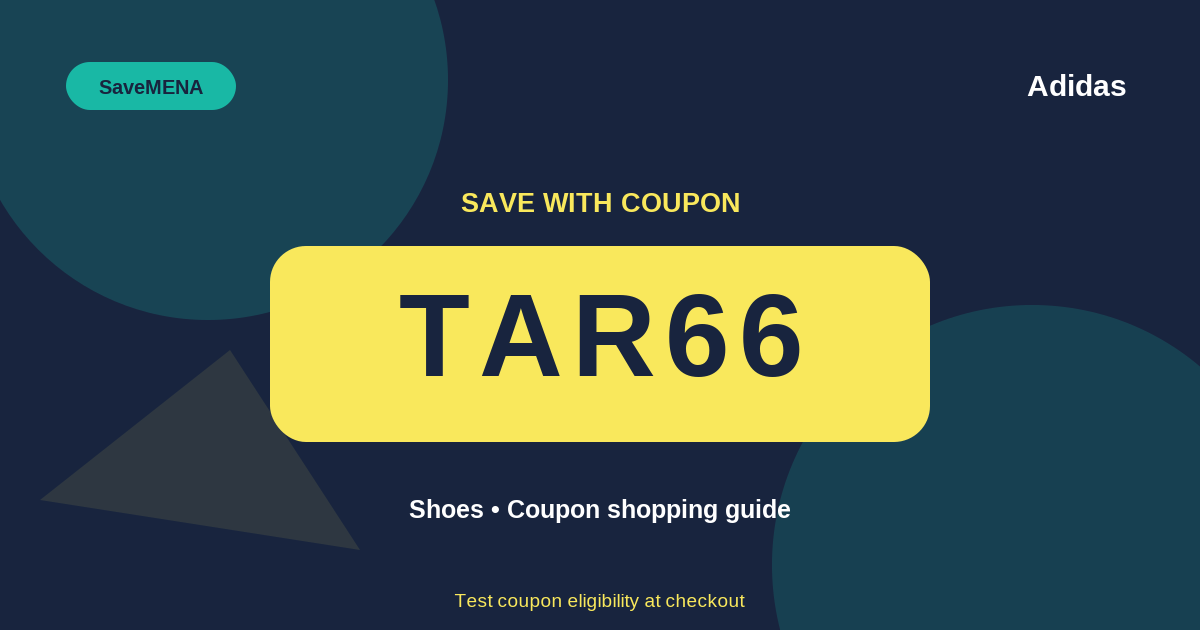
Codes available to try while comparing
These codes are not guaranteed for the article topic or listed brands; test them at checkout and use the live result.
1. Confirm the Current List Price on Noon UAE
Open the product page for the Adidas shoe you want and locate the displayed price next to the product title. Pay careful attention to any “Was” or “Now” labels that may appear; these indicate a recent adjustment. Since Noon routinely updates listings, ensure that the price you see reflects the most recent change by checking the timestamp often found near the offering or under seller information. If no timestamp is visible, repeat the process after a short interval to catch any updates that may have occurred during your browsing session.
Once the current list price is on record, compare it to the price shown the last time you visited the page. SaveMENA recommends writing the two prices down or taking a screenshot to preserve evidence of the change. By doing so, you create a clear reference point for further steps, such as verifying coupon impact or determining whether the new price is truly final before checkout. This documentation also assists if you need to confirm the price with customer support or during a dispute resolution.
2. Check for Price History and Recent Adjustments
Although Noon does not publish a formal price‑history tool, you can infer past prices by reviewing your own order history if you have previously purchased the same shoe. If you have multiple searches for the model, note each price displayed in those searches. Another tactic is to use third‑party price‑trackers that monitor Noon; they often record historical data for popular items. If you discover a pattern—such as a 10‑day price drop followed by a brief rise—you can anticipate the likelihood of further changes before finalizing the order.
If you cannot find historical data, consider contacting the seller directly through Noon’s messaging interface. Sellers occasionally explain pricing strategies or scheduled discounts, especially when they respond to user inquiries about recent price reductions. By gathering this background, you better understand whether the price you currently see is likely to be stable or might fluctuate again, affecting how you plan to apply the TAR66 coupon.
3. Apply the TAR66 Coupon Code Early in the Cart
Insert the TAR66 code into the coupon field that appears on the cart page or during payment. Because SaveMENA states the coupon is available to try but not guaranteed, act promptly to capture the system’s attempt at applying the discount. If the interface accepts the code, a provisional reduction will appear; if it is not accepted, a warning will explain the failure but leave room for re‑attempting if circumstances change.
Do not proceed to the payment step until the coupon field reflects the most recent status. If the code is rejected, note whether any error message specifies a limitation such as ‘coupon not eligible for this product’ or ‘coupon expired’. This log will help you decide whether to look for alternative promotions or to move forward with the cart’s current total, ensuring you have a complete record of your coupon attempt.
4. Double‑Check the Discount Application at Checkout
Within the checkout window, a line item will display the current price, any applied coupon, and the net payable amount. Confirm that the displayed coupon deduction corresponds to the previously entered TAR66 code. Pay close attention to the breakdown: the discount amount, the new subtotal, and any tax or shipping adjustments. SaveMENA advises verifying that the final number shown is exactly what your payment method will be charged, as minor rounding differences can occur.
If the discount is not reflected, re‑enter the coupon code one more time after any other discount or sale that may have been applied in the cart. Some platforms require the coupon to be the final step before papering out the total. By ensuring no step is skipped, you reduce the risk of a later surprise on your bank statement. Document the final total in your records for future reference.
5. Compare the Final Total with Any Other Platform Offers
Open a separate browser window or device to search for the identical Adidas shoe on competitor sites that also carry Noon inventory or similar listings. Compare the net totals you calculated on Noon after coupon application with those on other platforms. This comparison highlights whether Noon’s current price plus the coupon yields a better deal or if a different retailer offers a lower final price after analogous promotions. Even without explicit discounts, the base price can vary across markets.
Remember that shipping fees, return policies, and customer support quality differ between platforms. A slightly higher price might still be more advantageous if it includes free delivery or a more generous return window. Use the comparison as a quick decision aid: if Noon’s total is competitive or lower, proceed; if another site offers a distinct advantage, consider delaying the purchase on Noon and recouping the amount later if the price swings back up.
6. Review Shipping Fees and Possible Additional Charges
On Noon’s checkout page, shipping costs appear as a separate line item. Check whether free delivery is available for the selected seller or if a flat fee applies. Note that some sellers offer expedited shipping for a premium, which can change the final amount. Verify whether the shipping terms differ for the same product when accessed from a different device or if you are logged in and a loyalty discount is automatically applied.
Also, look for any miscellaneous fees such as a transaction fee or handling charge that could alter the final payable. If the seller mentions a “special handling” fee during checkout, confirm it through the seller’s store page or by contacting customer service. Keeping a clear record of all these additional charges ensures your comparison with other platforms remains accurate and that you have a full understanding of how the total might shift.
7. Understand Return Policy for Re‑priced Items
Check the product page for the Return & Refund section. Pay particular attention to terms that mention “price changes” or “factory price changes.” If a later price drop occurs after your purchase, the seller may offer a partial refund or store credit, but some policies limit such adjustments. Since Noon’s policies are accessible at checkout, view the return window that appears once your order is confirmed.
Note whether the return window states a fixed number of days or weeks. If the policy mentions “price change adjustment”, read whether the adjustment applies to credit card purchases only or also to cash on delivery. Document the return timeframe so that if a future price change triggers a potential refund, you know exactly how to proceed and what documentation to retain for proof.
8. Finalise the Purchase and Record the Transaction
When you confirm the final total, review all items—price, coupon impact, shipping, taxes, and returned policy—once more. Then click the “Place Order” button. SaveMENA recommends taking a screenshot of the confirmation page that displays the order number, final amount charged, and selected payment method. This image serves as a backup should an issue arise with the order or the applied coupon.
After the order receives confirmation, keep an eye on your inbox for any email updates from Noon about shipping. Because the price and coupon may have applied only at the moment of purchase, future adjustments are unlikely unless an error is reported. If you notice a discrepancy in the amount later, consult the saved confirmation image and seller contact points before reaching out for a resolution. By following this record‑keeping habit, you protect yourself against miscalculations and foster smoother customer service interactions.
Related SaveMENA pages
Related articles
Official sources to check
Frequently asked questions
How do I check if the TAR66 coupon will actually apply to my Adidas shoe?
Enter the code during the cart or checkout step to see if the system accepts it. If the coupon field shows a discount, the code accepted; if it shows an error, the coupon is not eligible for that product at this time. Document the result for reference.
Can I apply the TAN66 code after I have purchased?
No, coupons on Noon are applied during the checkout process. Once payment is processed, the code cannot be retroactively applied to an existing order. If the coupon fails at checkout, consider canceling the order and attempting it again.
Is a price change guaranteed to be permanent after I place my order?
Not necessarily. Prices can fluctuate after the order is placed, but the final price at checkout is the amount charged. Noon typically does not adjust prices post‑purchase unless an error occurs, in which case customer support may offer a remedy.
Will the shipping cost change if the price of the shoe includes a discount?
Shipping fees are calculated separately prior to applying discounts. If the total price decreases, the shipping fee will remain the same amount typically shown before discount application, unless the seller offers a conditional free‑shipping threshold that the new subtotal now meets.