Baby & Kids on Noon UAE: offer combinations — final price comparison
Noon UAE final price Baby & Kids coupon interaction with visible promotions: Want to see exactly how a coupon interacts with visible promotions to influence the
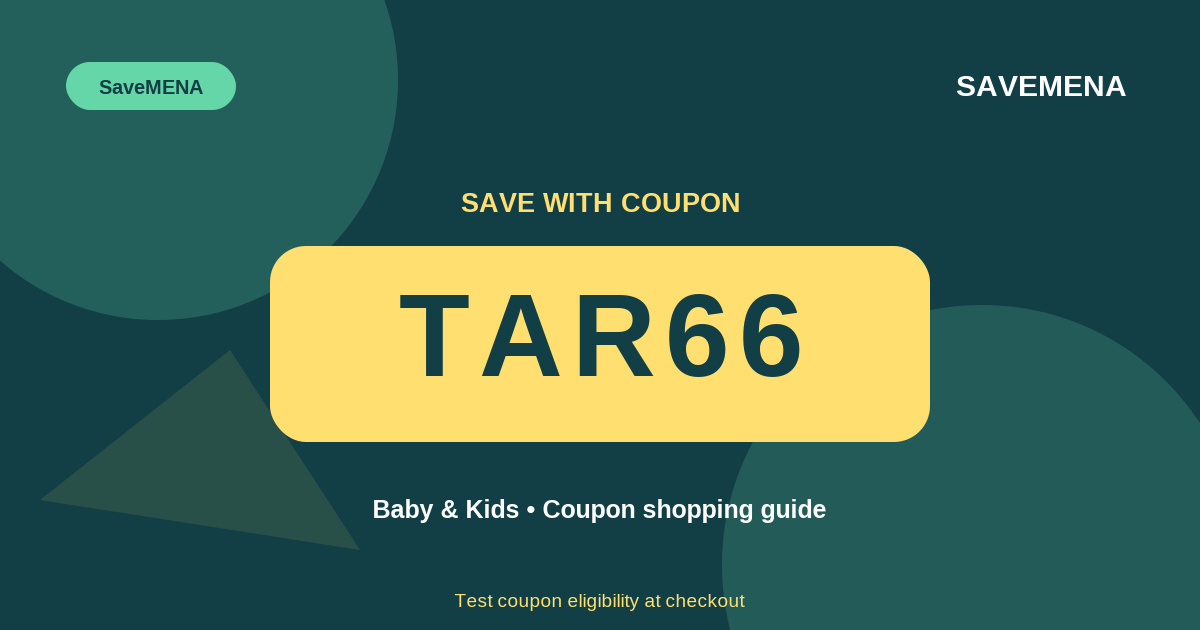
Codes available to try while comparing
These codes are not guaranteed for the article topic or listed brands; test them at checkout and use the live result.
1. Spot the Visible Promotion First
When you browse a Baby & Kids product page on Noon UAE, the seller will usually display any current promotion right next to the price. This could be a percentage discount, a “buy one get one free” badge, or a special price tag. Note the text and the number shown; some promotions are temporary, while others run until the end of a season. Capture this information—perhaps by taking a screenshot or making a quick note—so you have a reference before adding the item to your cart.
Seeing the promotion early lets you understand what the base discount is before the coupon comes into play. For many listings, the price shown is already reduced, meaning the total you’ll pay after the coupon is applied will split the original price between the promotion and the coupon. When you later compare the pre‑and post‑coupon amount, you’ll see exactly how much of the visible discount remains and how much is added by TAR66.
2. Add the Item to the Cart as a Baseline
With the visible promotion noted, add the Baby & Kids product to your cart. Once the item is in the cart, the platform will recalculate the price accounting for any promotion that applies to that exact SKU, variation, and quantity. Check the cart page – the amount displayed is the price you would pay if you proceeded to checkout without applying the coupon.
It is critical to record this amount as your baseline. In many cases, the cart totals reflect the promotion alone; if the promotion and the coupon are compatible, the TAR66 code will later provide an additional discount on top of this. If the promotion is exclusive, the cart price will be the final amount, and the coupon will not further reduce it.
3. Apply the TAR66 Coupon at Checkout
During the Checkout process, look for the coupon entry field. Enter TAR66 exactly as shown. The system will instantly recalculate the total if the coupon applies to your selected items. A small icon or note often appears next to the new total indicating that a coupon is in use.
Do not assume the discount has been applied; the Checkout page is the most authoritative source for whether the coupon is valid in your cart. If the coupon is incompatible with the visible promotion or the seller’s policy, the total will remain unchanged and the system may display a message explaining the restriction.
4. Verify the Coupon’s Effect on the Final Total
Once TAR66 has been entered, compare the new total shown in Checkout to the baseline cart total. The difference tells you how much the coupon has contributed. If the numbers are the same, the coupon was either not applicable or was overridden by the visible promotion or seller policy.
It is not uncommon for stores to apply visible promotion discounts first and then only allow a coupon to reduce the amount left after the promotion. If you see a clear reduction, you now know the exact impact of the coupon on the Baby & Kids price. Save this figure as your new reference for later comparison.
5. Check Promotion Stacking Rules Explicitly
Not all promotions stack with coupons. Some sellers or Noon UAE itself may restrict simultaneous application. To confirm, scroll to the product description or promotions section for any notes stating “cannot be combined with coupon” or “exclusive sale.” If such a note exists, the coupon will not apply, and the cart total reflects the final price.
If no restriction is stated, the coupon and the promotion may coexist, but the platform will apply them in a predetermined order. Understanding this order is key: often the coupon's discount is calculated on the amount after the promotion, so the final price can be slightly higher than simply adding the two discounts together.
6. Confirm Eligible Shipping Fees and Charges
Shipping fees can also be affected by visible promotions. Some sellers lower the shipping cost or offer free delivery if a promotion is active. Observe whether the cart page already shows a reduced or waived shipping fee before the coupon is applied.
After the coupon entry, if the shipping fee changes, note how the changes correlate with the coupon or the promotion. Shipping costs are part of the final payable total, so they can influence the overall savings you expect from your combined discounts.
7. Re‑examine the Final Amount if You Add More Items
Occasionally, you may want to add a second Baby & Kids product before completing your purchase. Adding another item can change the promotion dynamics, especially if each product has a different visible discount or if the coupon has a spend threshold.
Revisit the Checkout page after expanding your cart; the system will recalculate both the visible promotion impact and any coupon‑related savings. Keeping a consistent comparison reference for each item helps you see how adding or removing products alters the final price.
8. Use the Checkout Page as the Final Authority
At every step, the Checkout page remains the most reliable source for your final payable amount. All visible promotions, applied coupons, and shipping fees are summed here. Reading the total carefully before submitting payment ensures that you are not surprised by unexpected charges.
When you complete the transaction, you can review the confirmation email for a detailed breakdown of the price. This serves as a post‑purchase audit to verify that the coupon and visible promotions behaved as anticipated.
Related SaveMENA pages
Related articles
Official sources to check
Frequently asked questions
Does applying the TAR66 coupon automatically remove the visible promotion?
No. The coupon may work in conjunction with visible promotions if the platform allows stacking; otherwise, it may be ignored if the seller’s policy or Noon UAE settings prevent it. Check the promotional terms on the product page or at checkout.
What if the cart total doesn’t change after I enter TAR66?
It likely means the coupon is not applicable to the selected product or the seller has set a rule that prevents coupon use with this promotion. The checkout page may display a message explaining the reason.
Can I use TAR66 on multiple Baby & Kids items at once?
Eligibility depends on the coupon’s terms and the seller’s restrictions. If the coupon states it is per order or per item, you may or may not be able to apply it to several products. Verify this by reviewing the product descriptions or the coupon details in the coupons section.
Will the coupon affect shipping costs on my Baby & Kids order?
TAR66 may have no impact on shipping fees. Shipping costs are often treated as a separate line item and may reduce only if there is an explicit free shipping promotion. Check the cart and checkout pages for any changes in shipment charges after entering the coupon.