Dell Computer Accessories on Noon UAE: offer combinations — final price comparison
Noon UAE final price Computer Accessories Dell coupon interaction with visible promotions: To figure out exactly how much you’ll pay for Dell computer accessories
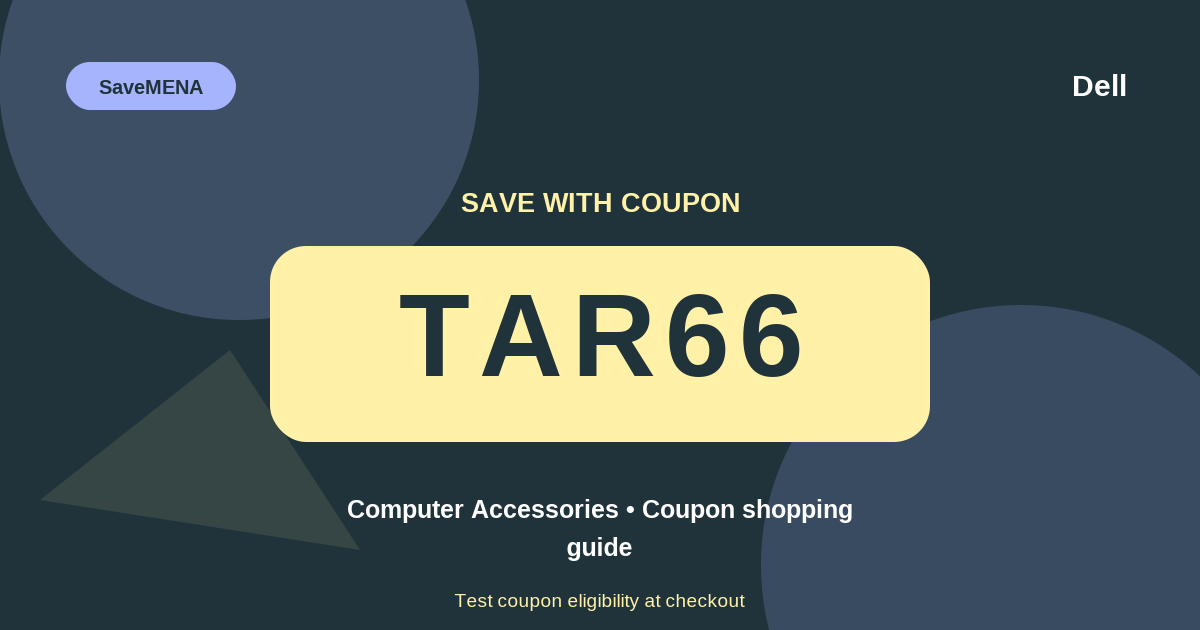
Codes available to try while comparing
These codes are not guaranteed for the article topic or listed brands; test them at checkout and use the live result.
Identify Visible Promotions on the Product Page
Before adding a Dell accessory to your cart, browse the product page on Noon UAE for any visible discount banners, coupon icons or “sale” stickers that may reduce the list price. These promotions are displayed directly beside the original price, often as a product‑level discount or a limited‑time offer. By noting how the price appears after these adjustments, you can estimate the initial reduction that will carry into the cart subtotal.
While you can’t rely on any hidden discount at this stage, the visible promotion gives you a baseline. It is the only figure you can see outside of the cart, and it sets the stage for the next step: adding the item to the cart so you can see how the platform aggregates all visible discounts.
Add the Dell Accessories to Your Cart
Click “Add to Cart” for the Dell component you want, and observe the pop‑up that confirms the item’s presence. The price shown in this confirmation reflects all visible promotions, but it does not yet factor in coupon usage or extra platform rebates. Taking note of the displayed amount helps you confirm that the promotions you saw on the product page have been retained when the item lands in the cart.
At this point you may also spot seller promotions such as a “Buy 2 Get the discount shown at checkout Off” icon that appear beside the quantity selector. These are separate from the item’s headline discount and will also be reflected in the cart subtotal, which is the next critical checkpoint.
Review the Cart’s Composed Price Before Coupon
Open the cart to see the breakdown of each item’s list price, followed by any visible discount applied. The subtotal appears below these figures. If there’s an icon for a store‑wide sale or a flash discount, it manifests as a line item that further lowers the total. This subtotal is the amount that will be used to calculate whether the coupon code can be applied next.
Ensure the quantities are correct and double‑check that the visible discounts still apply for the chosen quantity. If the item count has changed, the visible promotion may adjust automatically; verifying this protects against miscalculations later on.
Check the Applicability of TAR 66 on the Current Total
Enter the coupon code TAR 66 in the designated field within the cart or at checkout. The platform will attempt to apply the code to the current subtotal, and you will be notified whether the coupon was accepted or rejected. Remember, the code might not stack with all visible promotions, so you should see an explicit message either confirming usage or stating that the coupon cannot be applied.
If the coupon is accepted, a new line in the price summary shows the reduced amount. Take note of the new subtotal, as this is the first version of the final price that includes the coupon. At this point, you still should not yet finalize the purchase.
Observe Any Additional Platform Promotions or Stickers
Some Noon UAE seller profiles display extra badges or stickers such as “Free Gift” or “Recharge Offer.” These may affect the payable amount, but they usually appear after you proceed to the checkout page. Make a mental note of these potential add‑ons; they might alter the total or provide supplementary value that should be considered when comparing prices.
While these badges are not applied automatically, the checkout summary should reveal any applicable service charges or bonus items. Ensure you scroll through the entire summary to confirm there are no hidden upsells or mandatory fees that could offset the coupon savings.
Perform a Final Price Comparison in the Checkout Summary
At checkout, inspect every component of the final payable amount: the item price after visible promotions, the coupon discount, any additional platform incentives, delivery fees, and taxes or VAT. The checkout summary consolidates all these figures into a single line of “Total to Pay.” Compare this figure to the earlier cart subtotal to confirm that the coupon did, in fact, modify the payable amount as expected.
If the displayed total differs from your earlier expectations, review the “Details” link that often expands the breakdown. This will reveal whether any additional charge or promotion applied unexpectedly, allowing you to warn yourself before completing the purchase.
Account for Possible Delivery Fees or Taxes
Even if the coupon and visible promotions bring the product’s price down, the final total can still be altered by delivery charges or taxes. Noon UAE usually lists a free‑delivery threshold; if your order falls below that, a separate line will display shipping costs. Similarly, VAT might be appended after the subtotal. The key is to verify that these fees are shown in the final checkout summary before you confirm payment.
Don’t assume delivery is free based solely on the price displayed on the product page. It’s safer to read the explicit shipping cost in the checkout summary to ensure there are no hidden fees that would compromise your intended savings.
Confirm the Final Payable Amount and Save the Receipt
Once the checkout summary reflects all discounts, coupons, delivery fees, and taxes, you should review the total one last time. If the figure aligns with what you pre‑agreed upon in earlier steps, you can proceed to confirm payment. Any discrepancy usually indicates that a coupon did not apply or that a hidden charge exists.
Take a screenshot or download the order confirmation before you pay. This serves as proof of the final price and is essential if you later need to dispute an overcharge or claim a promotion that was not applied during checkout.
Related SaveMENA pages
Related articles
Official sources to check
Frequently asked questions
How can I be sure TAR 66 is valid for my order?
Enter the code in the cart or checkout page and check for a success message. The platform will confirm if the coupon applies to your current subtotal and quantity. If there's a problem, you’ll normally see a “cannot apply” notice; in that case, try removing the code and verify the final price without it.
Do visible promotions stack with the coupon?
Most platforms apply visible discounts first, then coupons. However, some coupons can’t be combined with certain sitewide offers. The checkout page will typically notify you if the coupon was rejected because it conflicts with a visible promotion.
Will additional delivery fees affect my coupon savings?
Yes. Coupon discounts are usually applied to the product price before delivery charges. After the coupon is applied, shipping fees and taxes are added on top of the adjusted subtotal, so the final price may be slightly higher than expected.
When should I finalize the purchase if something looks wrong?
Only confirm payment after you have verified the final total in the checkout summary, ensuring all discounts, coupons, and extra fees match your expectations. If anything seems off, cancel the order and correct it before finalizing.