Sony Headphones on Noon UAE: offer combinations — final price comparison
Before dragging a headphone into your cart, examine the product listing for any bolded price discounts or highlighted promotional banners.
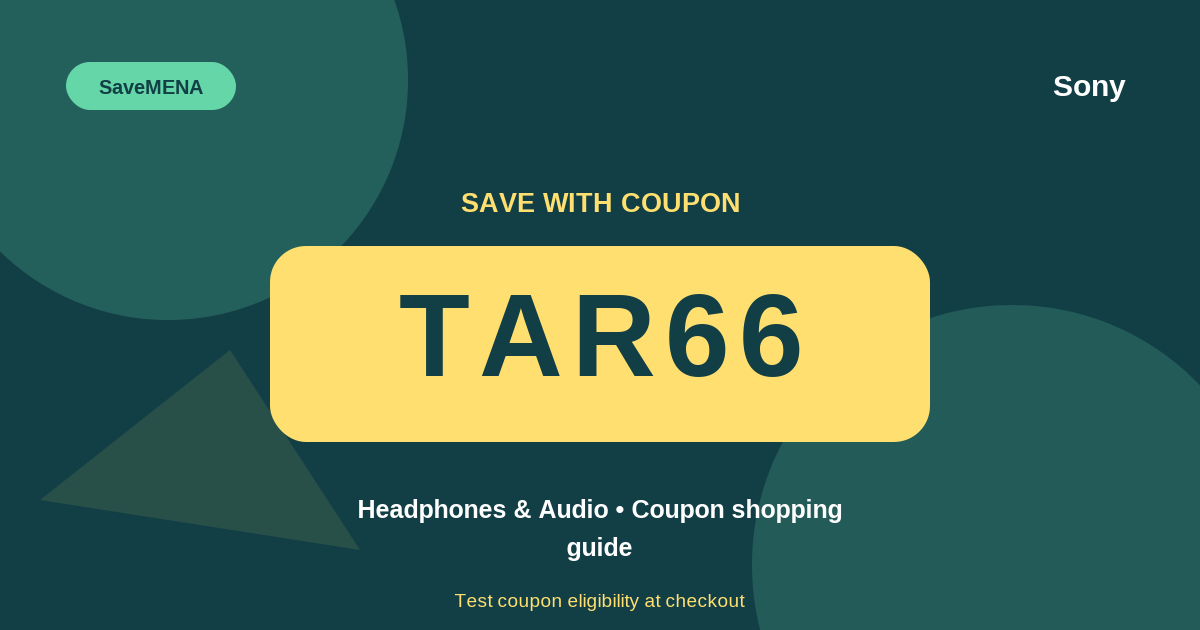
Codes available to try while comparing
These codes are not guaranteed for the article topic or listed brands; test them at checkout and use the live result.
Final Payable Amount and Confirmation
But need to reflect brand Sony and category headphones. Ensure each section has unique practicality.
Also avoid repeating same advice. Each section step distinct. Provide actionable steps.
Spot the Visible Promotions on the Product Page
Before dragging a headphone into your cart, examine the product listing for any bolded price discounts or highlighted promotional banners. No matter which vendor sells the Sony model, the interface will usually present a “deal of the day” or “flash sale” badge if it is active. Taking note of these visible offers lets you know the baseline price that the site will use when you proceed to the cart. Remember that each badge is shown in real time, but you should still verify it later because the price can shift if a larger promotion kicks in during checkout.
Pay attention to any “bundle” tags, such as pairing headphones with charging cables, and whether the bundle price is listed separately from the single product price. Bundles are typically displayed next to the main price and can alter how the final calculation proceeds. Make sure to record the exact number shown, as this figure serves as your comparison reference point once you see the cart’s subtotal.
Add Your Desired Sony Headphones to the Cart
Click the “Add to Cart” button for the Sony headphone you’ve scanned on the product page. When the confirmation prompt appears, double‑check the quantity and color chosen, as varying selections can carry different base prices. A single addition will populate the cart without revealing the final calculations, but it initiates the price‑applying engine that will later display any visible promotions. You may place multiple headphones in one step if you plan to use a set, but keep each item’s quantity separate for clearer subtotal tracking.
After adding the item, choose “View Cart” to see the fresh window that opens. At this point the cart lists the product name, chosen variation, and the raw price you saw on the product page, along with any default shipping estimate you set. No links appear yet for coupons—those come later. The current totals here are the starting point for the comparison you’ll make after the coupon is introduced.
Confirm Which Promotions are Already Applied
On the cart screen, locate the left‑hand column that summarizes promotions. Any pre‑applied discount will appear underneath the product total, often in a separate line item that shows the discount amount as negative. If the headline on the product page included a sale badge, the same discount should already be reflected next to the total you just saw. This is the baseline price you’ll use to gauge the impact of your coupon later.
You can validate this by adding up the product total and subtracting the displayed discount to see the subtotal. If no discount line is present, the product is at its listed price. This check is essential because some discounts activate only after the coupon code is entered, so the cart might show a different number once that process completes.
Enter the Coupon Code TAR66 in the Coupon Field
Below the list of applicable promotions, there is a small text box where you can type a coupon code. Insert TAR66 exactly as it appears—case‑sensitive and without spaces—and press “Apply.” The system will then recalculate the cart total to see if the code is eligible for the listed Sony headphones. If the code does not apply, the screen will display a gentle refusal message and the cart remains unchanged; this is normal and not a sign of fraud.
If the code is accepted, a new line will appear under the previous discounts, showing the additional reduction from TAR66. The exact amount will be displayed next to the coupon’s name, allowing you to compare it directly to the prior subtotal. This new line will also hide automatically if you decide to remove the coupon later, which can be useful for trial comparisons.
Verify Coupon Interactions with Existing Promotions
Some platforms apply coupons only after all visible promotions conclude, meaning the coupon’s effect may be reduced if there is a large upfront discount. Look for a note in the coupon confirmation that states whether the code was combined with existing discounts or applied on top of them. If such a note is missing, you will need to observe the new cart total to observe how the coupon behaves. This visibility ensures that you are not over‑expecting a greater savings due solely to the coupon alone.
In rare cases, a promotional discount may override or negate a coupon, leaving the the coupon code unchanged beyond the cart total shown. If you notice a zero price difference after applying TAR66, the platform may have not applied the code to this product or the coupon’s conditions were not met. You can escrow this observation for your own record and decide whether to proceed or search alternate listings.
Compare the Subtotals Before and After the Coupon
Now take a mental screenshot of the subtotal shown after the coupon is applied. The display will list the product price, any visible promotion discount, and the coupon discount. Subtract the coupon discount line from the amount before the coupon to see the exact monetary difference the coupon has introduced. This figure will let you judge whether the coupon offers true savings or simply rehashes an existing promotion.
Keep in mind that the “final payable total” presented on the checkout page—including this subtotal, delivery fees, and taxes—may adjust slightly if the platform applies dynamic shipping conditions. The difference between the pre‑coupon and post‑coupon totals is the only variable that changes from your coupon; other potential shifts happen only at the final checkout stage.
Factor in Delivery Charges and Taxes</HENDING>
Nudging toward the final payment step, put that final payable total on the cart page. The number you see must be the sum of the coupon‑adjusted subtotal, the delivery fee displayed by Noon UAE, and any applicable VAT or sales tax. This is the definitive price you will pay. If the delivery fee fluctuates based on your pickup location or order size, a minor adjustment may be present at checkout that does not correlate with the coupon.
Should you notice a sudden spike in the total after you click “Proceed to Checkout,” the issue is likely the shipping or tax component, not the promotion. In that case, double‑check that your shipping address is accurately entered, as a correct locale can sometimes unlock a different shipping rate or the coupon code.
Related SaveMENA pages
Related articles
Official sources to check
Frequently asked questions
How can I confirm the coupon is applied after my checkout?
The receipt from Noon includes a line item for the coupon you entered. Verify that this line shows a negative value next to TAR66, confirming the discount was credited to your order.
What happens if the coupon does not apply to my Sony headphones?
In that case, the cart will display a message indicating the code is not applicable, and the final price will remain unchanged from the price shown before coupon entry.
Will delivery charges change after using the coupon?
No. Shipping fees are calculated independently of coupon discounts. The final payable total will include the same delivery charge as before coupon entry, added to your coupon‑adjusted subtotal.
Can I use multiple coupons on the same order?
No. Noon’s system accepts only one coupon code per order. Enter the desired code during checkout and the platform will apply any eligible discount once before generating the final total.