Huawei Mobiles on Noon UAE: offer combinations — final price comparison
Noon UAE final price Mobiles Huawei coupon interaction with visible promotions: Navigating Noon UAE’s mobile section can feel like a maze when you’re trying to
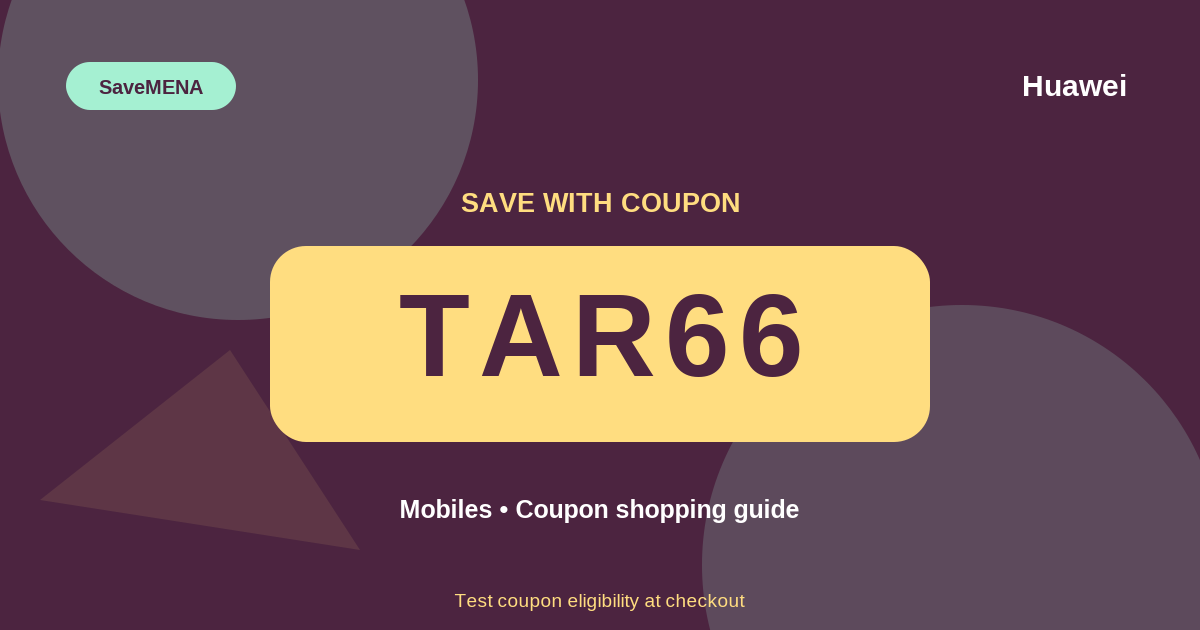
Codes available to try while comparing
These codes are not guaranteed for the article topic or listed brands; test them at checkout and use the live result.
1. Identify the Desired Model and Base Price
Begin by selecting the Huawei model that meets your needs—whether it’s budget‑friendly, a flagship, or a mid‑range phone. On Noon UAE, each variant lists a clear ‘List Price’ and a discounted price if any visible promotions are active. Note this base price before any coupon is entered, as it represents the starting point you’ll compare against the final amount.
Record the variant’s name, color, storage, and seller, as Noon allows multiple sellers for the same model. These details will be essential later when you verify that the coupon is being applied to the exact SKU you intend to purchase. Avoid choosing a model mid‑process; committing early ensures no surprise price shifts when you apply the coupon.
2. Spot Visible Promotions Before Coupon Application
Check the product page for any promotions branded as ‘Deal of the Day’, ‘Flash Sale’, or seller‑specific discounts marked beside the price. These promotions often appear as a slashed original price with a new lower price highlighted. Even a minor price drop can alter how much your coupon finally reduces.
Write down how much visible promotion would lower the price. This figure lets you estimate the coupon’s impact when you later enter it. Remember, promotions are already factored into the displayed price; the coupon will apply on top of whatever is shown, not on the original list price.
3. Apply the TAR66 Coupon Explicitly
Proceed to the checkout stage and locate the field to enter promotional codes. Type the exact code “TAR66” and submit. Noon will re‑calculate the total instantly if the code is accepted.
If the code appears invalid, note that the coupon may not be applicable to this item or seller, or you may need to meet an unexplained minimum. In this scenario, avoid further action until you confirm eligibility either through support or by checking the coupon’s terms on Noon’s help pages. Never assume the coupon works simply because you entered it.
4. Verify the Updated Total and Compare
After the code is accepted, observe the new total that includes both visible promotions and the coupon discount. Noon typically lists the original price, the promotion discount, the coupon deduction, and any tax or fees separately.
Compare this final figure to the pre‑coupon price you recorded. The difference should reflect the coupon’s influence. If the numbers don’t match your expectations or seem off, double‑check that the correct product variant is still in the cart, as an external change could have altered the pricing.
5. Account for Shipping and Handling Fees
Shipping costs frequently appear after tax or as a separate line item. Some sellers offer free delivery on certain items; others charge per region. These fees are added after any coupon discount is applied, so they do not influence the coupon’s amount but do affect the total payable.
Confirm the shipping summary. If the delivery charge seems higher than usual, ask Noon’s support or review the seller’s shipping policy before finalizing the order, as a mis‑applied fee could skew the perceived savings.
6. Examine Payment Method Impact on Final Amount
Certain payment options, such as credit card, wallet credit, or pay‑later plans, may introduce additional fees or rebates that appear after the coupon application. Note whether your chosen method imposes interest, currency conversion charges, or instant cashback.
Record these figures separately; they do not affect the coupon deduction but do change the overall spend. Adjusting the payment method can sometimes give you a more accurate understanding of the coupon’s value relative to your entire transaction.
7. Double‑Check Store‑Specific Terms at Checkout
Some sellers add their own conditions, like ‘minimum cart total for coupon use’. At the checkout screen, scroll to the terms or notes section for the selected seller. Verify that none of these clauses negate your coupon code or reduce the discount unexpectedly.
If unclear, consider contacting the seller’s chat support via Noon’s interface before confirming the order. The goal is to avoid surprises that can invalidate the final price you are about to pay.
8. Record Final Payable Total for Future Reference
Once all fees, promotions, and the coupon are factored, capture the final amount shown in the order summary. Taking a screenshot or copying the number allows you to compare against future coupon trials or alternative platforms.
Store this evidence for returns, disputes, or future budgeting. It ensures that the price you agreed to is the one you must pay, reinforcing transparency between the shopper, Noon, and the seller.
Related SaveMENA pages
Related articles
Official sources to check
Frequently asked questions
What does the TAR66 coupon actually discount?
The exact monetary or percentage discount from TAR66 is not disclosed by Noon and varies. Entry into the coupon field will confirm whether it applies and the amount deducted from the final total.
Can I use multiple coupons on the same item?
Noon typically allows only one promotional code per order. Applying TAR66 will replace any previously entered coupon code for that order.
Will using a different payment method affect the coupon discount?
Payment methods can add fees or offer rebates after the coupon is applied, but the initial discount from TAR66 remains the same regardless of payment choice.
How can I be sure the coupon will work on a specific Huawei model?
Checking the visible promotions and applying TAR66 during checkout are the only ways to confirm eligibility. If the code is not accepted, it might not apply to that specific SKU or seller.