Women’s Fashion on Noon UAE: size and quantity — final price comparison
Noon UAE final price Women’s Fashion quantity and size: How can UAE shoppers confidently compare the final price of women’s fashion items on Noon after applying a
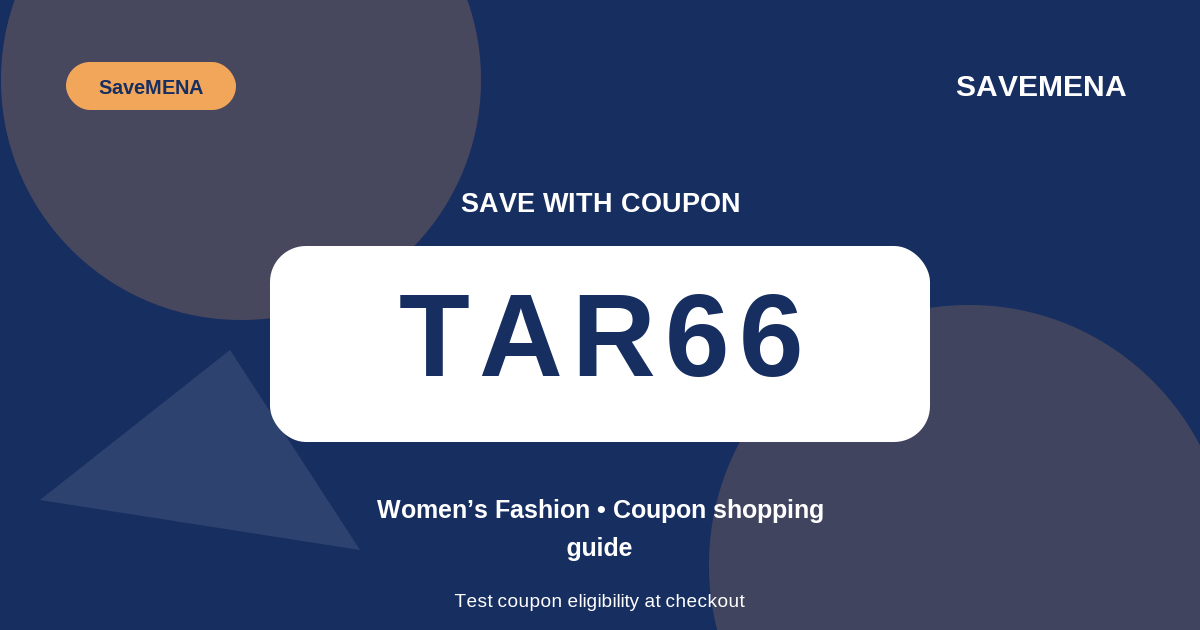
Codes available to try while comparing
These codes are not guaranteed for the article topic or listed brands; test them at checkout and use the live result.
Spotting the Right Product Variant: Size & Quantity
When browsing women’s fashion on Noon, focus first on the size selector. Each listing displays available sizes clearly; avoid items marked “Out of stock” as they won’t appear in your cart. Pay attention to quantity options, especially for multi-packs or gift sets where a single product might be sold in bundles. Ensuring you choose the correct size before adding to cart prevents later complications, such as requiring a return or exchange. This first filter avoids the hassle of mishandled items and saves time during checkout.
Similarly, check the introductory description for any notes on sizing guidelines—some brands offer more generous dimensions for certain silhouettes. If needed, consult the store’s return policy (visible in the product page) to understand how many pieces can be returned. Confirming these details in advance keeps the purchase straightforward and guarantees that the quantity you intend to buy matches the seller’s availability.
Adding to Cart with Precise Quantity
Once a size is selected, scroll to the quantity field and input the exact number of units you desire. For single items, the default is often one; adjust this number only if you plan to purchase multiple units, such as matching tops or separate accessories. Pay attention to any quantity limits displayed—some sellers restrict purchases to a maximum quantity per shopper to manage stock levels.
After setting the quantity, click “Add to Cart.” A confirmation pop‑up should display the chosen size and number of items. Double‑check these figures before proceeding, as changing them later could affect shipping fees or coupon applicability. By recording the exact selection now, you’re setting a reliable baseline that the cart summary will later echo for final verification.
Inspecting the Cart Summary
Navigate to your cart, where each line item lists the product name, selected size, quantity, and the individual price. The cart totals (excluding delivery) are shown prominently. At this stage, ensure that the displayed size aligns with what you intended; if there’s a mismatch, you can edit the size or quantity directly within the cart interface. This step is critical because a wrong size could trigger a return that might not be covered under free return policies.
Alongside the itemized list, review any sellers’ specific return or exchange rules, which are usually accessible via a link in the cart. Confirm that the quantity you’ve chosen is permissible under those conditions. If the cart indicates any constraints—such as “maximum 3 per customer”—adjust your quantity accordingly or look for alternative sellers that meet your desired volume.
Applying Coupon Code Before Checkout
With cart items verified, scroll to the coupon field before initiating payment. Enter the code TAR66 precisely; typo‑free input is essential as the system ignores case differences but not erroneous characters. The platform attempts to apply the coupon instantly, updating the cart subtotal. If the code does not appear to work, review any possible restrictions—although specific details are not disclosed here, it’s safest to check that you are applying the coupon to the correct product category in view.
Once the code is processed, the cart reflects a new subtotal reflecting any potential discount. Compare this figure to the original subtotal to gauge the coupon’s impact. If the amount has changed, note that the discount applied may vary depending on the product price or seller. If there's no change, the code might not be valid for your selection; move to checkout to verify the final impact on the payable total.
Viewing the Final Price Breakdown
Proceed to checkout to capture the definitive cost of your order. Here you’ll see the breakdown: items subtotal, any applied discount from the coupon, tax (if applicable), and delivery fee. The summative line “Total Payable” represents the amount you will transfer. Confirm that this number matches the expected price after coupon application; the checkout screen is the ultimate source of truth for final cost.
If you notice any discrepancies—such as the coupon discount not being reflected—consult Noon’s help center or contact customer support from the checkout page. Sometimes the site may re‑calculate based on updated stock or shipping fees. Ensure all fields match the cart summary to avoid last‑minute surprises when you finalize the purchase.
Confirming Size Availability Before Checkout
Before finalizing the payment, navigate through each product’s page link from the cart to double‑check size availability. This second check prevents scenarios where the warehouse re‑adjusts inventory after you’ve confirmed the quantity. Inconsistencies may arise if the size disappears behind you; in such cases, the system will notify you at checkout and you’ll need to update your order.
When the size is verified as available, scroll to the seller’s return policy again. Many sellers restrict returns for certain sizes or quantities, especially if the item was prepared in a specific stock batch. Understanding these nuances allows you to preempt any potential conflict that may arise post‑delivery, sparing you from having to initiate an exchange or refund.
Adjusting Quantity for Return Policy Compliance
For items subject to seller‑specific return limits—such as “maximum two per customer”—modify your quantity prior to payment if it exceeds the stated rule. This step ensures your order stays within the permissible range and avoids inventory back‑orders that could either cancel your purchase or trigger a partial refund.
Adjusting quantity also influences shipping costs. Some sellers waive delivery for bulk purchases, while others apply a per‑item fee. Verify any changes in shipping charges after modifying the quantity; the checkout summary reflects these adjustments, allowing you to assess whether the savings from volume exceed the added shipping cost.
Completing Payment and Tracking Delivery
Choose your preferred payment method—credit/debit card, PayPal, or Cash on Delivery—ensuring the final payable total is consistent with the checkout summary. After payment confirmation, you will receive a receipt and a tracking number if the seller offers postal tracing. Note any expected delivery window; sellers may provide an estimated arrival date based on your chosen shipping option.
Monitor the tracking status via Noon’s order history or the courier’s own system. In case of delays or package issues, contact Noon’s customer support using your order ID for reference. By keeping a close eye on the delivery process, you maintain visibility over your order’s progress, mitigating any anxieties about missing or damaged items.
Related SaveMENA pages
Related articles
Official sources to check
Frequently asked questions
How do I check if the coupon TAR66 actually reduces the price?
After adding the coupon to your cart and proceeding to checkout, the final payable amount will show the adjusted price. This checkout screen is the definitive reference for any discount applied.
Can I change the quantity after applying the coupon?
If you modify the quantity post‑coupon, the discount may recalculate. It’s best to adjust quantity before applying the coupon to avoid paying a different amount than expected.
What if the selected size is sold out after I add it to the cart?
On checkout, the system will flag availability issues. You’ll need to select an alternate size or remove the item to proceed.
Will the delivery fee change if I increase the quantity?
Delivery charges may vary based on total weight or quantity. Double‑check the “Delivery” line in the checkout summary after adjusting items.