Headphones on Noon UAE: review signals — final price comparison
Begin by identifying the upfront headline price shown on the headphones’ product page. This figure sits above the description and is the baseline before any
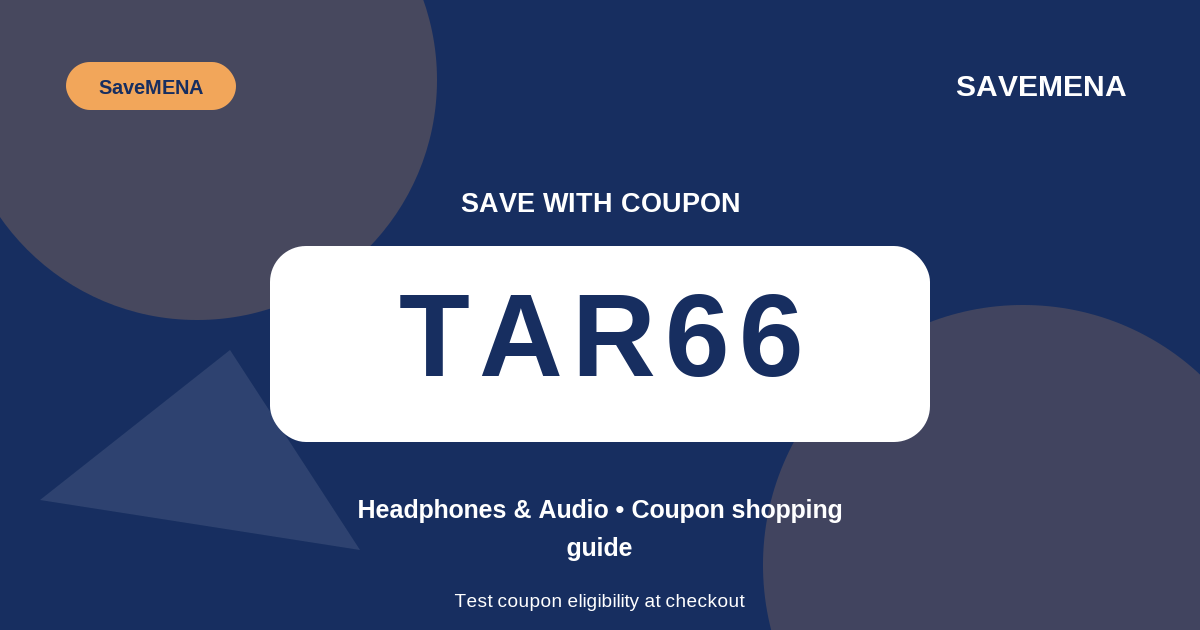
Codes available to try while comparing
These codes are not guaranteed for the article topic or listed brands; test them at checkout and use the live result.
1. Spot the Sticker Price Before the Coupon
Begin by identifying the upfront headline price shown on the headphones’ product page. This figure sits above the description and is the baseline before any promotional code is added. Visual cues such as a small line‑through or a “Was” label can indicate a previous discount, but never assume the listed amount is the final payable value. In the UAE market especially, the listed price can fluctuate daily, so capture the current figure directly from the page at the time of your decision.
Alongside the price, look for a prominent “Seller Rating” badge, usually a star graph or a numerical value. This badge offers an immediate, visible indication of how satisfied other buyers were. While not a guarantee of quality, it signals that the seller has a record worth reviewing. Compare this rating to other sellers listing similar headphones, and use it as part of your comparative check before moving to the coupon stage.
2. Inspect the Seller’s Credibility Highlights
Next, delve deeper into the seller’s profile by clicking on their name or business page. The seller details section typically lists key information: registered business name, location of operations, and sometimes an “Verified Seller” status. Even if you cannot see a badge, note the presence of multiple product categories and the variety of listings, which often correlates with a degree of trustworthiness.
In parallel, assess the seller’s updated review trend. Pay attention to how many reviews they have received last month, whether reviews are predominantly from verified purchases, and if the overall sentiment seems consistent. These visible signals guide you toward a seller that actively engages with customers and maintains a reliable reputation, which is crucial when applying an optional coupon and expecting a smooth transaction.
3. Confirm Inventory Status and Delivery Windows
Check the inventory note that usually appears near the “Add to Cart” button. This field indicates whether the headphones are in stock, awaiting restock, or pre‑order. If the item says “Limited Stock” or “Restocking Soon,” the final price calculation may be delayed until the item is available, affecting the coupon’s timing.
Additionally, review the delivery estimates shown alongside the shipping fee. In the UAE, delivery times can vary by region, and some sellers provide expedited options. Confirming these times early helps you decide whether the final price—including shipping—will meet your budget after the coupon is applied. It also ensures you are not surprised by an extended wait that may affect how you value the discount.
4. Walk Through the Coupon Application Flow
Proceed to the cart and proceed to checkout. Insert the code TAR66 in the coupon field exactly as written, respecting any capitalization or spacing. Do not expect a confirmation that the code has been verified automatically; this is only a suggestion and not guaranteed to work. The system may still apply the coupon if eligible.
Once added, observe how the interface recalculates the subtotal. Noise such as a loading spinner or an update bar can reveal that the discount is taking effect. At this moment, the visible final price (excluding shipping) appears, allowing you to compare it directly to the original sticker price. Note the percentage or amount subtracted in case it updates; this snapshot will become your reference if the coupon does not apply at the final payment stage.
5. Review the Post‑Coupon Final Price Display
After the coupon is applied in the cart, scroll to the summary section that lists the net amount. Pay special attention to any line showing “Discount applied” or “Coupon savings.” This figure is the last visible certainty before bootstrap proceeds to the payment page.
Login status or membership tier can sometimes alter the final value shown after applying the coupon. Although the platform does not guarantee this step will change the amount, verifying the figure at this point ensures you have a documented snapshot for comparison later. Keep an eye on any changes that appear tied to shipping options chosen or final tax calculations; those adjustments can slightly shift the final payable total.
6. Examine Customer Ratings and Review Signals
Return to the product page and scroll through the customer review section. Here you will find a matrix of star ratings, individual text entries, and some sellers’ responses. The volume and recency of reviews act as living signals that confirm whether buyers find the headphones satisfactory and whether the seller handles returns or queries effectively.
Look for common themes in complaints or praises, especially regarding sound quality, build durability, and customer service. If the seller actively addresses negative feedback, that visibility indicates maturity and responsiveness—important if you later need to claim a return or warranty claim. Align this understanding with the previous price comparison to solidify the perceived value of the headphones.
7. Verify Return Policy and Warranty Information
All sellers on Noon must disclose a return window and warranty details. Move to the “Return & Warranty” section adjacent to the product description. This area clarifies whether the headphones come with a one‑year warranty, whether the seller accepts returns in case of defects, and the precise conditions required.
Confirm if the return policy includes a free return label or requires the buyer to pay shipping costs. This detail influences the actual cost‑benefit ratio of the purchase, especially after the coupon is applied. Make sure the policy is visible and uncomplicated; a vague or poorly described policy may indicate a less trustworthy seller, especially when you are comparing final prices.
8. Lock in the Purchase at Checkout
When you reach the final payment screen, record the amount the system displays. This number is the definitive figure you will be charged, inclusive of any discount, tax, and shipping. If the TAR66 coupon did not apply, you still have this final total for reference, and you can decide whether to retract the coupon or look for alternate discount methods.
Before confirming the order, double‑check your selected payment method, saved addresses, and any applicable coupon remnants. The visible final total is the most reliable indicator of the payout and should serve as your benchmark when reflecting back to the earlier stages of the price comparison. Once payment is confirmed and payment confirmation appears, the transaction is complete, and you can proceed with confidence.
Related SaveMENA pages
Related articles
Official sources to check
Frequently asked questions
Does the TAR66 coupon work on all headphone listings?
No, the coupon is available to try but whether it applies depends on the seller’s specific eligibility rules, which only the platform can confirm at checkout. If the coupon is not accepted, you will see the original final price displayed.
Can I combine the TAR66 coupon with other discounts?
Platform rules do not allow stacking coupons. Only one coupon code can be applied per order, and the system will reflect the final price after the chosen coupon is processed at checkout.
How can I verify the seller’s rating before purchase?
Navigate to the seller’s detail page from the product listing. Check the current star rating, the count of reviews, and read recent buyer feedback. These visible signals give you an idea of seller reliability prior to ordering.
Will shipping cost change after applying the coupon?
Shipping is usually calculated after the coupon is applied. The final price shown at checkout includes any shipping fees, ensuring you see the total cost immediately before payment confirmation.