Apple Mobiles on Noon UAE: review signals — final price comparison
Noon UAE final price Mobiles Apple visible product and seller review signals: Looking to compare the final price of an Apple mobile on Noon UAE after applying a
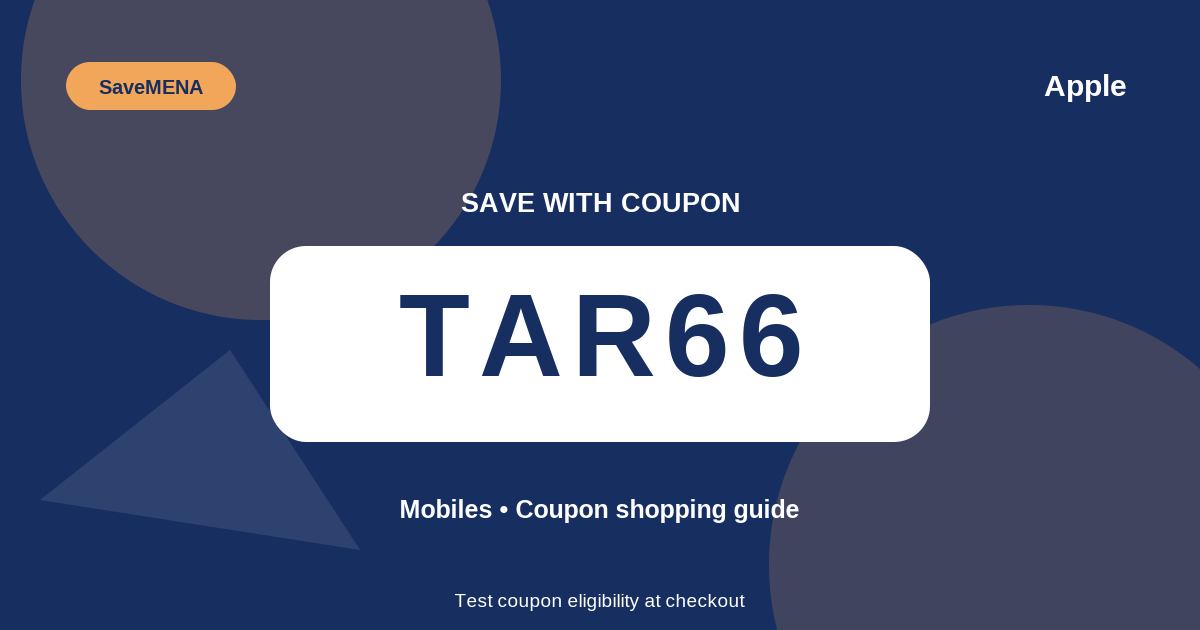
Codes available to try while comparing
These codes are not guaranteed for the article topic or listed brands; test them at checkout and use the live result.
1. Identify the Exact Product Variant
Start by searching for the Apple mobile you want on Noon UAE and selecting the precise model, storage size, and color. The product listing shows “Model: iPhone 14 Pro Max – 256 GB – Midnight Blue.” Note that each variant carries its own base price and seller information, so choosing the wrong color or storage can throw off your price comparison. Ensure you’re comparing identical variants across different sellers to keep your cost analysis accurate.
Once you’re on the exact variant page, scroll to the “Product Details” section. There you can see the retail price and any factory discounts. Record the price displayed, as this is the amount that will be reduced by any coupon in your cart. Keep this figure handy when you later add the product to the basket, because Noon’s checkout page will recalculate the final total with all applicable fees and your coupon code applied.
2. Verify Seller Ratings and Feedback
Seller credibility plays a central role in a trusted purchase. Using the visible seller rating on the product page— usually a 4‑5 star figure with a ribbon badge— helps you gauge reliability. Look for sellers with a high rating and a substantial number of reviews, such as “Seller Rating: 4.9/5 (2,348 reviews).” A high percentage of positive reviews indicates satisfied customers, reducing the risk of receiving a faulty item or delayed delivery. This check also informs you whether the seller frequently honours promotional codes.
Additionally, read a few recent customer comments under the product. Comments often reveal real‑world experiences with shipping speed, packaging quality, and return policies. If multiple buyers mention that the course was shipped with care and delivered on time, that strengthens the confidence in that seller’s service level. Use these insights to make an informed decision about which seller presents the best value beyond price alone.
3. Compare Base Prices Across Sellers
With the variant and seller concise, it’s time to gather the base prices from each seller offering that Apple mobile. Hover over the “Choose a Seller” drop‑down list; each seller’s price will appear alongside its rating. If two sellers offer the same variant, compare their listed prices side‑by‑side. A lower base price may not always be the better deal if the seller imposes higher shipping fees or has limited return options. Keep the base price in mind as a starting point for your final price calculation after coupon application.
When you notice a significant price difference, verify if one seller is applying a promotion or a "factory discount" banner. Not all price changes result from temporary promotions. Some may be permanent discounts or volume pricing. Make a quick note of any promotion banner details next to each price. This way, if the TAR 66 coupon is applied later, you’ll know which base price yields the lowest final payable amount once you add shipping and any applicable service fees.
4. Assess Shipping and Fees
Shipping costs can swindle expected savings if overlooked. Each product’s detail page shows the estimated freight fee— say “Delivery: AED 20 for UAE.” Pay close attention to any free‑shipping thresholds or delivery timeframes next to the shipping fee. Note that some sellers may offer “Next‑day delivery” at a premium price, while others provide “Standard delivery” with lower freight charges. The choice of shipping can affect the net benefit after applying the TAR 66 coupon.
In addition to shipping, review any potential handling, service or transaction fees that could apply. Occasionally, aggregator platforms display a “service fee” to cover payment processing. These hidden costs are often explained beneath the price or in the cart before the final checkout screen. Recording these associated fees now will let you calculate the complete cost before and after coupon usage, giving a clearer view of which seller offers the real‑world cheapest final price.
5. Check for Additional Discounts or Promotions
Many sellers display a “Limited time offer” or a “Romance promotion” segment on their product pages. Although the TAR 66 coupon is your main discount, an additional seller‑specific promotion might stack or could cap the depth of your coupon’s benefit. Observe any promotional badges or color‑coded text that indicates a flask or “Clearance” status. If a seller marks a product as “Buy one, get one free,” or has a “Bundle discount,” the final price will differ substantially once both deals are considered.
To identify whether these promotions stack with your coupon, note if the seller’s page lists “Coupon codes may not be combined.” This information is normally situated in the product description or in a separate FAQ box. If a seller flags the coupon as non‑stackable, the TAR 66 code will apply only to the base price excluding other promotions. Recording these details before adding items to the cart ensures you maintain realistic expectations of savings at checkout.
6. Apply the TAR66 Coupon Strategically
Toward the end of the checkout, you'll find a field to enter promotional codes. Input the TAR66 code in that voucher box. Ka please note that Noon’s policies allow you to try any coupon; there is no guarantee it will apply. Some sellers or product categories may not honour all codes due to contractual limitations. After clicking “Apply,” the page will recalculate the final payable amount— if the coupon is valid, you’ll see a reduction adjacent to the “Subtotal” line.
If the code doesn’t work, the system will display a rejection message without adjusting the subtotal. At that point, don’t abandon the cart; you can try to reduce the cart total by removing high‑fee accessories or opting for a fewer‑priced seller. Save your cart before leaving the page to avoid losing your selected items. Understanding how the DV coupon interacts—or does not interact—with other seller promotions will save you time and eliminate frustrating cancellations at the last step.
7. Review Your Cart for Final Payable Amount
When you hit the “Proceed to Payment” button, Noon displays a summary: subtotal, shipping fee, any service fee, coupon discount, and the final paid amount. Compare the final figure to the amounts you estimated earlier. If the displayed total does not match your expectation, re‑enter the coupon. You might also need to adjust the country or store you’re ordering from, as some sellers bill in a different currency or tax structure. Double‑check the delivery address to ensure correct shipping costs are applied.
During this step, inspect the “Order Summary” for any confusing charges— for instance, a hidden “Platform fee.” Validating each line item reinforces that the coupon has been applied correctly. If the coupon still shows zero discount, confirm that the code is typed correctly, and consider contacting Noon customer support for a quick verification. Note that the final payable amount you see at this screen is what will be charged, and no changes can occur after payment has passed the final confirmation.
8. Finalise Purchase with Confidence
Once satisfied with the total and all fees, you can confidently hit the “Pay” button. Choose your preferred payment method—credit card, debit card, or wallets—and complete the transaction. Noon confirms your order via email and provides a tracking link. Save the order number and the date of purchase for future reference, especially if you need to claim a return or warranty service. By thoroughly checking the visible product price and seller review signals before finalizing, you ensure you’re purchasing at the lowest possible price on Noon UAE for your chosen Apple mobile.
If you find yourself wanting to change the order afterward, you’ll have the original order details at hand. This allows you to navigate Noon’s return portal or reach out to customer support with accurate information, reducing friction when you need to exchange or refund. By following these eight practical steps, you’ll know exactly how the TAR66 coupon affects your final price and be equipped to compare offers effectively across the platform.
Related SaveMENA pages
Related articles
Official sources to check
Frequently asked questions
What does the ₹or AED final price shown on Noon represent?
The final price displayed at checkout is the total to be charged to your payment method after all applicable fees, taxes, and any valid promo codes have been applied.
Will the TAR 66 coupon always reduce the price of any Apple mobile?
The coupon can be tried, but Noon’s system may reject it if the seller or item does not support that code. Check the discount after applying at checkout.
How can I tell if the seller is trustworthy?
Use the visible seller rating, number of reviews, and customer comments displayed below the product. Higher ratings and positive feedback indicate reliability.
Can I change the delivery address after I finish payment?
Once payment is processed, address changes usually cannot be made. Verify the delivery details before confirming the order.