Dyson Beauty on Noon UAE: seller context — final price comparison · TAR64
Noon’s UAE marketplace hosts hundreds of sellers, each meeting its own set of verification criteria. While many list Dyson products, only those that pass Noon’s
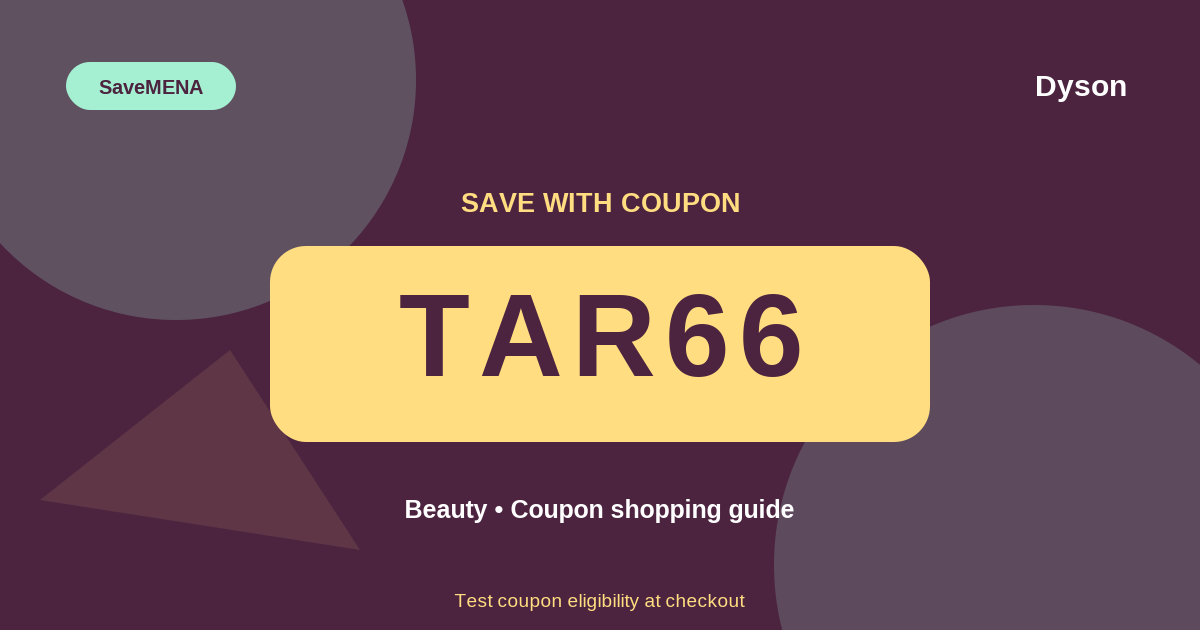
Codes available to try while comparing
These codes are not guaranteed for the article topic or listed brands; test them at checkout and use the live result.
1. Understanding Noon UAE’s Marketplace and Seller Context
Noon’s UAE marketplace hosts hundreds of sellers, each meeting its own set of verification criteria. While many list Dyson products, only those that pass Noon’s authentication checks are displayed under the official brand banners. For shoppers, this means vendor details—such as store rating, customer reviews, and seller location—are crucial. A high‑rated seller often reflects consistent product quality and reliable delivery, giving peace of mind before you commit to a purchase.
You should also consider the brand’s presence on Noon. If the Dyson beauty item is listed under the manufacturer’s tablet of products, it is likely safe. Conversely, third‑party sellers who stock clones may offer lower prices but carry greater risk. Keep the seller context in mind when you later compare the final total: the displayed price on Noon’s product page can differ from what you see after a discount is applied.
2. Identifying the Dyson Beauty Product and Its Seller on Noon
Start by locating the exact Dyson product you’re interested in. Use Noon’s search bar and filter by category, then sort by rating or price. Take note of the product’s model number or SKU, as identical items may exist across multiple listings. When you find the item, click the product title to open its detail page, where the seller information is displayed under “Sold by.” This section lists the store name, a brief description, and a link to the seller’s profile.
On the seller’s profile, you can view metrics such as the number of completed orders, overall rating, and customer feedback. A seller with a high rating and numerous positive reviews is more likely to honor warranties and provide accurate product descriptions. Checking this information early in the process helps you align expectations with the final cost once the coupon is applied.
3. Variants, Quantity, and Shipping Details
Once you’ve chosen the correct Dyson beauty variant, review the available options—color, size, or any extra accessories. Selecting the wrong variant can affect the final price, especially if some options carry higher shipping fees or are subject to different discount eligibility. Print out a note or take a screenshot to avoid confusion during checkout.
Next, examine the shipping information. Noon typically offers same‑day or next‑day delivery for most UAE regions, but some sellers may charge a flat rate or a variable fee based on distance. Shipping costs can sometimes change when a coupon is entered if the seller’s shipping policy adjusts to account for the reduced cart value. Carefully read the shipping section listed on the product page to anticipate any post‑coupon changes.
4. The Role of Coupons in Price Comparison: How to Use TAR64
Coupons are an accessible way to lower your total, but they must be applied correctly to be effective. In Noon’s UAE platform, you can enter the code TAR64 in the “Coupon” field on the cart page before proceeding to payment. The coupon will only work if the item’s seller accepts such a code, and if it remains valid at the time of purchase.
Because the coupon is “available to try,” it may not guarantee a discount for every shopper. When you enter the code, Noon will show you a “Discount” line item next to your subtotal, even if the amount stays the same.A coupon is not guaranteed; verify its result at the retailer checkout.
5. Final Price Calculation – What to Expect at Checkout
After you have selected your Dyson product, confirmed the seller, chosen the variant and quantity, and entered TAR64, proceed to the cart summary. The checkout page will list the original price, any applied coupon discount, shipping fees, and taxes. The final payable total is calculated as follows: (Subtotal – Coupon Discount) + Shipping + Taxes.
To verify the final price accurately, copy the entire payable amount into a blank document or note app. This helps you safely compare it with similar listings from other seller profiles or potential price‑matching sites. Remember, the final total reflects the sum you’ll pay when you place the order, so cross‑checking at this point is essential.
6. Evaluating Seller Reliability and Product Authenticity
A compelling price figure is useless if the product turns out to be counterfeit or the seller unreliable. Check the seller’s authenticity badge, if available.Check the seller details directly; do not infer identity verification or reliability from a badge. This is particularly important for high‑end items like Dyson beauty tools where originality matters.
When comparing final prices, group sellers by their verification status. A lower price from a non‑verified seller may raise concerns about warranty coverage. If the final price from a verified seller is slightly higher but still within your budget, it often represents higher product assurance and a better overall buying experience.
7. Practical Tips to Maximize Savings without Overstepping Rules
Beyond coupon usage, you can enhance savings by timing your purchase. Noon occasionally offers flash sales that coincide with the launch of new Dyson products. Keep your cart ready and re‑visit the page if a sale starts to see whether the final price dips further.
Additionally, check if the seller allows partial returns or price‑adjustment. If the final price changes after you’ve entered TAR64, the seller may compensate the difference, depending on Noon’s return policy. Keep the seller’s contact information on hand, and reach out if you suspect a pricing error or if the coupon seemed inactive.
Related SaveMENA pages
Related articles
Official sources to check
Frequently asked questions
What does the final price on Noon include?
The final price shown on Noon’s checkout page includes the item’s base price, any coupon discount applied, shipping fees, and applicable taxes. This is the exact amount you’ll pay.
Can I use the TAR64 coupon with other promos on Noon?
Noon typically permits only one coupon per order. The TAR64 code must be entered after any other promotional codes have been applied, or it will override them. Always check the cart before proceeding.
How do I verify if a Dyson seller is legitimate?
Look for a verified seller badge, high ratings, and authentic product descriptions on Noon. Contact the seller directly through Noon’s messaging system if you have doubts about authenticity.
If the final price is lower than expected, can Noon reimburse a difference?
Noon’s return or adjustment policies vary by seller. If there’s a pricing error, contact the seller or Noon’s customer service to see if a refund or price adjustment is possible.