Electronics on Noon UAE: seller context — final price comparison
The listing page displays the advertised price, but this is not the final amount you’ll be charged. As a shopper, you must navigate from the product detail page
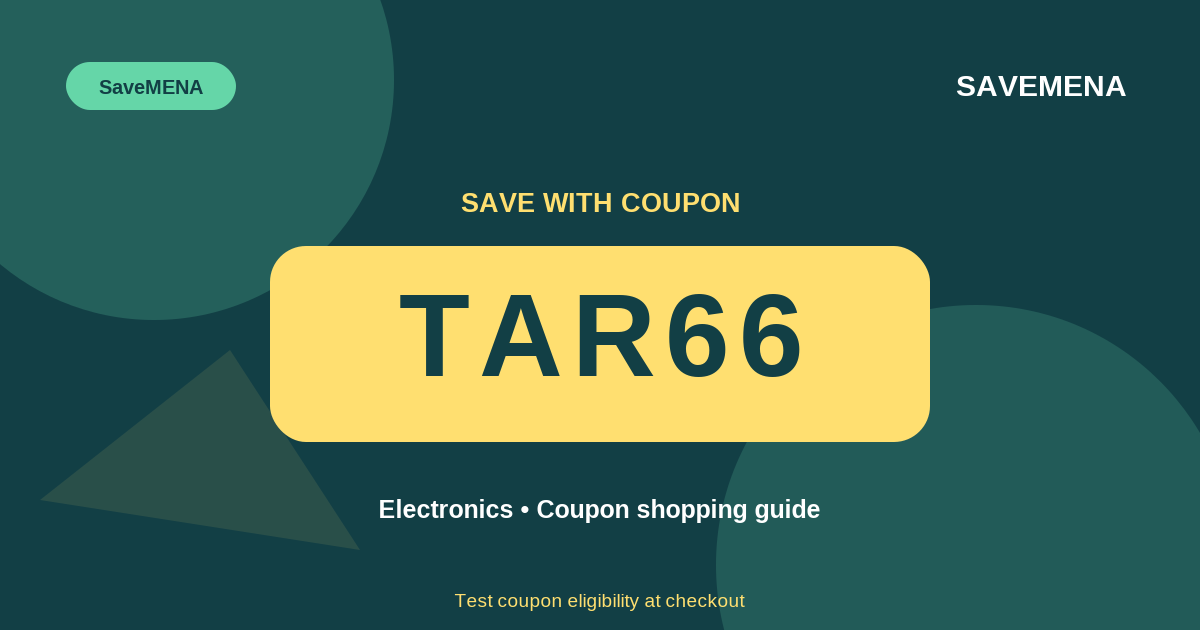
Codes available to try while comparing
These codes are not guaranteed for the article topic or listed brands; test them at checkout and use the live result.
Locating the Final Price: From Listing to Checkout
The listing page displays the advertised price, but this is not the final amount you’ll be charged. As a shopper, you must navigate from the product detail page, add the item to your cart, and then proceed to the checkout screen. At the cart level, Noon aggregates shipping, processing, and any applicable duty fees. These fees can vary by seller, especially if the item originates from outside the UAE, because customs duties are calculated at checkout. By reviewing the cart, you’ll see a preliminary total that still leaves room for coupon application.
Once you reach the checkout, the platform recalculates the subtotal against active coupons, promotional offers, and the chosen payment method. The final price is shown in the payment summary section, split into “Subtotal,” “Delivery Fee,” “Tax,” and “Coupon Discount” if applicable. This exact breakdown is your most reliable reference point. Always review each line item before confirming the purchase; any oversight at this stage could result in unexpected charges.
Applying the TAR66 Coupon: Step‑by‑Step on Noon
Enter the TAR66 coupon code in the designated field on the checkout page – it is designed to be used during the final payment step. Once the code is submitted, Noon will apply any applicable discount to the subtotal. The system automatically updates the “Coupon Discount” line item, deducting the precise amount from the total you’re shown. Because the coupon is experimental and not guaranteed to work, it may return an “Invalid coupon” notice, in which case you’ll see no change to the final price and should proceed without altering your payment plan.
After the coupon is applied, double‑check the recalculated total. The final amount now presented includes the discount, if successfully applied. Ensure that the adjusted subtotal still aligns with the product’s base price as displayed on the listing page. If the final price appears to have decreased unexpectedly or not at all, verify that you entered the correct code in the correct timeframe and that the item is eligible for discount under Noon’s policy. The final confirmation before payment is the definitive reference for your spending.
Seller Factors That Influence Final Price Visibility
Not all sellers on Noon treat coupon codes identically. Some may have restrictions or even block coupon usage for certain items, particularly higher‑value or imported electronics. Others may apply a tiered discount that only activates at specific price thresholds, meaning the coupon could partially reduce the cost but still keep the final price above your expectation. Understanding these nuances requires checking the seller’s policy or the product’s eligibility banner which usually appears next to the price on the listing page.
Additionally, if a seller offers an exclusive bundle or a white‑label service, the final price might incorporate service fees that do not manifest until checkout. For electronics sold by non‑official merchants, the platform often pulls the delivery fee from a partner fulfilment centre, which can result in variable shipping costs even for identical products. Being meticulous about seller details in the listing and during checkout ensures you capture the true final cost.
Comparing Final Prices Across Different Sellers on Noon
To ascertain which seller offers the best final price, start by gathering items with identical specifications and brand names. Use Noon’s filter to view all sellers for the same model, and then place each in a separate cart. Apply the TAR66 coupon where feasible, then exit the checkout without purchasing. Repeat for each seller listing to record primary price components—subtotal, shipping, and any tax or customs fee.
After collecting the data, create a simple comparison table (even just on paper or a note) indicating each seller’s final amount after coupon application. This side‑by‑side view highlights variations in shipping costs or hidden surcharges that may not be obvious at first glance. It also helps you to see whether some sellers invest in local stock, thereby reducing delivery fees, while others rely on overseas fulfilment, adding duty or customs charges. By evaluating these numbers, you’ll choose the seller whose final price aligns best with your budget and urgency expectations.
Handling Variants, Stock Levels, and Delivery Charges in Final Pricing
Noon allows customers to select product variants such as color, storage capacity, or bundle options. Each variant can carry a different base price, which will influence the final amount after the coupon is applied. Always double‑check the selected variant before proceeding to checkout, as inadvertently choosing a more expensive variant could inadvertently inflate the final price. The platform presents this final price in the cart, making it transparent if the chosen variant deviates from the standard.
Stock constraints also play a role. If a particular variant is sold out or located far from the UAE, Noon may apply a higher delivery fee or even a temporary price adjustment. Usually, such costs appear only in the checkout stage. Inspect the product’s inventory status under “Available” or “Out of Stock” to anticipate possible cost variations. Quick access to restocking timelines and expected arrival dates also enable you to better estimate the overall expense, especially if you have time for a price‑match wait.
Verifying Confirmation: The Role of the Checkout Summary
At the checkout screen, Noon’s platform consolidates all pricing elements into a clear, duplicate‑free summary before you finalize payment. This section shows the subtotal, applicable coupons, delivery charges, and final total. When reviewing, cross‑verify each line item with the data you previously logged from individual seller comparisons. If any discrepancy such as an unexpected delivery fee or extra charge emerges, note it for further inquiry with Noon’s customer support or the seller’s direct contact channel.
A coupon is not guaranteed; verify its result at the retailer checkout. Sometimes, certain payment methods unlock additional savings or tax benefits—for instance, using NoonPay or a stored wallet can trigger a small extra cash‑back advantage. Confirmation of such nuances closes the loop on a truly accurate final price and guarantees you weren’t missing an opportunity to lower your cost unbeknownst.
Practical Tips for Future Electronics Purchases on Noon
When you’re ready to buy, consider bookmarking the listings you frequent and regularly checking for updates on seller tags and shipping options. Build an inventory of preferred sellers that showcase the most reliable final prices post‑coupon. This will simplify the decision‑making process in future purchases. Additionally, use Noon’s “Wishlist” feature to monitor price changes and stay informed when an item moves from “Out of Stock” to “Available,” which often aligns with a lower total fee.
Always keep your browser’s cache cleared or use a private‑browse window when testing coupons, because lingering session data can sometimes fail to recognise new promotional codes. Moreover, calibrate your expectations by noting that coupons are experimental; they may not launch across all product categories or sellers. By adapting your buying plan to include flexible budget checks, you’ll be prepared to adjust your order if the final price after coupon application turns out higher or unsatisfactory.
Compare alternatives without guessing
When you compare another option in Electronics, keep the specifications, quantity and seller as consistent as possible and compare the total shown at checkout. A different coupon does not automatically make a deal better because delivery, fees and the live basket context can change the outcome. Use the final payable total as the practical comparison point.
If the retailer shows a specific condition, rely on that visible message; if it does not, do not turn an assumption into a general rule. Test available options one at a time and note any real change in the total or eligibility message. That creates a verifiable shopping comparison instead of a recommendation built on an unsupported marketing claim.
Related SaveMENA pages
Related articles
Official sources to check
Frequently asked questions
What happens if the TAR66 coupon does not apply to an item?
If Noon’s checkout returns an “Invalid coupon” notice, the coupon does not activate for that particular product or seller. The final price will then reflect the full subtotal and any delivery or tax charges, with no discount deducted.
Can I use the same TAR66 coupon on multiple electronic items?
Coupon codes typically apply to the entire cart. If you have multiple electronics in the cart, the TAR66 code will attempt to apply across all items at the checkout stage, but its eligibility depends on the combined total and seller restrictions.
Do seller variations affect the delivery fee shown at checkout?
Yes, each seller may choose a different fulfilment partner. This can lead to varying delivery fees that only appear in the checkout summary, altering the final payable amount.