Apple Headphones on Noon UAE: seller context — final price comparison · TAR64
The first question on every UAE shopper’s mind: “What will I ultimately pay for Apple headphones on Noon after a coupon?” Knowing the answer requires a clear
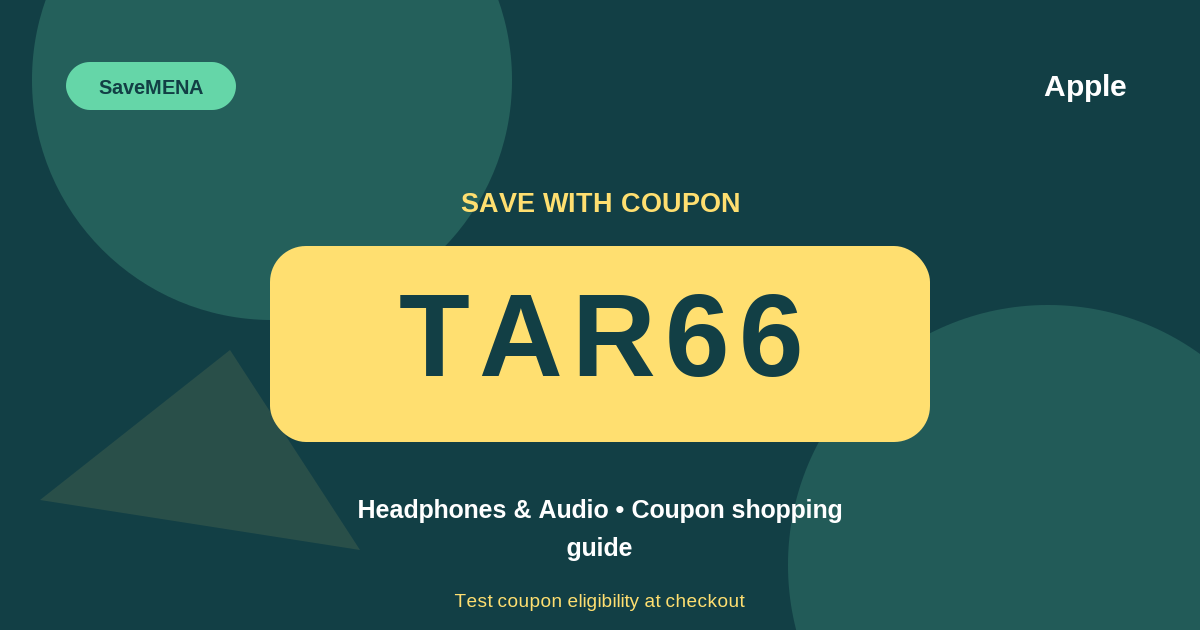
Codes available to try while comparing
These codes are not guaranteed for the article topic or listed brands; test them at checkout and use the live result.
1. Seller Influence on Headphone Pricing
Each vendor on Noon UAE sets its own base price for Apple headphones, and even a small difference in the initial listing can swing the final price after a coupon is applied. Sellers often add a small handling fee or minimal selling charge that doesn’t appear in the advertised price but surfaces at checkout. When comparing wrist‑stop offers, you should first look at the “Seller” label beside each product, as this indicates whether you are dealing with a certified Apple reseller or a marketplace vendor with a different fee structure.
In cases where a device is carried by multiple sellers, the display price can be identical, but hidden costs such as a higher seller fee or a delayed delivery slot may shift the final amount. These hidden layers can be uncovered by clicking into the product detail page and scrolling through the “Seller Information” panel, where the mandatory seller service fee is documented. Understanding this seller‑specific backdrop gives you the first insight into where potential savings or extra charges might appear.
2. Noon UAE’s Final Price Mechanism Explained
Noon UAE calculates a buyer’s final price during checkout by applying the listed price, adding any applicable seller fee, and then subtracting any coupon value that is eligible afterward. The coupon code TAR64, for instance, may reduce the subtotal, but its application is subject to each seller’s coupon acceptance policy. Some sellers enforce a “minimum spend” threshold or refuse cross‑seller coupons, so the same code can yield different reductions across vendors.
Once you proceed to the order confirmation screen, the system shows the “Coupon Discount” entry, the provisional delivery fee, and the grand total that you will see on the payment gateway. This stage is the only official place you can confirm the exact payable amount, and it is the moment when you can decide whether the savings justify the chosen seller. Thus, a thorough comparison at this juncture is crucial for cost‑effectiveness.
3. Apple Headphones to Watch on Noon UAE
Apple offers a range of headphones that frequently appear in Noon’s listings, from wireless models like the AirPods Pro to over‑the‑ear options such as the Beats Studio3 Wireless. Each model has distinct retail marks and a typical seller fee; for instance, a Fitbit‑style model may carry a slightly higher seller charge to offset its premium status. When shopping, locate the exact variant—model number, color, and battery life—to avoid paying for a similar but cheaper edition that does not meet your preferences.
In addition, consider warranty information provided by each seller. Certified Apple retailers typically offer a straightforward warranty, while non‑certified vendors may have different return policies. Though warranty does not directly influence the final price at checkout, it often justifies a slightly higher final cost if you are buying from a more reliable seller. Hence, incorporating seller trust into your price comparison further refines the value assessment.
4. Coupon Interaction: How TAR64 Affects Seller Prices
The TAR64 coupon code generally the coupon code a fixed discount category, but its effect can differ across sellers. When you enter the coupon during checkout, Noon will check each seller’s coupon policy—if the seller allows cross‑store coupons, the discount may apply in full. If not, the code might be partially accepted or rejected entirely, leaving the subtotal unchanged for that vendor.
While the site sometimes flags “Coupon Not Available” beside disallowed sellers, it is important to verify on the confirmation screen: the “Coupon Discount” line will show the actual numeric deduction. This transparency helps you confirm that the coupon has benefited you before final payment, preventing hidden surprises.
5. Seller Comparison: Same Brand, Different Outcome
Two sellers offering identical Apple headphones can present different final prices once the coupon is applied. Factors detached from the product price include the seller fee for each vendor, which can fluctuate weekly, and occasional promotional “Free Shipping” badges that apply differently. By tabulating each seller’s subtotal, fee, and discount line on the checkout page, you create a quick comparison chart to identify which vendor delivers the lowest net total.
When a seller qualifies for a special store discount (beyond TAR64), you might see an additional subtraction that a competitor lacks.Check the seller details directly; do not infer identity verification or reliability from a badge. Thus, seller context not only changes final money outlay but also reliability, shaping the overall decision.
6. Drop‑In Check: Validating Final Price at Checkout
Before leaving Noon’s cart, spend a minute reviewing each line item under “Order Summary.” The "Total Payable" value incorporates the product price, seller fee, coupon discount, and delivery charge. If any of these variables appear unfamiliar—such as an unexpected seller fee—click the help icon next to the charge for clarification. Noon’s live chat may also be used to confirm whether your coupon has been applied entirely.
Because the final amount you see on the payment gateway is immutable, double‑check the currency (AED) and verify that the entered coupon code is spelled correctly. Even a single misplaced character can prevent the coupon from applying, leading to a higher final price than intended. This final affirmation step guarantees that your selected seller truly offers the best value.
7. Practical Tips for UAE Shoppers
Routine shoppers can benefit from creating a set of quick filters: select “Apple headphones,” choose “Best Seller” and then sort by “Total Payable” once the checkout screen is reached. The sorting feature helps compare different sellers side‑by‑side without opening each product page. Remember to refresh the page occasionally, as seller fees may update overnight.
Use Noon’s “Compare” function to upload two or more Amazon devices to a side‑by‑side tablet. The platform will display all seller fees and coupon options, enabling a deeper dive into seller diversity. It is also advisable to track the price history through a browser extension or a price‑watch service; this can reveal if current seller fees are temporary promotions.
8. Final Confirmation: What to Verify After Applying Coupon
A coupon is not guaranteed; verify its result at the retailer checkout. If the disabled state appears or if the discount reads zero, note that the seller might not accept cross‑store coupons. In such cases, reconsider the seller to avoid ending up with a higher payable total.
In the event of a discrepancy—such as the price increasing after applying the coupon—reverify the seller’s coupon policy and, if needed, contact Noon’s customer support via the “Help” panel. While the final amount cannot be changed post-payment, understanding the supporting seller context and any hidden fees prevents future surprises.
Related SaveMENA pages
Related articles
Official sources to check
Frequently asked questions
How do I check if a seller accepts the TAR64 coupon on Noon UAE?
Navigate to the product page, review the “Seller Information” section, and look for a coupon acceptance note. During checkout, the coupon code will reveal whether it was applied or rejected in the “Coupon Discount” line of the order summary.
Can the TAR64 coupon reduce delivery fees, or only the product subtotal?
Coupons on Noon UAE typically affect the product subtotal. Delivery fees are calculated separately and can vary by location and seller, so they usually remain unaffected by the TAR64 code.
Are there any hidden fees in the final price for Apple headphones on Noon?
Besides the listed product price and delivery fee, sellers charge a small service fee. This fee is displayed on the checkout screen under “Seller Fee” before the coupon is applied, allowing you to account for it in your final price comparison.
What happens if the coupon code fails to apply at checkout?
If TAR64 isn’t accepted, the “Coupon Discount” line will show zero or be omitted. Double‑check the code entry and confirm that the chosen seller’s coupon policy permits cross‑store usage. If the issue persists, contact Noon’s support for clarification.