JBL Headphones on Noon UAE: seller context — final price comparison
If you’re looking to compare the final price of JBL headphones on Noon UAE after applying a coupon, this guide explains every step.
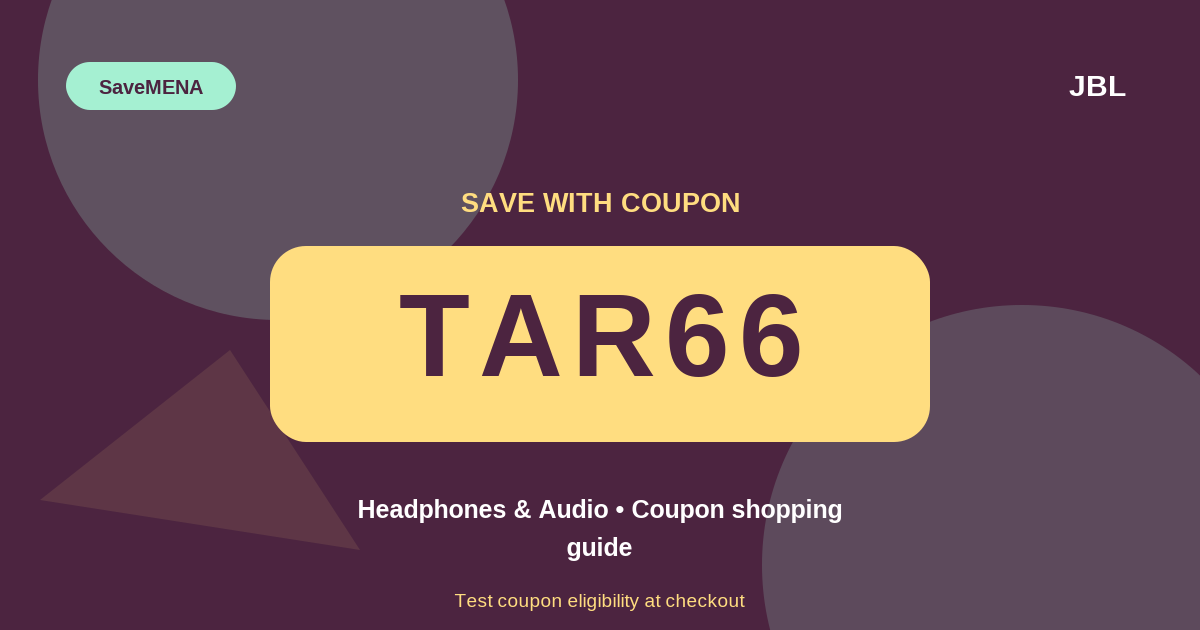
Codes available to try while comparing
These codes are not guaranteed for the article topic or listed brands; test them at checkout and use the live result.
Locate Your JBL Headphones on Noon UAE
Begin by searching for “JBL headphones” on Noon’s UAE website or mobile app. Filter results by brand to narrow the list, ensuring the headphones match your desired model. Pay attention to the product title and description, as Noon lists each variant separately. The store’s catalog includes both branded and authorized reseller items, so it is essential to identify the specific JBL product you want before proceeding to the next step.
Once you have identified the JBL model, check the product page’s “Seller” field. Noon displays the selling individual's name or shop name beneath the price. This information is key if you plan to purchase from a particular seller offering reliable service or a better return policy. Save the seller’s name for later reference while you compare offers and evaluate final prices.
Understanding Noon’s Seller Landscape
Noon hosts a mix of direct sales, authorized dealers, and individual sellers. Each seller can set its own price, shipping options, and return terms. By viewing the seller’s profile, you can usually see their overall rating and question counts, giving insight into how they handle disputes. This context helps you gauge the trustworthiness of the sale before applying any coupon that could alter the final amount.
When assessing a JBL headphone listing, note whether a new or used condition is specified. Some sellers list refurbished models at lower prices, which may affect the final cost after applying coupons. Use the seller rating as a general guide; a higher rating typically indicates smoother post‑purchase interactions, particularly regarding warranty claims or product replacements.
Applying the TAR66 Coupon at Checkout
Add the JBL headphones to your cart and proceed to the payment page. Noon offers a “Coupon Code” field where you can enter TAR66. Entering the code triggers the system to recalculate the subtotal before tax and shipping. The app then displays the reduced price, if the coupon is accepted. This step shows the direct impact of the coupon on the cost you will pay.
Keep in mind that coupon application is subject to the store’s verification at checkout. Therefore, if the code does not accept, Noon will notify you, and the price will revert to the original total. If the code is accepted, the updated amount appears on the same screen, allowing you to compare it against other listings or seller offers.
Evaluating Final Prices Post‑Coupon
Review the final total shown after the coupon is applied, which combines the discounted price, applicable VAT, and any shipping fee. This on‑screen figure is the amount you will pay when you confirm the purchase. It supersedes any earlier price mentions, making it the most reliable figure for comparison.
Take note of how the final amount differs from the original price shown on the product page. Although explicit discount percentages are not provided by Noon, you can calculate the difference yourself to understand the coupon’s value. This comparison will inform you whether the T**R66 coupon truly adjusts the cost to your benefit when factoring in all remaining fees.
Seller Reliability: Return Policies & Guarantees
After seeing the final payable amount, revisit the seller’s profile to confirm the return policy. Sellers may offer a standard period or a longer warranty, especially for branded headphones like JBL. Knowing these terms is crucial, because a coupon that lowers price may still require an additional cost if you eventually need a return or exchange.
Check if the seller is listed as an authorized dealer. Authorized sellers usually provide manufacturer warranties and easier claim processes. This assurance can offset a smaller final price, ensuring that your investment remains protected over its lifespan.
Hidden Costs: Delivery Fees and Taxes
Even after a coupon is applied, Noon may add separate charges for delivery or extra handling, depending on your location and the seller’s shipping policies. These fees are displayed prominently during checkout, so you can add them to the discounted price to gauge the true cost.
VAT is included in the final figure shown by Noon, offering clarity about the total taxes you must pay. By reviewing each fee line, you can verify that no unexpected charges appear, ensuring the coupon’s benefit remains unchanged across all cost components.
Cross‑Verifying Prices on SaveMENA
SaveMENA provides an independent view of Noon’s pricing, allowing you to compare the final figure you see at checkout with a broader marketplace perspective. Using the SaveMENA platform, enter the same JBL headphone model and seller to validate the amount before finalizing the purchase.
If SaveMENA shows a differing figure, double‑check the product details, seller, and applied coupon on Noon to confirm that both listings correspond to identical specifications. Differences could arise if a seller offers a special promotion not visible on the main Noon website, stressing the importance of cross‑checking before committing.
Making the Purchase: Best Practices
When you’re satisfied with the final pay‑as‑displayed amount, proceed to confirm the order. Noon requires a payment method, which can be a credit/debit card or the app’s wallet service. All payment options show their status before the order is finalized, ensuring transparency.
After payment, you will receive an order confirmation showing the breakup of savings, including the effect of the coupon. Keep this confirmation for future reference, especially when tracking delivery or initiating returns if needed. By adhering to these steps, you can confidently purchase JBL headphones on Noon while fully understanding the impact of the TAR66 coupon on your final cost.
Related SaveMENA pages
Related articles
Official sources to check
Frequently asked questions
A coupon is not guaranteed; verify its result at the retailer checkout.
No. The code is only available to try. Eligibility can vary with the live account, basket, item, seller and campaign context, so checkout is the final reference.
Where should I confirm the coupon result?
Apply the code in the Noon basket and review the live message and final payable total before payment. Do not rely on an undocumented percentage or condition.
Can the result vary by product or seller?
Yes. Eligibility and offer context can vary with the current basket details, so compare the exact item, seller, variant and final total before purchasing.
What should I do if the code does not work?
Check the market, account, item, seller, basket and payment context, then try another code available to try without guessing an unsupported reason.