Apple Laptops on Noon UAE: seller context — final price comparison
Once you’ve identified the Apple laptop that meets your needs, click “Add to Cart.” A cart icon in the top right corner will display the number of items you’ve
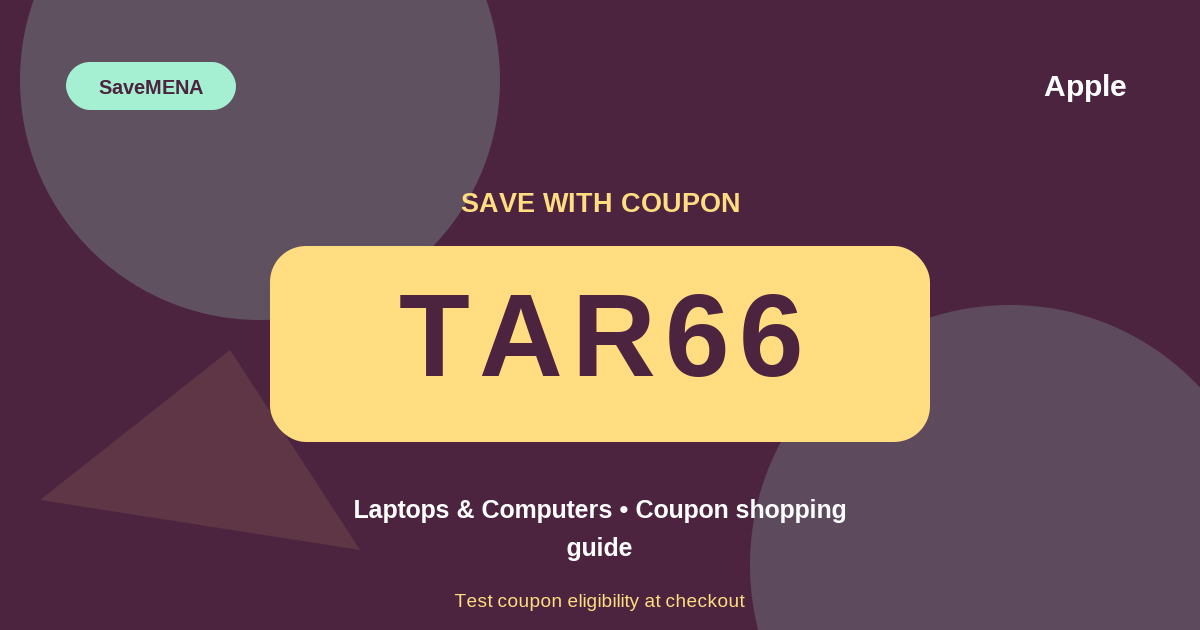
Codes available to try while comparing
These codes are not guaranteed for the article topic or listed brands; test them at checkout and use the live result.
2. Adding a Laptop to Your Cart for Checkout Comparison
Once you’ve identified the Apple laptop that meets your needs, click “Add to Cart.” A cart icon in the top right corner will display the number of items you’ve added. Hovering over this icon reveals a quick summary of the cost per item and the subtotal. However, this subtotal is just the preliminary figure before taxes or delivery fees are applied. Keep a mental note of what appears here because the final price after checkout will display your total, including any applied savings from the coupon and the shipping cost.
At this stage, you can also adjust quantity directly in the cart if you’re buying more than one unit, but this rarely applies to Apple laptops on Noon. With the cart summary at hand, the next step is to explore how to apply a coupon and see it reflected under “Discount” or “Offer.” This will reveal whether the TAR66 coupon is accepted for the laptop and how it adjusts your total.
3. Applying the TAR66 Coupon at Checkout
During the checkout process, you will be asked to sign in or create a Noon account. After entering shipping details, you will see an option labeled “Apply Coupon.” Here you can type TAR66 and press enter or click the apply button. Noon will instantly recalculate the subtotal, taking into account the discount that the coupon offers, if it is eligible for your cart.
The updated figure will appear in the “Final Total” section, which includes tax, shipping, and any service fees. The specific amount saved by TAR66 is not predetermined, so the final total after applying the coupon is typically the most reliable indicator of the effective price. Verify that the coupon has been applied before finalizing your purchase, because a mismatch could result in an unintended total.
4. Evaluating Seller Reputation and Verification
Once the final price is displayed, the next key factor is seller credibility. Noon’s listings include a seller rating, typically shown as stars and the number of reviews next to the product title. An accurate, high‑rating seller signals reliable product handling and prompt delivery, which is especially important for high‑value items like Apple laptops.
Click on the seller’s name to access their seller profile. Here you can see their overall rating, comments from previous buyers, and the length of time they have been selling on Noon. Pay attention to any returned items or negative comments concerning delivery quality. If the seller has a fresh store with limited reviews, consider waiting for additional buyer feedback before committing.
5. Comparing Delivery Fees and Shipping Timeframes
Delivery charges on Noon UAE can vary based on seller, product weight, and delivery zone. The final price will include a visible “Shipping Fee” in the checkout summary. Often, Noon offers free shipping for orders above a certain threshold, or the seller might provide a discount on shipping regardless. Confirm whether the shipping fee is waived for the chosen seller or if it is included in the overall final price after the coupon is applied.
Each seller also lists estimated delivery times. In many cases, a dedicated Apple distributor might ship faster due to better inventory management. Review these timeframes when comparing within a short list; your choice might hinge on how urgently you need the laptop in addition to price considerations.
6. Understanding Tax and Regulatory Fees
In the UAE, certain electronic goods, particularly those that are new and branded, might incur a the discount shown at checkout Value Added Tax. Noon will display this tax as a separate line item before showing the final total. Taxes are calculated on the product’s price after any applicable discount but before adding shipping fees.
Since the tax percentage is fixed across the emirate, you do not need to worry about variable rates between sellers.A coupon is not guaranteed; verify its result at the retailer checkout.
7. Checking Payment Options and Final Checkout Steps
When you proceed to payment, Noon offers multiple payment methods, including credit cards, debit cards, and digital wallets. The final price, including all deductions and fees, is displayed on the payment confirmation screen. Double‑check that the amount matches the “Final Total” previously shown.
At this point, confirm that the coupon code TAR66 is still applied and that the seller details remain unchanged. The payment screen will not allow you to go back to edit seller selections; therefore, make sure all information is correct before finalizing the pay button. After payment, an order confirmation email will be sent to your Noon account’s registered email address.
8. Post‑Purchase Tracking and Satisfaction Review
Once your Apple laptop is on its way, use the tracking number provided in the order confirmation to monitor delivery status. Noon updates the status regularly; you can view these updates in your “Orders” section on the Noon app or website. If any discrepancy in delivery timing or damage occurs, reach out to the seller through Noon’s messaging system before filing a claim.
After receiving your laptop, consider leaving a review on Noon. Share details about the seller’s responsiveness, packaging quality, and overall experience. A constructive review will help future customers assess the seller’s reliability, further anchoring the importance of the seller context when selecting a laptop on Noon.
Related SaveMENA pages
Related articles
Official sources to check
Frequently asked questions
What happens to the final price if the TAR66 coupon is not accepted?
Even if the coupon isn’t accepted, Noon will still show you the final total with the original listed price, applicable tax, and shipping fees. The final price you see at checkout is the amount you will pay.
Can I apply multiple coupons to the same laptop?
Noon typically allows only one coupon code per order. If you try to add another, the site will replace the previous code or reject the new one depending on the seller’s policy.
Is the seller rating automatically updated after each delivery?
Sellers on Noon receive new ratings after each transaction. The rating and reviews visible on the product page reflect all historical customer feedback, so it may adjust over time as more buyers share their experiences.