ASUS Laptops on Noon UAE: seller context — final price comparison
Every laptop listed on Noon begins with a base price displayed on its product page. This price reflects what the seller has set and can include taxes that are
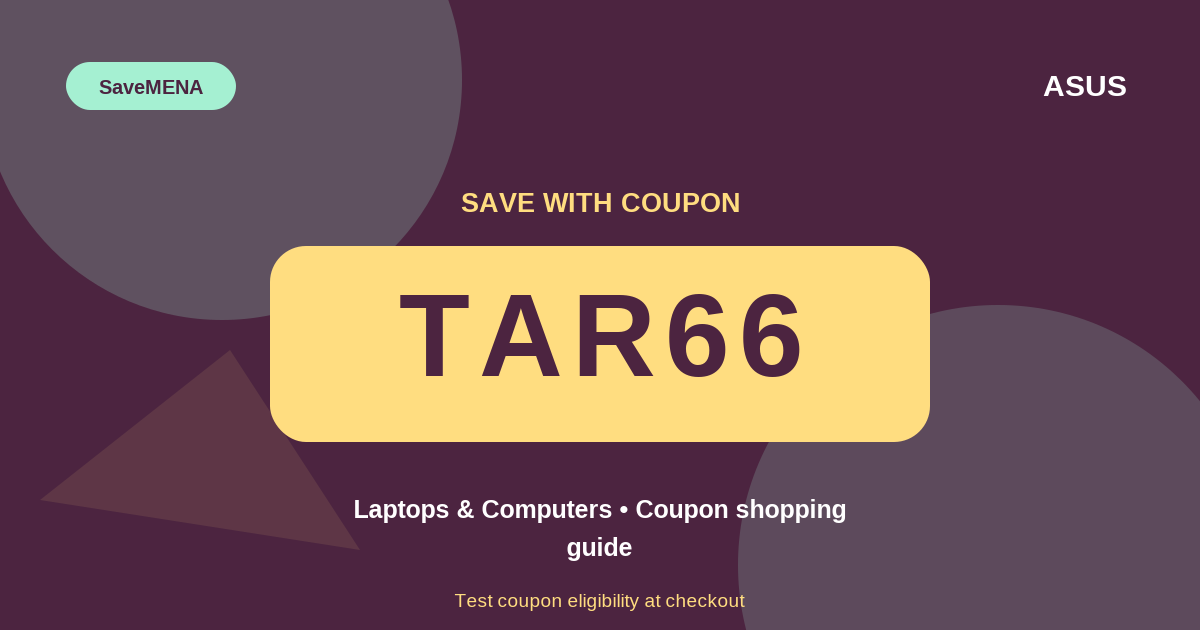
Codes available to try while comparing
These codes are not guaranteed for the article topic or listed brands; test them at checkout and use the live result.
1. Understanding the Base Price on Noon UAE
Every laptop listed on Noon begins with a base price displayed on its product page. This price reflects what the seller has set and can include taxes that are typically added at checkout. On Noon, the “Buy” section shows this amount outright, making it clear what you’re starting with before any adjustments. It’s important to note that the base price may vary across different sellers, even for the same model of laptop.
When comparing multiple sellers, look at the base price as a benchmark. Pay attention to whether the laptop is a new or refurbished unit, as this can affect the listed price. Also, check if any promotion badges are displayed, which may indicate that a slicker price is already applied before you even reach the checkout stage.
2. Unveiling the Role of the Seller on Noon
The seller’s identity and reputation on Noon can influence more than just the base price. Reliable sellers often provide detailed product descriptions, return policies, and a track record of customer satisfaction. These details can reassure you that, after applying the TAR66 coupon, the final price reflects the real cost of the laptop without hidden charges.
A trustworthy seller will also manage shipping promptly, ensuring that any potential shipping fee appears exactly on the product page or in the cart. This transparency allows you to anticipate the added costs and accurately compare how the coupon affects the seller‑specific final amount.
3. Applying the TAR66 Coupon: What to Expect
During the checkout process, you’ll encounter a field labelled “Coupon” or “Apply Code.” Here you can enter TAR66. The system will validate the code against the current cart contents. If the coupon is accepted, the discount will be reflected instantly on the screen.
Keep in mind that the discount is calculated against the total of the base price plus any applicable fees, so you’ll see a concrete reduction only after the code is applied. No numeric percentage is shown, but the reduction will be evident in the new subtotal presented in the order summary.
4. Nuances of Shipping and Handling Fees
Shipping and handling fees are added after the base price and any coupon adjustment. They can differ between sellers even when the same laptop model is listed. Some sellers include free shipping as part of their offer, while others may charge a flat fee that shows during cart review.
Because shipping costs affect the final payable amount, it’s crucial to verify these fees before applying TAR66. Once the code is used, the pre‑and post‑coupon shipping amount will be displayed, making it easy to see how the discount interplay with the shipping fee.
5. Payment Methods and Their Impact on the Final Amount
Noon provides several payment options, such as credit/debit cards, digital wallets, or Cash on Delivery. Depending on the chosen method, there may be a small surcharge or discount applied by Noon’s payment processor. These adjustments are displayed in the payment section of the checkout page before the final amount is confirmed.
When you’re seeking the lowest final price, compare the payment options to identify any subtle changes they impose on the total. A payment method that seems cheaper might actually add a small fee after the coupon is applied.
6. Spotting Potential Seller Promotions Beyond Coupons
Some sellers on Noon may run promotions in addition to the TAR66 coupon, such as free accessories, extended warranties, or bundle offers. These add value without changing the price directly but can make the overall deal more attractive.
During the cart preview, any additional promotions will be listed under the laptop’s description or as a separate line item. They won’t impact the numerical final price but should be factored into your overall assessment of value when comparing listings.
7. Using Checkout to Verify the Final Price
After adding the laptop to the cart, entering the TAR66 coupon, and reviewing shipping and payment details, the last step is to proceed to “Review Order” or “Pay Now.” This stage consolidates every element—base price, coupon savings, shipping, payment fee, and tax—into one final amount.
It’s only here that you can confirm the exact amount you’ll be charged, including any currency conversion handled by Noon. This final figure is the definitive reference for any cost comparison or price‑safety check you wish to perform.
8. Making a Purchase Decision with Confidence
When you’ve verified that the final price on the checkout page reflects your expectations after applying TAR66 and considering all seller‑specific fees, you can confidently place your order. Ensuring that the seller offers a clear return policy and reliable delivery will reinforce the purchase decision.
Keep the order confirmation email handy; it will serve as proof of the final price paid, and as a reference for any future inquiries about shipping status or returns. By systematically reviewing each step from base price to checkout, you’ll avoid hidden surprises and secure the best possible deal on your Asus laptop.
Related SaveMENA pages
Related articles
Official sources to check
Frequently asked questions
How can I be sure the TAR66 coupon is applied correctly?
During checkout, watch the order summary. Once you enter TAR66, the discounted amount should appear immediately. If the subtotal remains unchanged, try refreshing or re‑entering the code. Should the discount still not apply, it may be restricted by your cart contents or the seller’s terms.
Do shipping fees reduce when the TAR66 coupon is used?
Shipping charges are added after any coupon discount is applied. The coupon only affects the product price portion. Therefore, shipping fees remain the same, but the overall total still reflects the reduction from the coupon.
Can I use a different payment method to get a better final price?
Some payment methods may incur a small surcharge or offer a discount. Check the payment section during checkout; it will show any additional fee or saving before you confirm the payment, allowing you to choose the most economical option.
What if I notice a discrepancy between the product page price and the final checkout price?
A discrepancy typically indicates additional fees added at checkout, such as shipping or taxes. Review the order summary for each line item; the final price shown there is the definitive amount you’ll pay. If it still seems inconsistent, contact Noon customer support for clarification.