Anker Mobile Accessories on Noon UAE: seller context — final price comparison · TAR64
When you search for the best mobile accessories on Noon UAE, the first glance often falls on the listed price, but that isn’t the whole story.
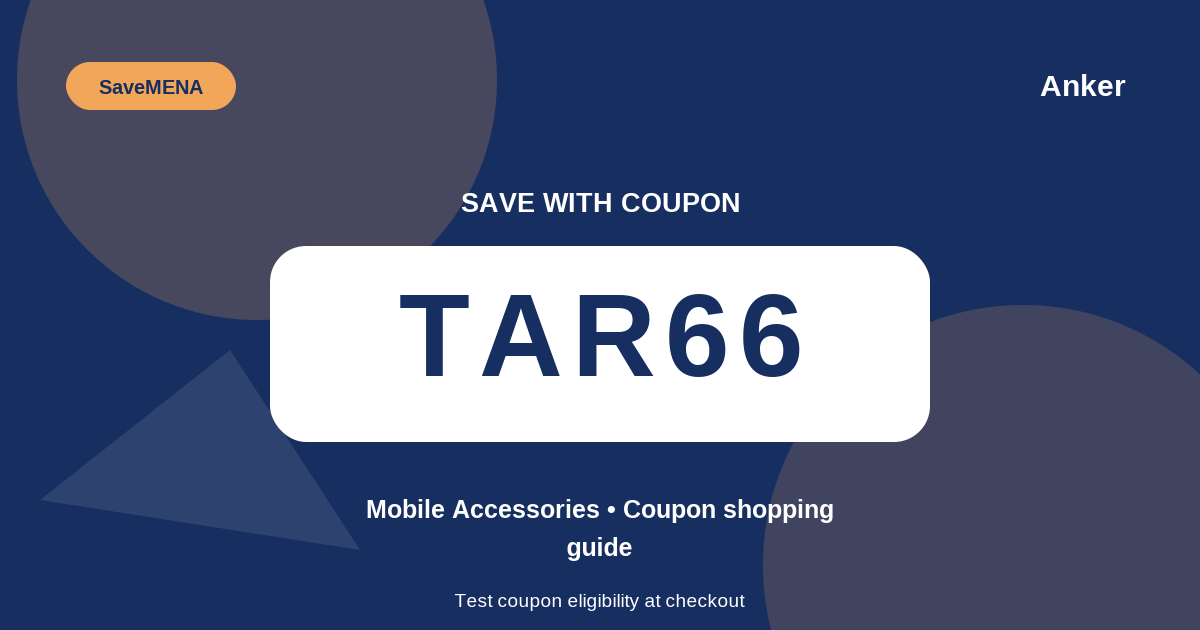
Codes available to try while comparing
These codes are not guaranteed for the article topic or listed brands; test them at checkout and use the live result.
Understanding Final Price on Noon UAE with Coupons
Before applying the TAR64 coupon, make sure you have reviewed the coupon’s terms on the coupon page, especially that it is listed for a “percentage discount” or “fixed amount off.” Once registered, the coupon will automatically adjust the subtotal in the cart, and you’ll see the new amount before finalising the payment.
Checking Seller Ratings and Reputation
Seller ratings on Noon UAE offer immediate insight into reliability. A seller with a high star rating and hundreds of positive reviews typically indicates consistent delivery times and quality customer service. For Mobile Accessories, particularly from well-known brands like Anker, a strong seller rating reduces the risk that the product will be counterfeit or delayed.
The seller context also informs you about warranty handling. A reputable seller often includes an extended warranty or a straightforward return process, which is especially useful if the accessory arrives damaged or fails early. Always verify if the seller’s store page lists these details before clicking “Add to Cart.”
Comparing Original Prices Across Sellers
Even within the same category, different sellers can charge varying base prices for identical Anker accessories. Use Noon’s sorting options—price low to high—to compare the base price and notice if the seller has a marked-up price due to exclusivity or limited supply.
When you see a lower base price, remember to check for hidden fees. Some sellers add extra packaging or handling charges that only become visible during checkout. By logging these and adding them to the baseline, you’ll have an accurate starting point for applying the TAR64 coupon.
Applying TAR64 Coupon in the Checkout Flow
When you’re ready to checkout, provide the TAR64 coupon code in the field marked “Coupon or Gift Card.” The code will run a quick validation against your cart’s subtotal, confirming eligibility. Noon UAE will instantly recalculate the cart total and display the new amount in real time.
A coupon is not guaranteed; verify its result at the retailer checkout. The page will list the applied discount amount next to the coupon label. If the coupon appears unused, double‑check that there are no “minimum spend” or “product exclusions” tied to it by reviewing the coupon’s conditions in the help section.
Inspecting Post‑Coupon Final Price and Fees
Once the coupon has been processed, Noon UAE presents the final total, inclusive of all taxes, delivery fees, and any mandatory surcharges. This figure is what your bank will debit and should be viewed as the definitive cost of the purchase.
Compare this final total to the estimated cost from alternative sellers. Often shops that do not offer a coupon will add a higher base price or may not include free shipping, making the final buying decision clearer once the codes are applied.
Verifying Seller‑Specific Guarantees and Return Policies
Seller context matters post‑purchase as well. When a coupon is applied, double‑click the seller’s profile to verify return timelines, refund stages, and whether a warranty is bundled. For Anker accessories, the original manufacturer warranty is often honored through the seller’s channel.
Read the return policy section on the checkout screen; it will confirm the days available to return or replace the product if defective.A coupon is not guaranteed; verify its result at the retailer checkout.
Using the Seller Context to Make Smart Deals
Consider the seller’s location, shipping speed, and stock availability. A local UAE seller will typically offer same‑day delivery, whereas international sellers may incur longer shipping times.
Combine this knowledge with the final price after the TAR64 coupon: a well‑rated local seller offering Anker accessories at a slightly higher price but with free same‑day delivery may be more economical than a cheaper yet distant seller that adds shipping costs redeeming after checkout.
Practical Tips for Mobile Accessories and Anker Products
When searching for Anker items, look for the manufacturer badge or “Anker Authentic” icon on the product page to ensure you aren’t buying fakes. A reputable seller presenting this badge typically indicates a verified supply chain.
Remember to keep the coupon code handy and to log into your account before adding items to the cart.A coupon is not guaranteed; verify its result at the retailer checkout.
Related SaveMENA pages
Related articles
Official sources to check
Frequently asked questions
How should I confirm the coupon is still active before applying it?
Check the coupon’s dedicated page for any expiry date or notes on new‑user exclusivity. If the page lists a validity period, compare it with today’s date. No other data should be assumed beyond what is displayed and verified at checkout.
What should I do if the TAR64 coupon doesn’t apply at checkout?
Re‑enter the coupon code to ensure there are no hidden spaces or caps. If it remains inactive, consult the help feed or contact Noon customer service. The seller may not be eligible due to the product type or regional restrictions.
Can I use the coupon on multiple items or only one?
The coupon application depends on its terms specified on its page. Usually, it applies only to the items in your cart that meet the coupon’s criteria. Multiple items may share the discount if each meets the requirement, but you should verify it during checkout.
Does the final price include all taxes and fees?
Yes. Noon UAE shows the total payable at the checkout before payment confirmation. This figure incorporates taxes, delivery charges, handling fees, and any other commissions. Refer to the final total column before finalising the order.