Mobile Accessories on Noon UAE: seller context — final price comparison
You want to know exactly how a coupon affects the final price of a mobile accessory on Noon UAE, especially when different sellers list varying amounts.
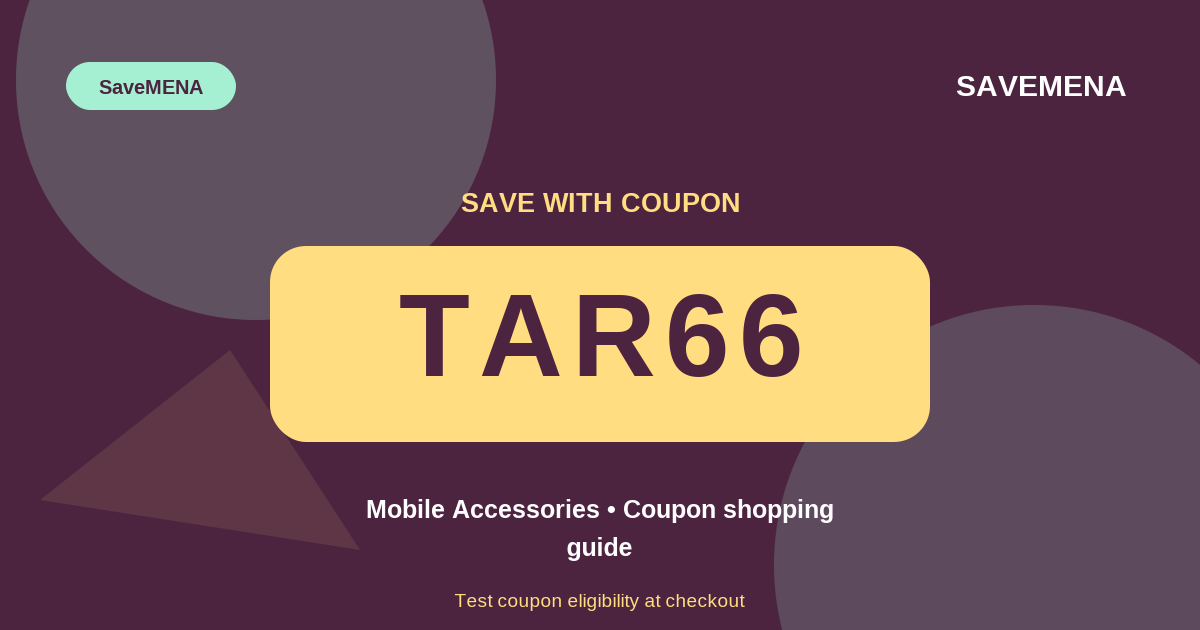
Codes available to try while comparing
These codes are not guaranteed for the article topic or listed brands; test them at checkout and use the live result.
Seller Context: Why It Matters
On Noon UAE, multiple sellers can offer the same mobile accessory, each with distinct pricing, shipping, and return policies. The seller context determines who supplies the product and how the platform consolidates shipping, especially when selecting the TAR66 coupon. Understanding each seller’s listed price and potential supplementary costs will allow you to evaluate the real savings the coupon may bring and avoid paying a higher final price simply because a cheaper listed price belonged to a different vendor.
When you add an accessory to your cart, Noon presents a snapshot of the seller name, product rating, and shipping fee. These details are crucial before applying the TAR66 coupon because the discount is applied to the order total, which includes the chosen seller’s price plus any seller-specific shipping. Recognizing this relationship ensures you compare apples to apples when calculating the final price.
Locating the TAR66 Coupon Code
Within Noon UAE’s checkout flow, the coupon entry box appears after you’ve added items to your cart and selected a delivery address. To use TAR66, simply type “TAR66” into the coupon field and hit apply. The platform instantly recalculates the subtotal, which now reflects the discount amount. However, this discount is specific to the entire order total; it isn’t tied to a particular seller, so you’ll see the final amount reflecting all seller contributions and shipping.
Despite being the sole coupon for this walkthrough, Noon may occasionally offer other promotional codes.A coupon is not guaranteed; verify its result at the retailer checkout. If the coupon does not apply, you’ll receive an error message guiding you to possible alternatives.
Calculating the Final Price With Your Coupon
The final price shown after applying TAR66 is the amount you will be charged, including the discounted total and any applicable sales tax or government fees. Noon provides a clear line‑item summary: product total, shipping, discount, and final payable. Review this summary carefully to confirm the discount has been correctly applied to your chosen seller’s price and shipping.
Remember, the final price displayed at checkout is immutable; it can’t change after you confirm the order. This transparency is vital when the value of the coupon is uncertain, ensuring the shopper knows exactly how much they’ll pay before committing to the purchase.
Comparing Sellers Before Applying TAR66
To truly benefit from the coupon, examine each seller’s listed price and shipping fee prior to adding items to the cart. Scroll through product pages to view the “Seller” label, available shipping rates, and return conditions. Some sellers may offer the same accessory for a lower price but with higher shipping, which could negate the coupon savings.
Use Noon’s filter options to narrow by seller rating or price. By selecting the seller that presents the most favorable combination of item cost and shipping before applying TAR66, you maximize the possible discount and de‑risk the final purchase cost.
Understanding Noon’s Shipping Mechanics
Noon UAE calculates shipping per order, not per seller, when multiple sellers ship separately. Shipping fees can be absorbed by the seller or added to your cart as a separate line item. The TAR66 coupon applies to the total including these fees, so a seller who offers free shipping enhances the coupon’s value.
When you check out, the platform shows whether shipping is free or paid; this summation is integral to the final payable amount. Confirm that the free shipping indicator matches the chosen seller’s offer before applying TAR66. Any mismatch can alter the final amount and the discount’s effectiveness.
Timing the Coupon’s Activation
The availability of the TAR66 coupon can fluctuate based on Noon’s ongoing promotions. If you add the accessory to your cart but the coupon is unavailable, you’ll get an instant notification that the code is either expired or not applicable. This protects you from proceeding with a coupon that won’t affect the final price.
A coupon is not guaranteed; verify its result at the retailer checkout. Noon may run limited‑time offers, so checking the coupon’s validity during checkout confirms the short‑lived discount you might miss otherwise.
Final Verification Before Order Confirmation
Once all items, sellers, shipping, and the TAR66 coupon are applied, the checkout page presents a “review order” section. At this stage, double‑check that the final total matches the amount shown earlier, and ensure no hidden fees appear. Click the “Place Order” button only when the total satisfies your budget expectations.
After you submit, Noon sends a confirmation email containing the same numerical line items. Keep this email for reference; it serves as the official record of the final price, discount, and seller details. Refer to this proof if any discrepancy arises later.
What to Do If the Coupon Doesn’t Apply
If TAR66 fails to activate during checkout, note the error message—common issues include expired codes or incompatibility with the selected items. In such cases, proceed with the purchase at the undiscounted price. Keep the product still in the cart as many sellers offer instant replacement if the coupon becomes active later, though this is not guaranteed.
Contact Noon’s customer support for clarification or confirmation of the coupon’s status. Support can verify seller compliance and provide guidance on whether the discount applies to the individual item, the entire order, or not at all.
Related SaveMENA pages
Related articles
Official sources to check
Frequently asked questions
Can I use TAR66 on multiple items in my cart?
The TAR66 coupon can be applied to the entire order sum. Once added, it reduces the full payable amount, covering all selected items and their respective shipping fees.A coupon is not guaranteed; verify its result at the retailer checkout.
Does the seller matter when applying the coupon?
Yes, the seller’s listed price and shipping fee determine the base cost that the coupon discounts. Verify each seller’s total cost before adding items to: a cheaper item from an expensive shipping seller may not be as economical after discount.
Will Noon add extra fees after the coupon is applied?
Noon’s checkout displays all fees—sales tax, delivery, or processing—before you confirm the order. The final price shown is the total to be charged; it will not change once the order is placed.
What if TAR66 isn’t accepted at checkout?
Check for error messages that indicate expiration or incompatibility. If the coupon isn’t recognized, purchase at full price or contact Noon’s support to verify the coupon’s availability for your selected items.