Apple Mobiles on Noon UAE: seller context — final price comparison
The ‘final price’ shown in Noon’s cart reflects the total amount you will actually pay once you place your order.
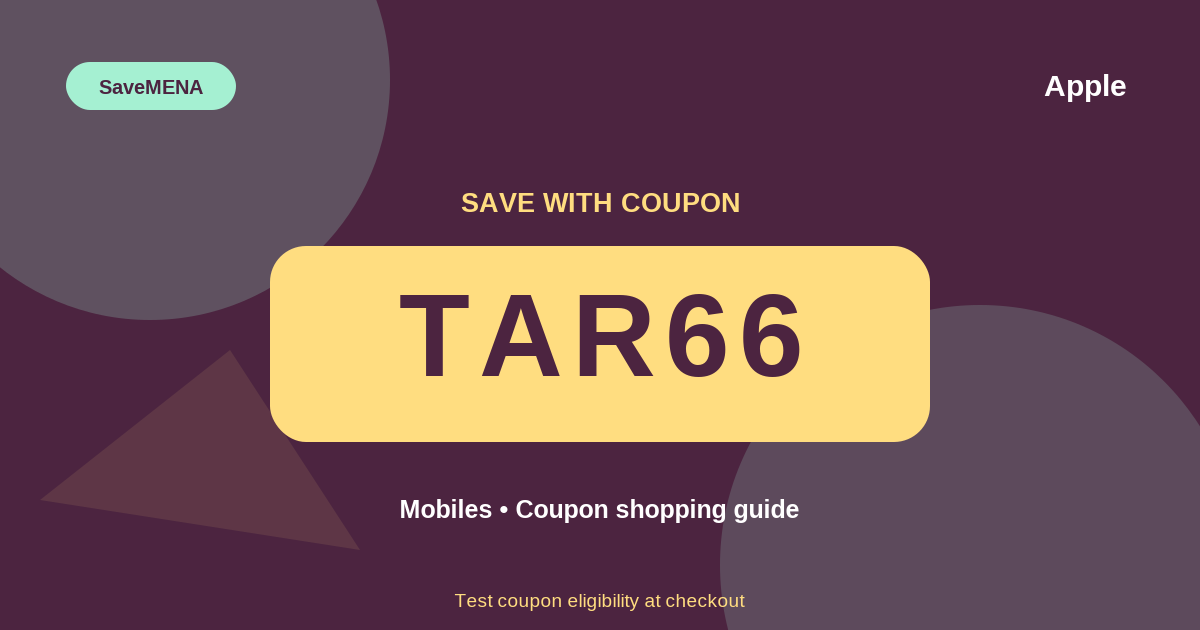
Codes available to try while comparing
These codes are not guaranteed for the article topic or listed brands; test them at checkout and use the live result.
Understanding Final Price on Noon UAE for Apple Mobiles
The ‘final price’ shown in Noon’s cart reflects the total amount you will actually pay once you place your order. Unlike the headline price that appears on the product listing, the final figure incorporates multiple variables: UAE tax, delivery charges that vary by location, the price set by the chosen seller, and any promotional reduction via a coupon code. Noon lists the same Apple mobile model from multiple sellers, so each may set a slightly different base price. Consequently, the final price can differ from one seller to another even if the device specification is identical.
To accurately interpret the final price, it is helpful to examine the breakdown step by step. In the cart view, each component is listed clearly: the product cost charged by the selected seller, the calculated taxes, the shipping fee, and any discount applied. The discount line will only appear if a coupon has already been entered. If you wish to compare how a coupon affects the total, apply it in the cart and watch the line change in real time. This process ensures you are basing your comparison on the precise amount that will be debited from your account at checkout.
Identifying Authorized Apple Sellers on Noon
When shopping for Apple mobiles on Noon UAE, one of the first distinctions to make is between authorized Apple distributors and third‑party sellers. Authorized dealers typically display the official Apple logo on their product pages, offer genuine devices, and provide the manufacturer’s warranty that is valid across the UAE. They may also have a higher seller rating on Noon and often participate in Noon’s verified business program. Identifying such sellers can be achieved by inspecting the seller’s profile banner, reading the ‘Seller Details’ section for domain references, and searching for the word ‘Apple’ in their store name.
In contrast, third‑party sellers may offer the same hardware at lower base prices but could sell devices refurbished, a newer generation modeled after Apple, or devices that lack the original Apple warranty. While these options often result in a lower final price, they introduce uncertainty about authenticity, the scope of support, and return policies. When you are evaluating the final price in the context of a seller, it is essential to weigh the cost‑saving against the potential trade‑offs in quality assurance and after‑sales service.
Checking Seller Ratings and Return Policies
Seller ratings on Noon serve as a quick snapshot of buyer satisfaction but should not be the sole determinant in your purchase decision. Pay particular attention to the star rating, the total number of reviews, and how frequently the seller receives positive feedback for timely delivery and product condition. High‑rating sellers often provide clear, concise return and refund policies displayed in their store profile, allowing buyers to understand the conditions under which a return can be processed.
Reviewing the return logistics is especially important when the final price includes shipping fees that differ per seller. A seller that offers a flexible return window and local pick‑up options may reduce the overall cost of a refund, as delivery charges are sometimes waived. Ensure that any return policy noted is still valid after your order finalizes; some sellers change their terms quarterly. Comparing these elements along with the final price helps you avoid hidden costs that could offset a discounted price.
Applying the TAR66 Coupon – What to Expect
Using a coupon code on Noon UAE is straightforward: while in your cart, locate the field that allows you to enter promo codes and type ‘TAR66’ into it. After pressing apply, the site recalculates the final amount in the cart, updating the total payable figure immediately. This recalculation includes the tax, shipping, and any discount from the coupon. The revised total will be displayed in real time, making it easier to compare against other sellers.
Keep in mind that the coupon’s benefit is not guaranteed until you reach the checkout confirmation page. The final payable total shown there is considered the definitive price and reflects all last‑minute adjustments like taxes based on your delivery address. If for any reason the coupon does not apply, the total will revert to the previous figure. Thus, the only way to verify the final price after applying ‘TAR66’ is to proceed to checkout and observe the final total before completing the payment.
Comparing Final Prices Across Sellers
When multiple sellers offer the same Apple mobile, generating a true comparison of final prices requires more than glancing at the headline rate. Begin by extracting the final total from the checkout page for each seller, ensuring that each has the same coupon applied. Because the shipping cost can vary significantly based on seller location, and taxes may differ if a seller is based outside the UAE, the final figure you’ll see after checkout embodies all these variables in one number.
Create a simple spreadsheet or use a note app to record each seller’s final total, the included shipping fee, and any visible return or warranty additions. Add a column that notes whether the seller is an authorized Apple dealer. By aligning these data points, you can identify if a cheaper final price truly delivers an overall better value or if hidden costs—such as limited warranty or stricter return policies—undermine the savings. This systematic approach keeps the comparison transparent and focused on tangible factors that affect the buying experience.
Final checkout verification
Before completing an order in apple, match the exact item, seller, model or variant you actually intend to buy, then enter TAR66 only as a code available to try. Do not base the decision on a discount number or condition that is not documented; the useful evidence is the live basket response and the final payable total.
If the result is different from what you expected, review the market, account, basket composition, payment context and checkout message before trying an alternative. Keep the comparison on the same item and seller where possible so a price difference is not confused with a coupon difference. This keeps the guide aligned with the shopper's actual how to compare the final price after a coupon decision.
Compare alternatives without guessing
When you compare another option in apple, keep the specifications, quantity and seller as consistent as possible and compare the total shown at checkout. A different coupon does not automatically make a deal better because delivery, fees and the live basket context can change the outcome. Use the final payable total as the practical comparison point.
If the retailer shows a specific condition, rely on that visible message; if it does not, do not turn an assumption into a general rule. Test available options one at a time and note any real change in the total or eligibility message. That creates a verifiable shopping comparison instead of a recommendation built on an unsupported marketing claim.
Related SaveMENA pages
Related articles
Official sources to check
Frequently asked questions
A coupon is not guaranteed; verify its result at the retailer checkout.
No. The code is only available to try. Eligibility can vary with the live account, basket, item, seller and campaign context, so checkout is the final reference.
Where should I confirm the coupon result?
Apply the code in the Noon basket and review the live message and final payable total before payment. Do not rely on an undocumented percentage or condition.
Can the result vary by product or seller?
Yes. Eligibility and offer context can vary with the current basket details, so compare the exact item, seller, variant and final total before purchasing.
What should I do if the code does not work?
Check the market, account, item, seller, basket and payment context, then try another code available to try without guessing an unsupported reason.