Huawei Mobiles on Noon UAE: seller context — final price comparison · TAR64
Read on to find out how to compare the final price after applying a coupon on Huawei mobiles sold on Noon UAE, with a focus on the seller context.
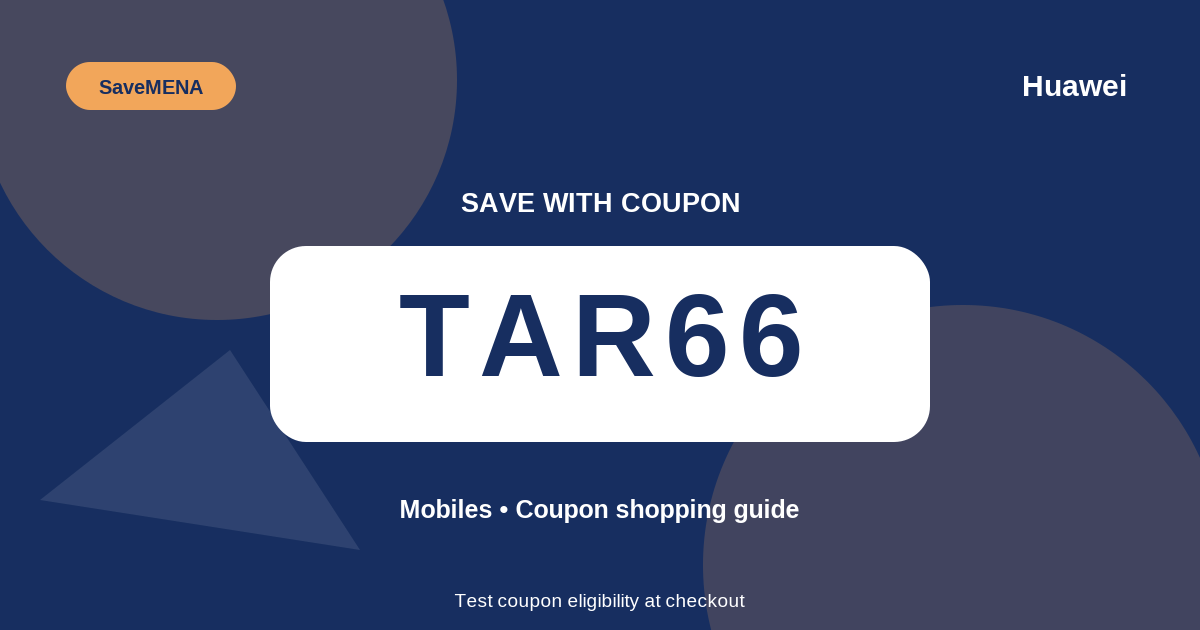
Codes available to try while comparing
These codes are not guaranteed for the article topic or listed brands; test them at checkout and use the live result.
Understanding Noon UAE Final Price for Huawei Mobiles
The product listing on Noon displays a base price before any promo or coupon is applied. For Huawei phones, the base price can vary widely depending on storage, color, and features. This figure is the starting point from which the final payable sum will be calculated, taking into account taxes, delivery fees, and any applicable discounts. Be aware that the price shown is an estimate and may change if the seller’s inventory or policies are updated.
When shopping for mobiles in the UAE, it is crucial to look for the seller tag, as Noon partners with various providers. The seller context can affect delivery times, warranty coverage, and whether certain coupons are valid. Always click through to the seller’s profile to check ratings, return conditions, and whether they support the TAR64 coupon. This extra verification step helps avoid surprises later in the process.
How Voucher Code TAR64 Can Affect Your Total
The coupon code TAR64 is a promotional tool offered to shoppers on Noon to provide potential savings. While it can be applied to a purchase of Huawei mobiles, its effect on the final price is only confirmed at checkout. Entering the code in the discount field triggers a recalculation of the cart totals, which shows the new subtotal, adjusted taxes, and finally the payable amount in AED. This step is mandatory to validate any reduction before payment.
Because the coupon’s availability is subject to Noon’s terms and conditions, it is wise to double‑check that you are eligible for the offer. Check that you are logged into your Noon account and that you’re not using any other discount simultaneously, as overlapping promos may conflict. After applying TAR64, review the updated total in the cart summary; this figure is what will appear on the invoice when you complete checkout.
Choosing the Right Seller: What to Verify
When selecting a Huawei mobile, sellers on Noon can differ in their shipping policies and customer service. Look for sellers who list “First‑Class Warranty” or “Authentic Product Guarantee” in their description. This additional context ensures that, should the phone arrive faulty or delayed, the seller can coordinate repairs or replacements quickly, especially important for high‑value gadgets.
Seller credibility can also affect whether your coupon is honored. Some sellers might have restrictions that prevent discount codes from being applied, or they might automatically exclude certain promotional offers. Before finalizing a purchase, visit the seller’s detail page to confirm that the TAR64 code is accepted. If you discover that the seller does not support this coupon, you may want to explore another seller offering the same Huawei model to see if the discount will apply.
Comparing Models: Specs vs Price
Huawei offers a range of smartphones with varying camera setups, battery capacities, and software features. Inventory on Noon frequently includes the latest releases and older, discounted models. By comparing these specifications side by side, you can determine which device provides the best value relative to its price before any coupon is applied. A higher spec phone may still be cheaper after applying TAR64, but confirming this requires a side‑by‑side calculation.
Record the pre‑coupon total for each model and then note the final total once the coupon is applied. If the discount reduces the price of a mid‑tier phone to match a lower‑tier model, it may alter your decision. Pay attention also to the delivery fees, which can differ between sellers and may influence the overall cost. While the OEM price holds significant sway, the seller context and coupon application ultimately define the actual spend.
The Checkout Process: Final Price Confirmation
Proceed to checkout only after confirming that the cart total reflects the deducted coupon amount. On Noon’s checkout screen, the “Total Payable” line will show the sum of subtotal, taxes, delivery charges, and any discount. If this line still displays the coupon amount in an “Est.” format, it may suggest that the coupon has yet to be verified, in which case review the card and seller details again before proceeding.
A common pitfall is assuming that the discount applied in the cart will be applied at the payment stage. Noon’s checkout explicitly states the final price, and any mismatch can lead to the merchant not receiving the expected discount. By confirming the final amount visually on the screen and ensuring it matches your expectations, you can avoid any unexpected fees when you tap “Pay Now.” This step practically finalizes the seller context and confirms the exact money paid.
Delivery Fees and Payment Options on Noon UAE
Delivery charges on Noon are based on the seller’s policy and the region of dispatch. Some sellers offer free shipping for select models; others charge a flat rate. Ensure that the shipping fee has been included in the final payable total before you authenticate the purchase. Note that the fees are independent of the coupon and may not be deducted even after applying TAR64.
Payment options such as credit/debit cards, PayPal, and Noon Wallet each show the same final price, but any rewards or points earned from the transaction will depend on the selected method. Sellers sometimes allow additional payment methods, like COD, but this can affect the immediacy of the delivery. Always confirm the chosen payment method at the checkout step, as the final price displayed will reflect it accurately.
Upselling and Cross‑Selling: Avoiding Extra Charges
During the final stages of the purchase, Noon may recommend accessories, such as chargers or covers, relevant to the Huawei mobile you’ve chosen. These suggestions can add to the total, and sometimes the seller has their own bundle discounts that are separate from the TAR64 coupon. Check whether the recommended items qualify for the same coupon, as sellers typically limit coupons to the main product only.
If you choose not to add any suggested accessories, the cart will remove them automatically. However, if you accidentally check them out, you’ll still see the updated price in the final review box. Confirm that no unplanned items are included before proceeding to payment, ensuring that the price you see on the invoice matches the final amount calculated after the coupon is applied.
Staying Informed: How to Track Your Order
Once payment is confirmed, Noon provides a tracking number through its order history. Use the tracking on the seller’s shipping portal to monitor the shipment status and estimated delivery date. While the final price is fixed at this stage, the delivery time can still vary depending on the seller’s proximity and logistics partners.
In the event of a discrepancy between the final documented price and the amount charged either by Noon or your bank, you can open a dispute directly through the order summary. The seller’s reputation and communication responsiveness often determines how quickly any issue is resolved. Keeping a digital copy of the invoice helps verify that the amount paid, including delivery fees and taxes, matches what is shown in the receipt.
Related SaveMENA pages
Related articles
Official sources to check
Frequently asked questions
Can I use the TAR64 code on all Huawei models sold on Noon UAE?
The coupon is available to try; its exact application depends on the seller’s policy. Only shops that allow coupons can use TAR64, so you’ll need to confirm eligibility on each Huawei listing before applying the code.
Does the seller’s rating affect whether the coupon works?
A higher seller rating generally indicates reliable service but does not guarantee coupon compatibility. Coupon usage remains governed by the seller’s own offers and Noon’s promotion rules, so confirmation per seller is still required.
Will delivery fees be deducted when I apply the TAR64 coupon?
The coupon only reduces the product subtotal. Delivery fees are added after coupon application and remain unchanged unless the seller offers free shipping that explicitly applies to the cart total including coupons.
What happens if the final payable amount shows different from the sum of price, coupon, and shipping?
Check the cart summary and ensure every line item is present. Noon recalculates taxes and fees dynamically; any discrepancies should be verified in the checkout review before payment, and if unresolved, contact Noon support for clarification.