HP Office on Noon UAE: seller context — final price comparison
On Noon UAE, the final price shown before checkout is a snapshot of the item’s base cost. However, because Noon aggregates products from multiple third‑party
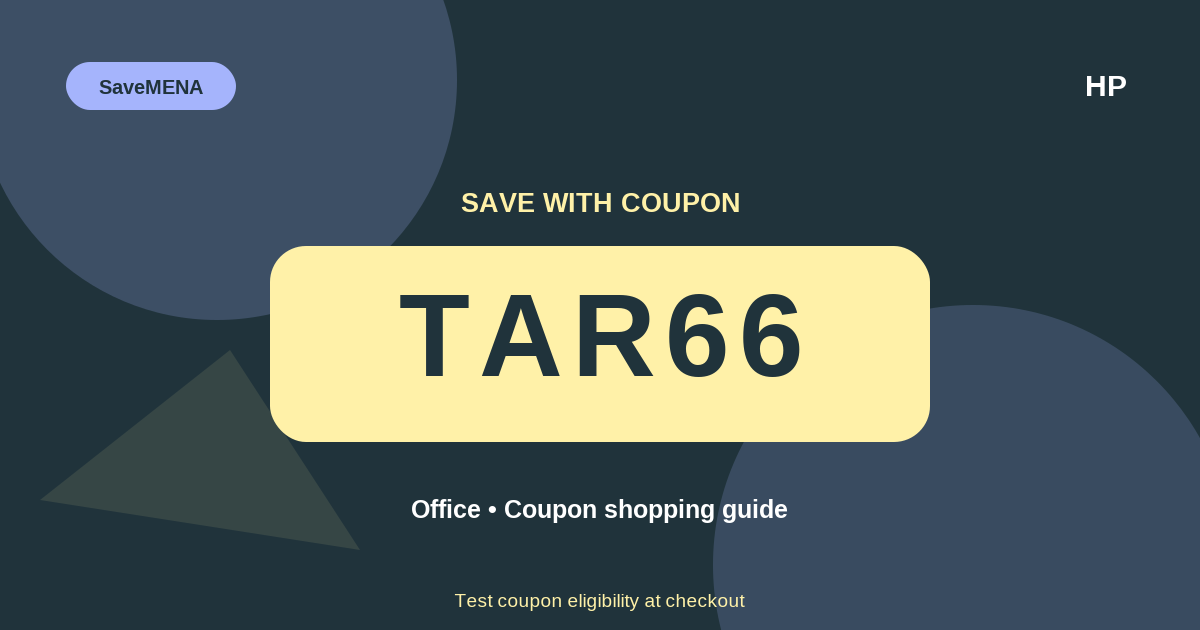
Codes available to try while comparing
These codes are not guaranteed for the article topic or listed brands; test them at checkout and use the live result.
Understanding Final Price on Noon: After Coupon
On Noon UAE, the final price shown before checkout is a snapshot of the item’s base cost. However, because Noon aggregates products from multiple third‑party sellers, the final amount you pay will combine that base price with any applicable coupon discount, delivery charges, and potential seller‑specific fees. Recognizing this layered structure is vital: a lower base price can be offset by higher shipping, while a coupon may not apply to all sellers, affecting the true savings you achieve.
Thus, before diving into coupon usage, inspect the product page for seller details such as star rating and review count. A reputable seller often garners a higher chance of coupon compatibility, as some promotions on Noon are ship‑to‑specific or limited to certain vendor profiles. Therefore, factoring in seller context early helps streamline the price‑comparison process.
Why Seller Info Matters on Noon When Using Coupons
The seller’s reputation influences not only your buying confidence but also how coupons behave. Noon’s coupon engine sometimes ties discounts to specific seller accounts—for instance, a discount might be exclusive to a certified vendor or an official HP retailer. When shopping for an HP office product, verify that the seller claims official partnership or high user satisfaction before applying a coupon code.
Additionally, seller policies affect your post‑purchase experience. A top‑rated seller with transparent return practices is likely to honor returns or replacements swiftly, making any potential discount risk worthwhile. Consequently, compare seller ratings, product descriptions, and declared fulfillment methods to determine which listing aligns best with your expectations.
Step‑by‑Step: Applying TAR66 Coupon on HP Office Product
Begin by adding your desired HP office item to the cart. When you proceed to the shopping cart page, locate the “Apply Coupon” input box. Enter the code TAR66 and hit “Apply.” Noon’s system will process the code against the current cart total, checking whether the current seller and cart conditions satisfy the coupon’s requirements.
If the coupon is compatible, the discount will be reflected in a separate line item below the subtotal. If not, Noon will display a brief message indicating the code was invalid or not applicable to the current seller. In either case, review the updated cart summary to confirm whether the coupon altered the final amount.
Verifying Final Price As Seen on Checkout
After applying TAR66, scroll to the “Total” section which aggregates the product price, any coupon deduction, delivery fees, and taxes. This is the amount you will see during the payment stage. Note that Noon may adjust shipping or service fees after a coupon is applied if those fees become more or less eligible for discount.
Before proceeding to payment, cross‑check that the final amount displayed matches your expectation. If the final price differs from the pre‑apply total without clear explanation, revisit the coupon field or communication from Noon regarding applicable sellers. Record the displayed amount in a note or screenshot for future reference.
Comparing with Other Sellers on Noon for HP Office Products
Once you have the final price, repeat the process for at least one competitor listing of the same HP model. Ensure you use the same quantity and configuration to keep the comparison valid. Even if the base price is lower, a seller with no coupon compatibility could result in a higher final payment once fees and shipping are added.
To gauge overall value, calculate the percent discount of your best price relative to the highest final price among listings. Note that a lower percentage does not always mean a better deal if the absolute savings are more attractive. Document these figures to decide which seller offers the best balance of price, coupon benefit, and seller quality.
Extra Costs: Shipping, Handling, and Deposits
On Noon, shipping fees vary between sellers based on their fulfillment center location, delivery speed chosen, and any ongoing promotions. At checkout, the system will display a fee line item that may be reduced if the coupon covers a portion of shipping. Be mindful that a coupon covering a $5 shipping fee can be worth as much as a dollar discount on the item itself.
Some sellers also impose handling or deposit charges for premium or large items. These charges rarely qualify for coupon discounts and thus persist in the final total. Compare listings with transparent handling cost disclosures to prevent surprises during checkout.
Quality Assurance: Return Policy and Seller Reliability
Post‑purchase protections are integral when deciding between sellers that offer differing final prices. A seller with a robust return or exchange policy reduces the financial risk of a discounted purchase. Look for sellers offering hassle‑free returns within the standard Noon timeframe and minimal restocking fees.
Verify seller policies on the product page and in the “Seller Details” section. Good seller ratings often indicate consistent compliance with return protocols, a key factor when using coupons that might otherwise increase your risk if a product fails to meet expectations.
Related SaveMENA pages
Related articles
Official sources to check
Frequently asked questions
What happens if TAR66 is not accepted by the seller?
If the coupon code TAR66 fails to apply, Noon typically indicates the code was invalid for that seller or the specific cart contents. You can try the coupon on a seller that supports it or explore alternative discount offers.A coupon is not guaranteed; verify its result at the retailer checkout.
Can I use TAR66 with other coupons or promotions?
Usually, Noon allows only one coupon code per order. If you attempt to apply multiple codes, the last one entered often overrides previous ones. Check for any store‑wide promotions like free shipping that may apply alongside a single discount coupon.
Does the final price include taxes on Noon UAE?
Noon UAE’s final price calculation includes applicable VAT and service charges, visible during the checkout review stage. Should you need precise tax values, confirm them on the cart summary before proceeding to payment.
Are there extra fees I should be aware of during checkout?
Beyond the product and shipping costs, be alert for handling fees on certain items and possible service facility charges. These adjustments usually appear as separate line items or as part of the final total displayed on the checkout page.