Logitech Office on Noon UAE: seller context — final price comparison
If you’re trying to compare the final price after a coupon on a Logitech office product on Noon UAE, the first step is to understand how Noon displays pricing and
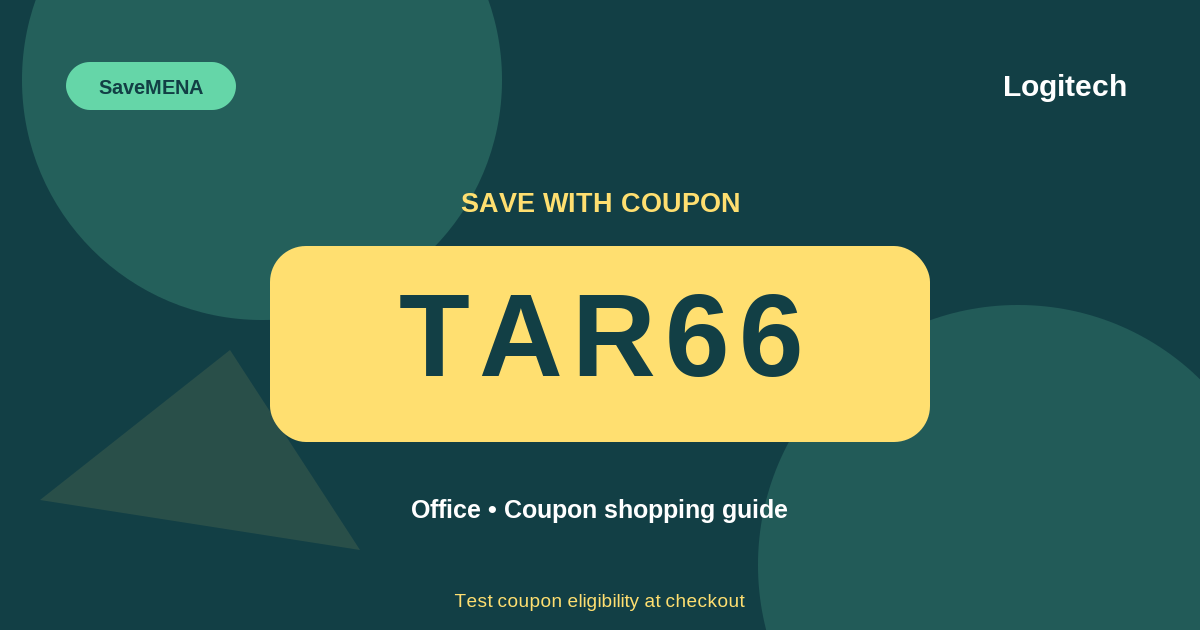
Codes available to try while comparing
These codes are not guaranteed for the article topic or listed brands; test them at checkout and use the live result.
1. Identifying the Logitech Office Item on Noon UAE
Start by searching for the exact Logitech product you need—keyboard, mouse, docking station, or other office accessory. Use the site’s search bar, apply brand filters for Logitech, and then refine by category to “Office” to narrow the options. Pay close attention to product descriptions, specifications, and SKU numbers, ensuring you’re looking at the correct model and features required for your setup. When multiple options appear, note the price listed before any possible promotion. This initial view gives you a baseline for later comparisons.
Once you’ve confirmed the desired Logitech item, record the listed price and any visible shipping or handling fees. Noon’s product page usually clarifies the default delivery cost per seller, which is essential for accounting for the overall cost later. Additionally, take note of any warranties or return policies presented, as these can influence your final decision, especially when evaluating competing sellers.
2. Exploring Seller Context and Product Variants
Logitech products on Noon might be offered by different sellers, including the brand’s official store and authorized retailers. Each seller can provide variations such as colors, package contents, or bundled accessories. Check the seller’s profile, rating, and verified status, as these details give insight into reliability and service standards. The seller context is a critical lens when comparing final prices—price differences often reflect varying shipping speeds or service choices.
Variations can also change the product’s base price. Even within the same Logitech model, a seller might offer a “stand alone” keyboard while another bundles it with a USB hub. Verify the exact specifications listed for each variant to avoid unexpected differences in functionality or compatibility. Keep a ledger of each seller’s variant details along with the associated base price for later comparison.
3. Applying the TAR66 Coupon Code at Checkout
When ready to purchase, add the item to your cart and proceed to the checkout page. In the billing section, you’ll find a field labeled “Coupon Code.” Enter TAR66 there and confirm. Noon will then recalculate the total before you finalize the payment. Remember, coupon codes are available to try, not guaranteed; the final eligibility will be confirmed during checkout.
After entering the code, scan the order summary for any changes—notice whether the order total shifts or if new fees appear. If the coupon does not apply, Noon typically displays a message explaining why. In such cases, you can remove the code and continue with the original price or seek alternative promotional avenues.
4. Verifying the Final Price After Coupon Application
The checkout page is the ultimate reference for the final payable total; it reflects the base product price, chosen shipping option, any coupon impact, and potential taxes. Carefully review the “Subtotal,” “Tax,” “Shipping,” "Coupon Savings" (if displayed), and “Total” line items. Ensure each component matches what you expect, as variations in shipping rates or thresholds can alter the total despite the coupon.
If any unexpected charges appear—such as additional handling or processing fees—consult Noon’s payment guidelines before proceeding. This verification stage helps prevent surprise costs and guarantees that the final price is what you intended when comparing across sellers or products.
5. Comparing Seller Prices and Shipping Fees
To judge which Logitech vendor offers the best overall value, list each seller’s base price and shipping fee side by side. Pay attention to free shipping thresholds or expedited options that might add a premium. Some sellers provide fixed rates, while others tie costs to cart volume or destination. An accurate comparison requires incorporating these shipping differences into the computing of the final total.
Consider also the location from which the product will ship. A seller closer to your delivery address may offer lower shipping, while one located elsewhere might charge premium rates. Logically, factor these logistical cost differences into your comparison to determine the truly economical option.
6. Verifying Product Availability and Stock Levels
Occasionally, a candidate seller may list a product as “In Stock” yet experience delays, especially during peak seasons. Noon’s product page often indicates current stock levels as “Limited” or “Reorder soon.” When timing matters, prioritize sellers that can ship directly to UAE addresses on the fastest schedule available. Availability can affect shipping fees if expedited delivery is needed.
If a seller’s stock status is uncertain, you can contact them through Noon’s messaging system for confirmation. This step helps avoid last‑minute cancellations or mandatory price changes if the seller cancels due to stock shortages.
7. Evaluating Seller Reputation and Customer Reviews
Before proceeding with checkout, review the seller’s ratings and customer comments. These insights illuminate common issues like packaging quality, responsiveness, or post‑sale support. Sellers with higher satisfaction rates might justify a slightly higher price or shipping fee by offering better service, which can reduce future costs related to returns or repairs.
Customer reviews sometimes mention how quickly an order arrives and whether the product matches the description. Such qualitative data are valuable when the final price is comparable across sellers; a reputable seller may provide peace of mind that justifies the cost.
8. Making the Final Purchase Decision
After compiling all earlier checks—product variant, seller context, coupon impact, shipping, availability, and reputation—you should return to the checkout screen. Verify the displayed final total reflects all previously considered factors. Confirm that the chosen shipping method aligns with your delivery timeline and that the coupon has correctly adjusted the price if applicable.
Once satisfied, complete the payment step. If you encounter any discrepancies during payment, Noon’s customer support can clarify the final payable total.A coupon is not guaranteed; verify its result at the retailer checkout.
Related SaveMENA pages
Related articles
Official sources to check
Frequently asked questions
How does Noon calculate the final price after applying a coupon?
The checkout page lists the base price, shipping, taxes, and any coupon adjustments. Once the coupon code is entered, the system recalculates the total payable amount before you confirm payment. Examine each line item to ensure accuracy.
Can the TAR66 coupon be used on any Logitech office product?
Noon shows whether the coupon applies during checkout. If it is accepted, the total reflects the discount; if rejected, Noon indicates why it didn’t work for that specific item.
What should I consider if I find two sellers offering the same Logitech product?
Compare base price, shipping fees, seller rating, stock status, and delivery speed. The seller with the lowest combined cost and best reputation is usually the optimal choice.
Will I receive any special instructions for return policies after purchasing?
Return policies are displayed on each seller’s profile and on the product page. These details apply regardless of whether a coupon was used. Verify them before finalizing the purchase.